

What Photoshop does on its own
Photoshop's Filter menu covers blurs, sharpening, distortions and the painterly Filter Gallery (Adobe: apply filters). It has basic versions of a few graphic looks, such as Color Halftone and Find Edges, but nothing for screens, tape, heat maps or compression glitches. That's the gap an effects plugin fills.
Print effects
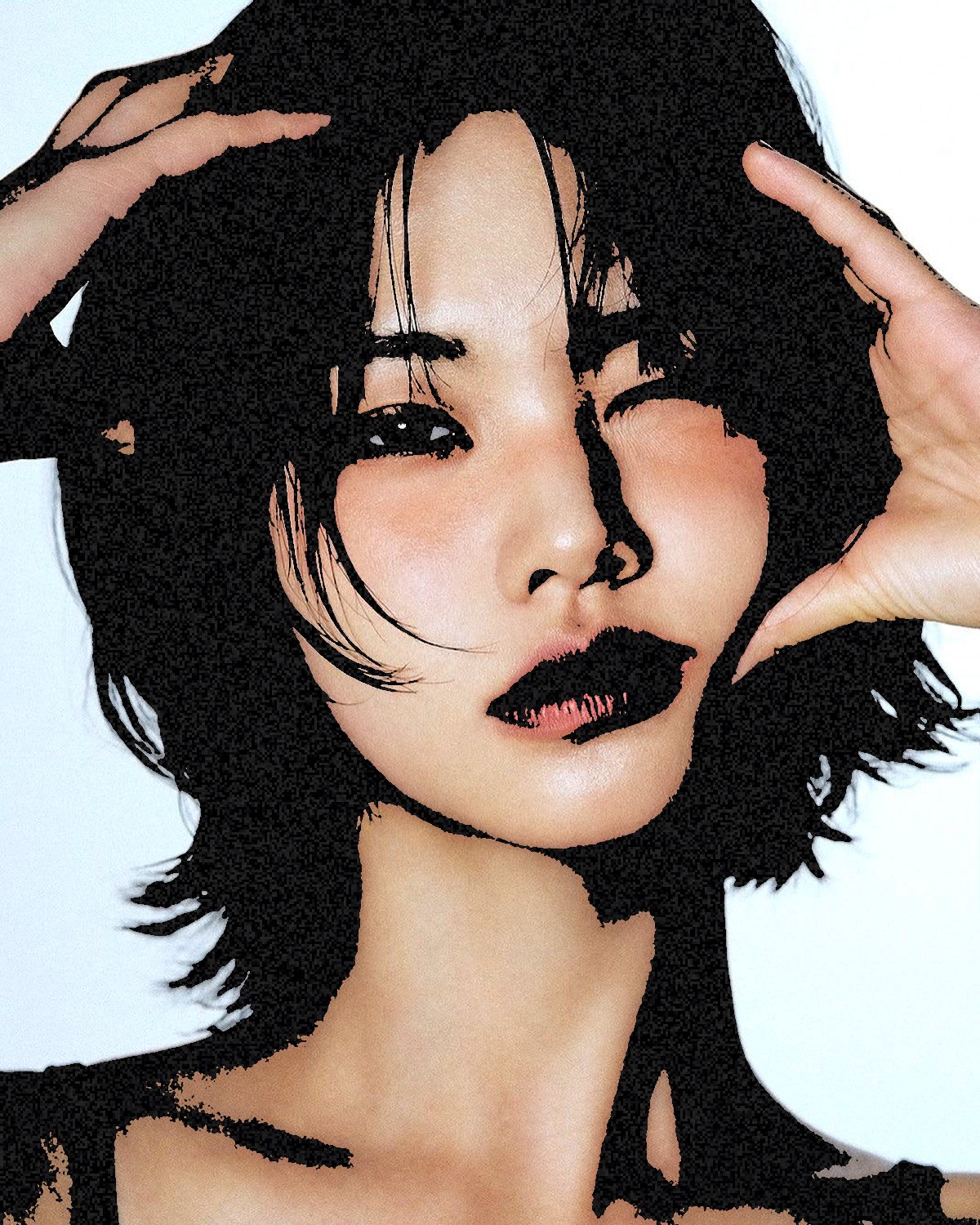
Everything that comes from ink on paper: halftone screens, dithering, stippling, threshold cuts, photocopies and embossed relief. These are the most-used family, because they make a photo look made rather than shot.



Screen and video effects
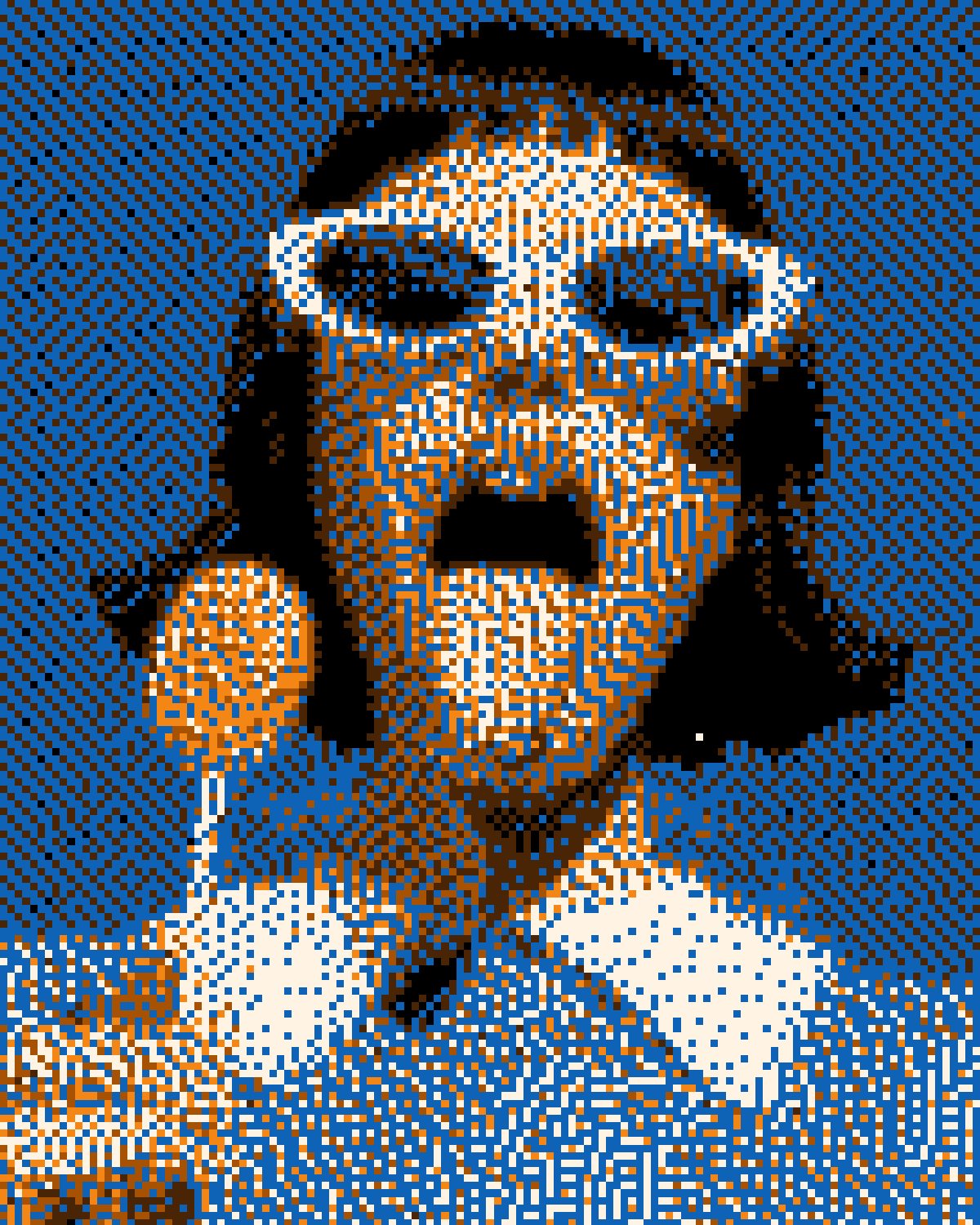
The look of a picture on a display or tape: a CRT phosphor mask, VHS color smear, broken broadcast signals and ASCII art.

Glitch and distortion
Effects that break or bend the picture: compression glitches, chromatic aberration, stretched pixel strips, corrupted files, melting, smearing, refraction through glass and liquid metaballs.

Drawing and line
Photos turned into drawings: inked contours and hatching, single continuous lines, topographic contours, 3D wireframes and adaptive mosaics.
Light and color
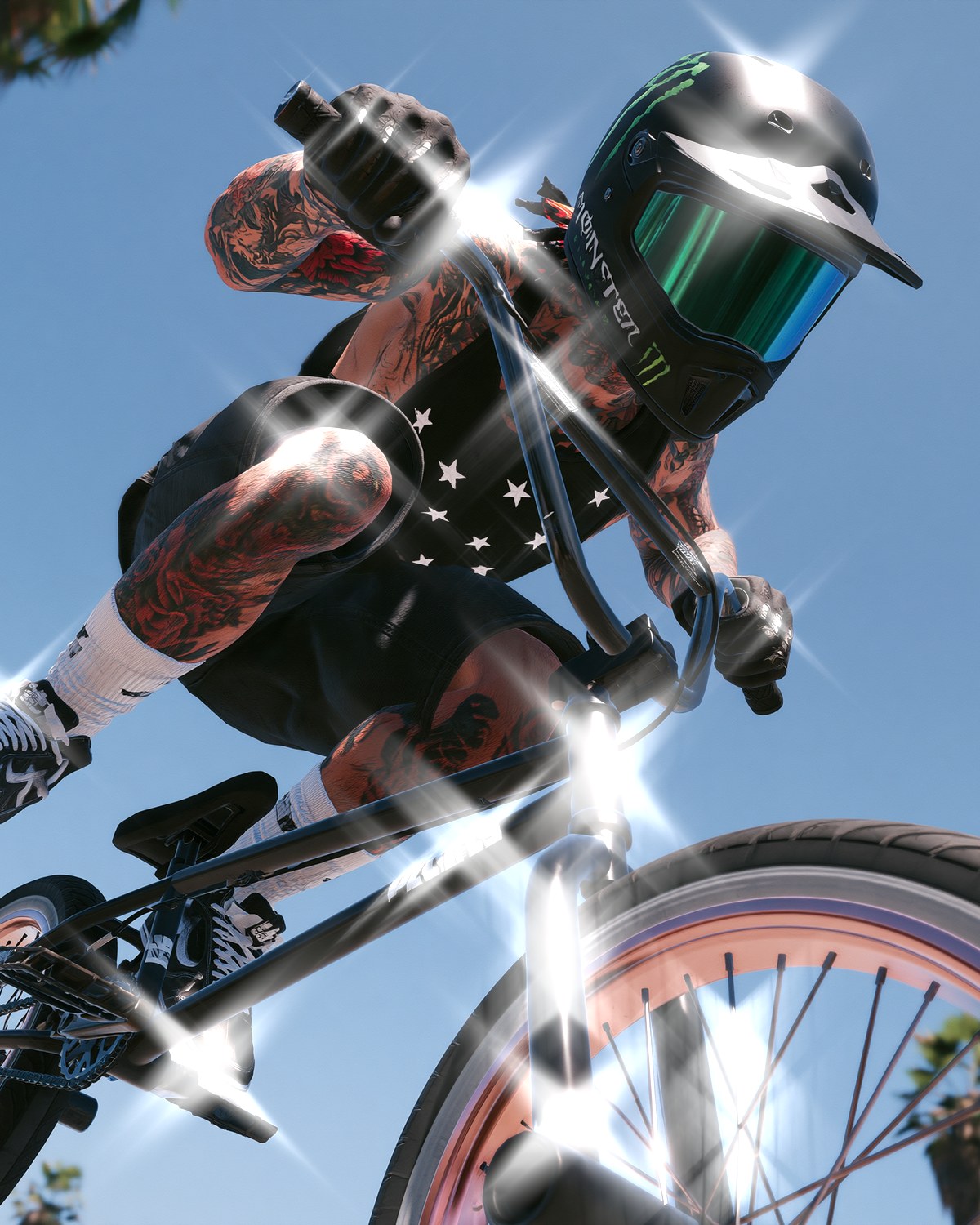
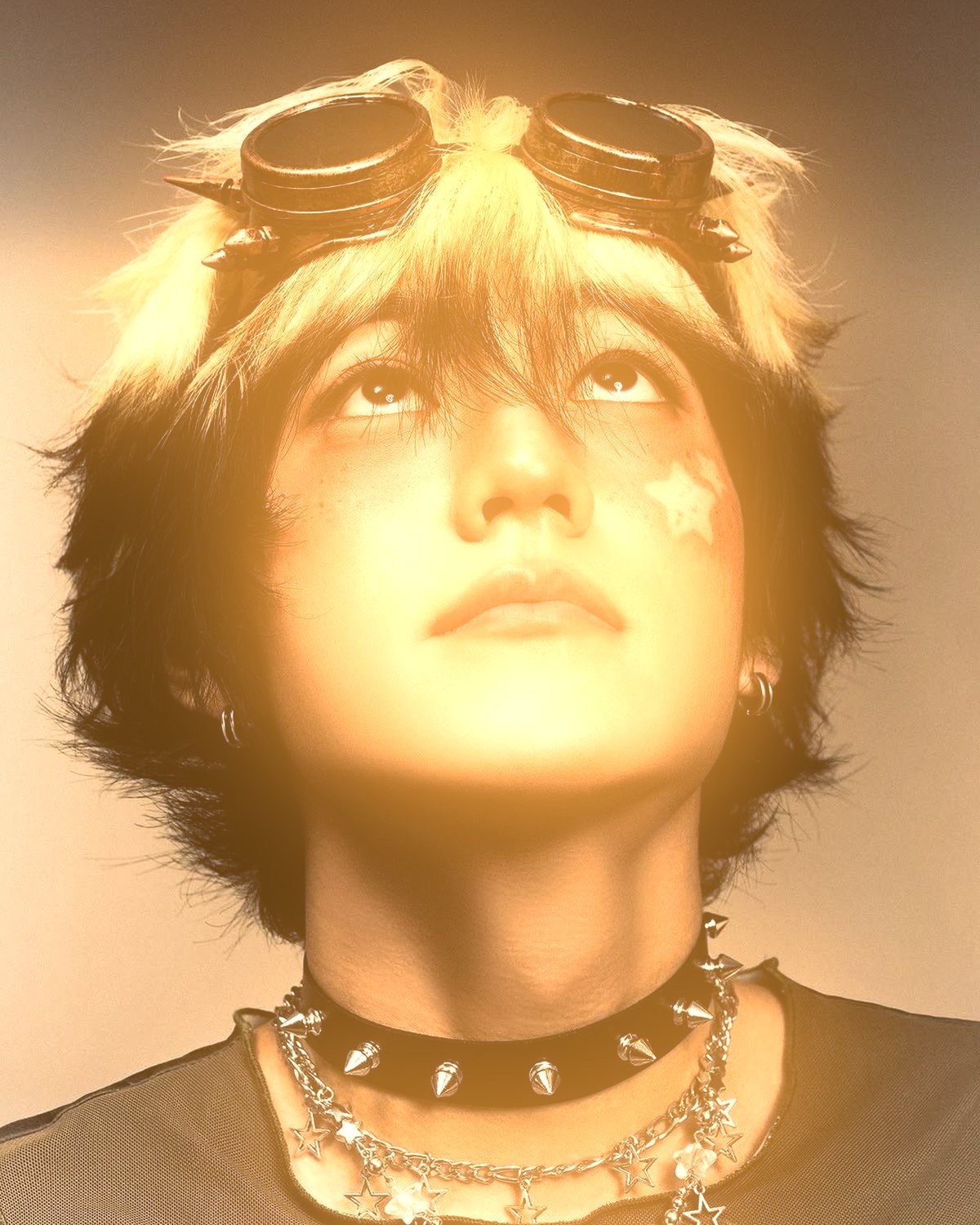
Effects that add light, color or a new surface: soft editorial glows, rim light round the subject's edge, patterns projected like a gobo, highlights steaming into smoke, gradients mapped by depth, liquid chrome, star filter streaks, thermal-camera palettes and spectral acid glows.

Backgrounds and textures
Generators that need no photo at all: op-art patterns, speed lines, light streaks, aurora gradients, guilloche security patterns, and overlays like CRT scanlines, copier noise and folded paper.
What to look for in an effects plugin
- A live preview on your own image, not a sample.
- Real settings beyond the presets.
- Output on a new layer, so your original stays safe.
- The ability to stack effects and save the stack.
- Support for the Photoshop version you run. Filter Archive needs Photoshop 2024 or newer, on Mac and Windows.
All of the effects on this page are in Filter Archive, one plugin with 43 filters and 235 presets. Browse them all on the photo effects page.