
CRT Screen texture
A tube with no picture on it: scanlines, shadow mask, tearing and bloom, generated from nothing.


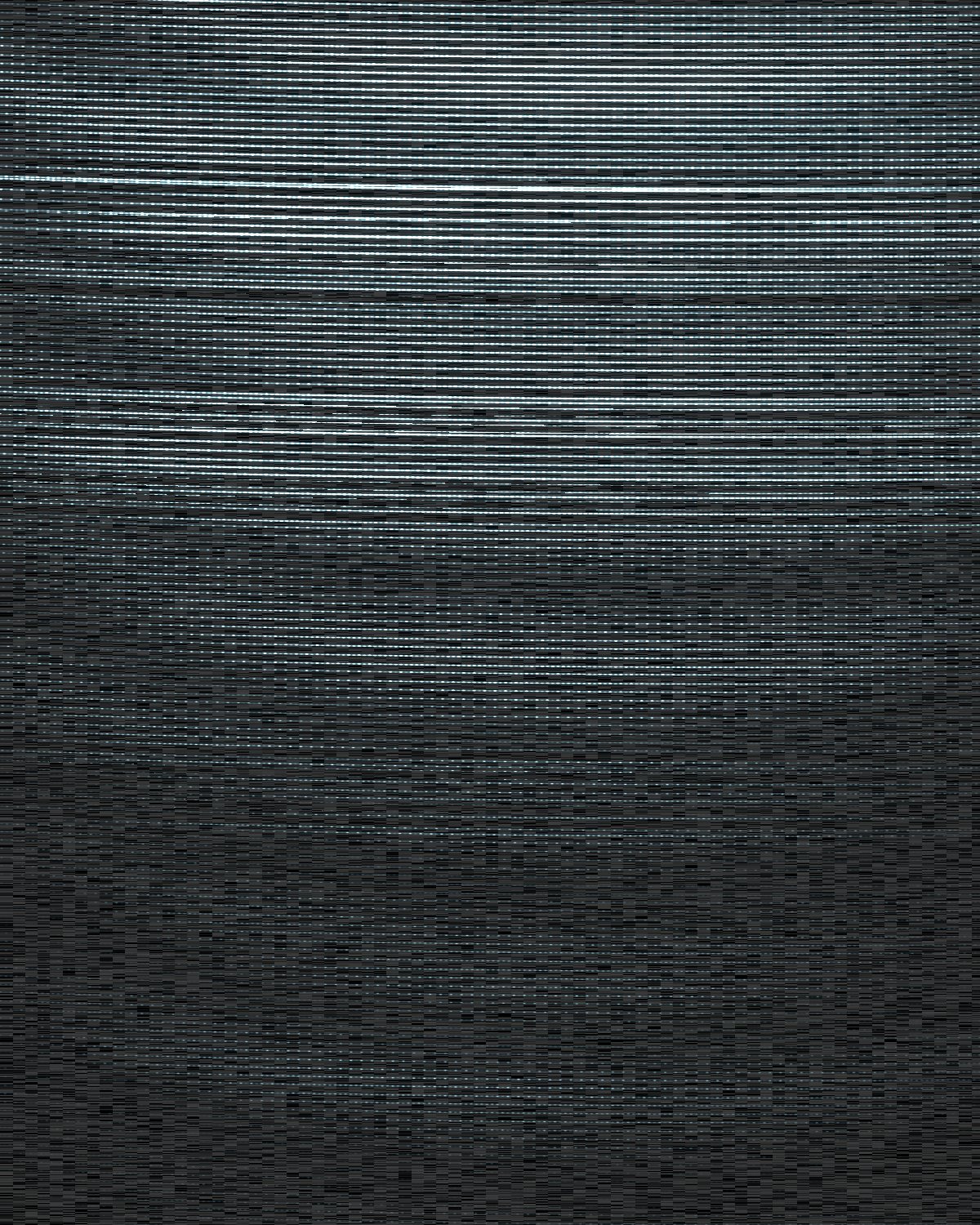
 Dead Channel preset
CRT Texture generates an empty television screen: scanlines, the shadow mask, tearing, bloom, moire and burn-in. Lay it over your own work in a blend mode, or use it on its own as a dead-channel background.
- 6presets
- 36settings
- 3apps
Same effect, different presets.
8 renders, each from its own preset or seed. Try it on yours




Use the CRT screen texture in Photoshop, Affinity or Figma.
One licence covers all three: $9.99 a month or $59.99 once. See pricing
Photoshop
Open Filter Archive from the Plugins menu, pick CRT Texture under Backgrounds and press Apply. It draws on a new layer, no photo needed.
Mac & Windows · Photoshop 2024+Affinity
Choose Filters, Plugins, Filter Archive on a pixel layer and pick CRT Texture. It fills that layer with the pattern.
Mac & Windows · Affinity 3Figma
Run Filter Archive with nothing selected and pick CRT Texture. The pattern drops into your file as a new layer.
Figma CommunitySettings worth touching.
- Beam WidthRaster
- How wide each scanline is. Thin is a sharp monitor; wide is a soft consumer TV.
- Beam BloomRaster
- Bright lines get fatter, the way a real tube's do.
- Yoke ErrorRaster
- A tiny tilt between the lines and the mask, which sets the moire fringes.
Plus 33 more in the panel, all editable after you pick a preset.
CRT Screen Texture questions.
What is a CRT screen texture?
A CRT screen texture is an overlay of scanlines, phosphor dots and noise taken from old TV and monitor screens, used on top of designs to give them a retro screen look.
How do I make a CRT screen texture in Photoshop?
Open Filter Archive from the Plugins menu and choose CRT Texture from the Backgrounds group. It draws from nothing, so you don't need a photo. Start from a preset such as Dead Channel or No Signal, adjust it while the preview updates, then press Apply to add it as a new layer.
Can I use it in Affinity or Figma?
Yes. CRT Texture runs in Affinity 3 on Mac and Windows, from Filters, then Plugins, then Filter Archive, and in Figma through the Figma Community, where generators work with nothing selected. One licence covers Photoshop, Affinity and Figma.
Which presets come with CRT Texture?
6 presets: Dead Channel, No Signal, Amber Terminal, Trinitron, Photographed Screen and Burn In. Every setting stays editable after you pick one, and you can save a stack of filters to use again.
Can I change the colours?
Yes. CRT Texture has Tube and Highlight colour controls, so you can set them to any colour, including your own palette.
Related effects.
See all 35




Your photos next
Make a CRT screen texture yourself.
CRT Texture and 34 more effects in one plugin window, with a live preview and 166 presets. One licence covers Photoshop, Affinity and Figma.