
Light Projection effect
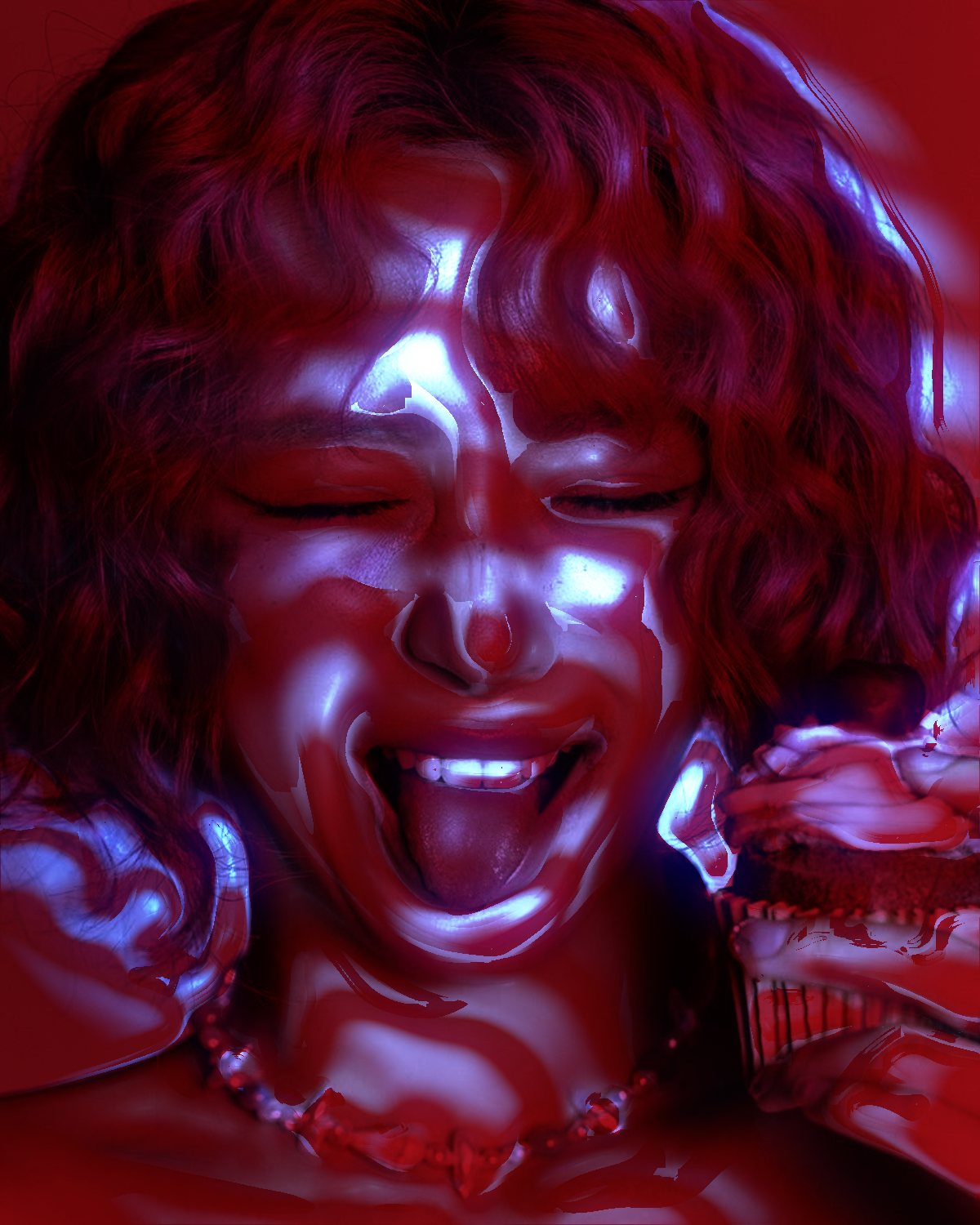
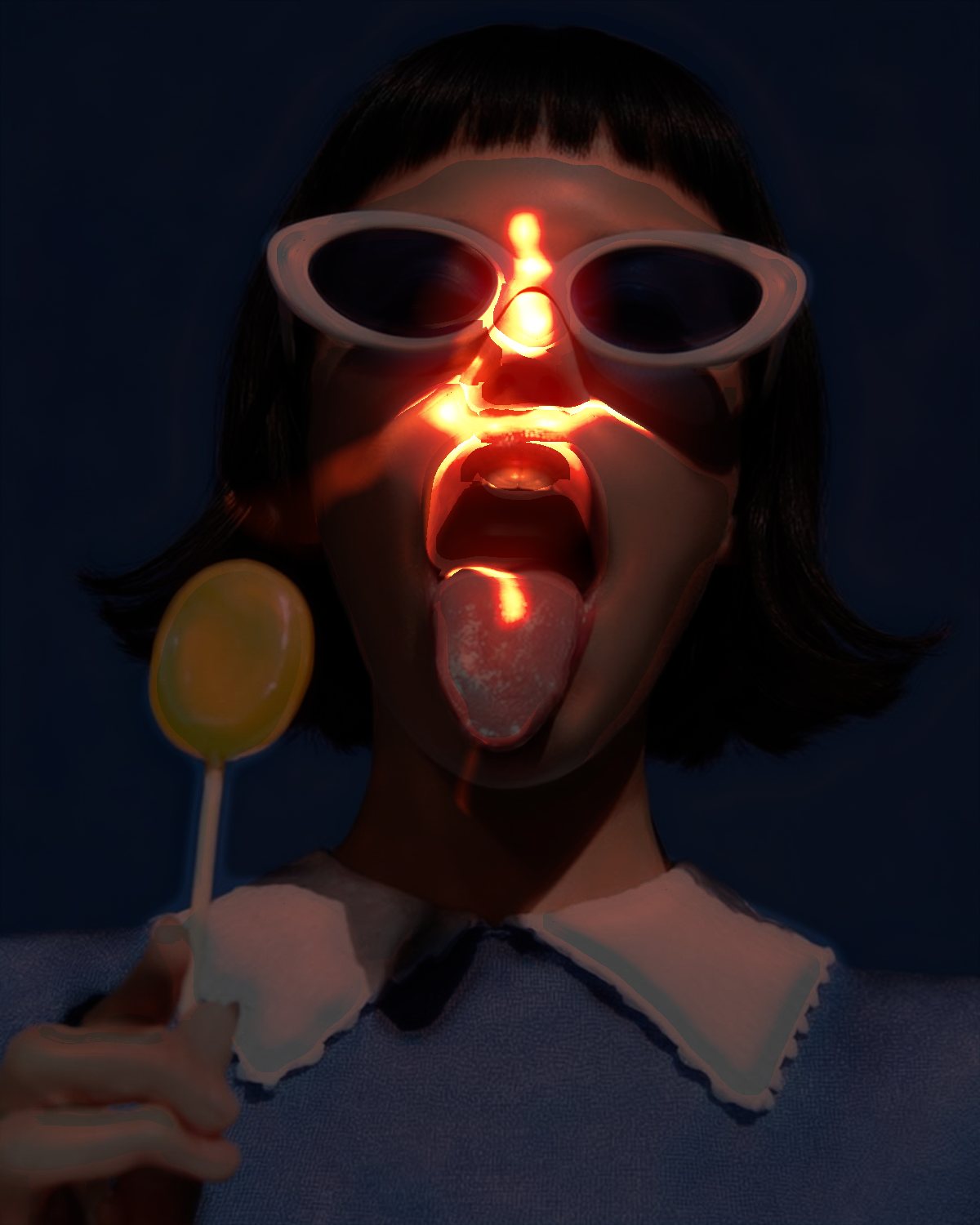
Throws any shape, pattern or type onto the subject, like a gobo in front of a light.


 BeforeAfter
Shadow Cast puts a cut-out in front of a lamp and projects it onto your subject. The pattern bends round the face by its depth, burns hot where the light is strongest and leaves the rest of the room dark. Start from stars, polka dots, blinds, a window or caustic water, and in Photoshop your own type or logo can be the cut-out.
- 9presets
- 32settings
- 3apps
Same effect, different presets.
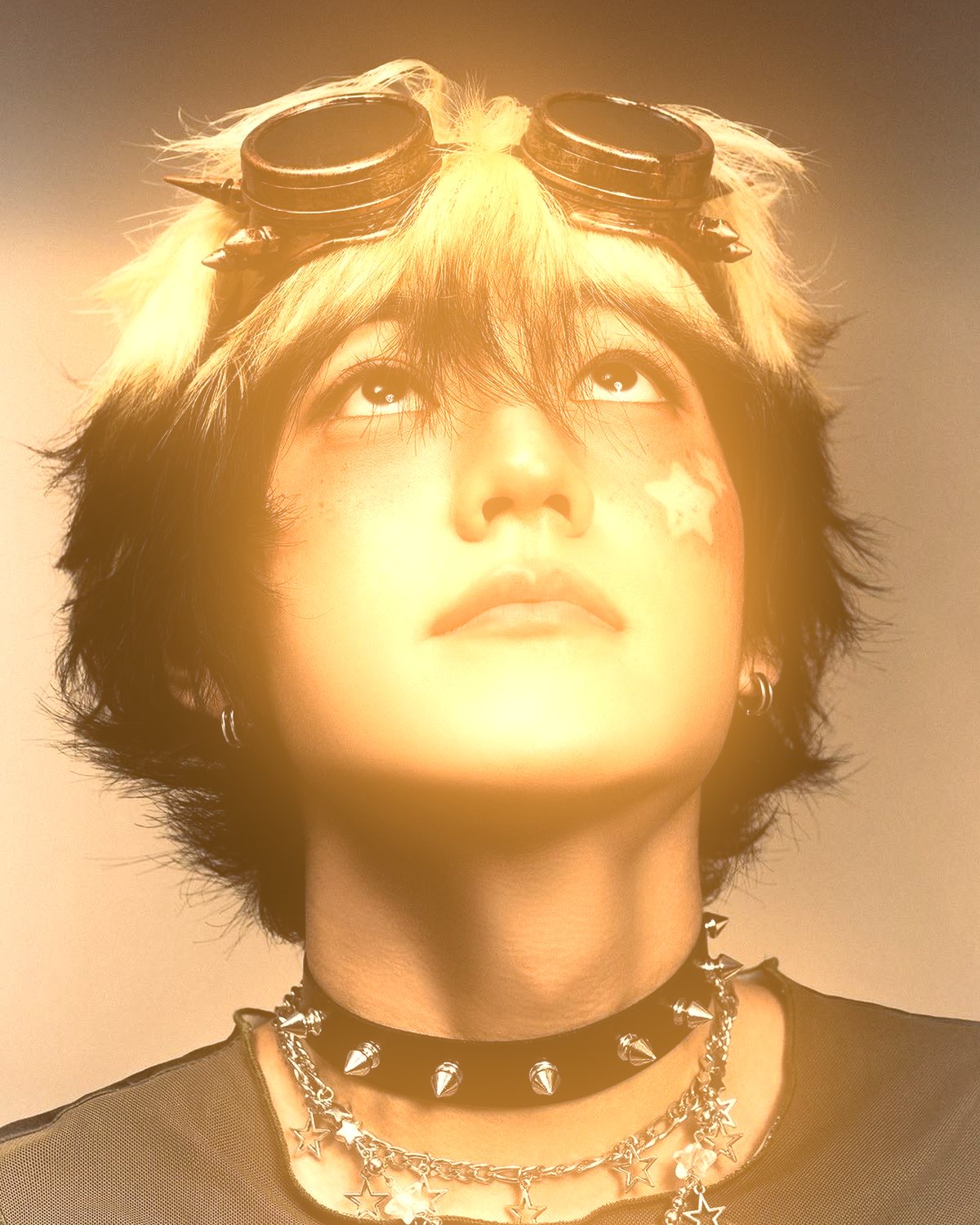
8 photos, each with its own preset. Try it on yours





Use the light projection effect in Photoshop, Affinity or Figma.
One licence covers all three: $59.99, paid once. See pricing
Photoshop
Open Filter Archive from the Plugins menu, pick Shadow Cast and press Apply. The result lands on a new layer above your original.
Mac & Windows · Photoshop 2024+Affinity
Choose Filters, Plugins, Filter Archive on a pixel layer, pick Shadow Cast and apply it to that layer.
Mac & Windows · Affinity 3Figma
Select an image, frame or shape, run Filter Archive and apply Shadow Cast as a new layer or in place.
Figma CommunitySettings worth touching.
- GoboGobo
- What sits in front of the lamp: the pattern that gets projected onto the subject.
- ShapeGobo
- Your own cut-out from a Photoshop selection: Cmd or Ctrl-click a type or logo layer, or draw a selection, then press Use Selection.
- SwingProjector
- How far to the side the lamp stands. Straight on, the shape lies flat; from the side it bends round the face.
Plus 29 more in the panel, all editable after you pick a preset.
For the subject's own shadow on the floor: Cast Shadow effect
Light Projection Effect questions.
What is a light projection effect?
A light projection effect makes it look like light was shone through a cut-out onto the subject, a technique called a gobo in film and stage lighting. The pattern lands across the face and the wall behind, following their shape.
How do I make a light projection effect in Photoshop?
Open Filter Archive from the Plugins menu and choose Shadow Cast. Start from a preset such as Prism Star or Ember Star, adjust the settings while the preview updates, then press Apply. The result goes on a new layer and your original stays untouched.
Can I use it in Affinity or Figma?
Yes. The same Shadow Cast filter runs in Affinity 3 on Mac and Windows, from Filters, then Plugins, then Filter Archive on a pixel layer, and in Figma on an image, frame or shape. One licence covers Photoshop, Affinity and Figma.
Which presets come with Shadow Cast?
9 presets: Prism Star, Ember Star, Blue Room, Polka, Blinds, Laser Line, Noir Window, Dappled and Caustic Pool. Every setting stays editable after you pick one, and you can save a stack of filters to use again.
Can I change the colors?
Yes. Shadow Cast has Color and Fill Color color controls, so you can set them to any color, including your own palette.
Related effects.
See all 44



Your photos next
Make a light projection effect yourself.
Shadow Cast and 43 more effects in one plugin window, with a live preview and 245 presets. One licence covers Photoshop, Affinity and Figma.