
Guilloche pattern
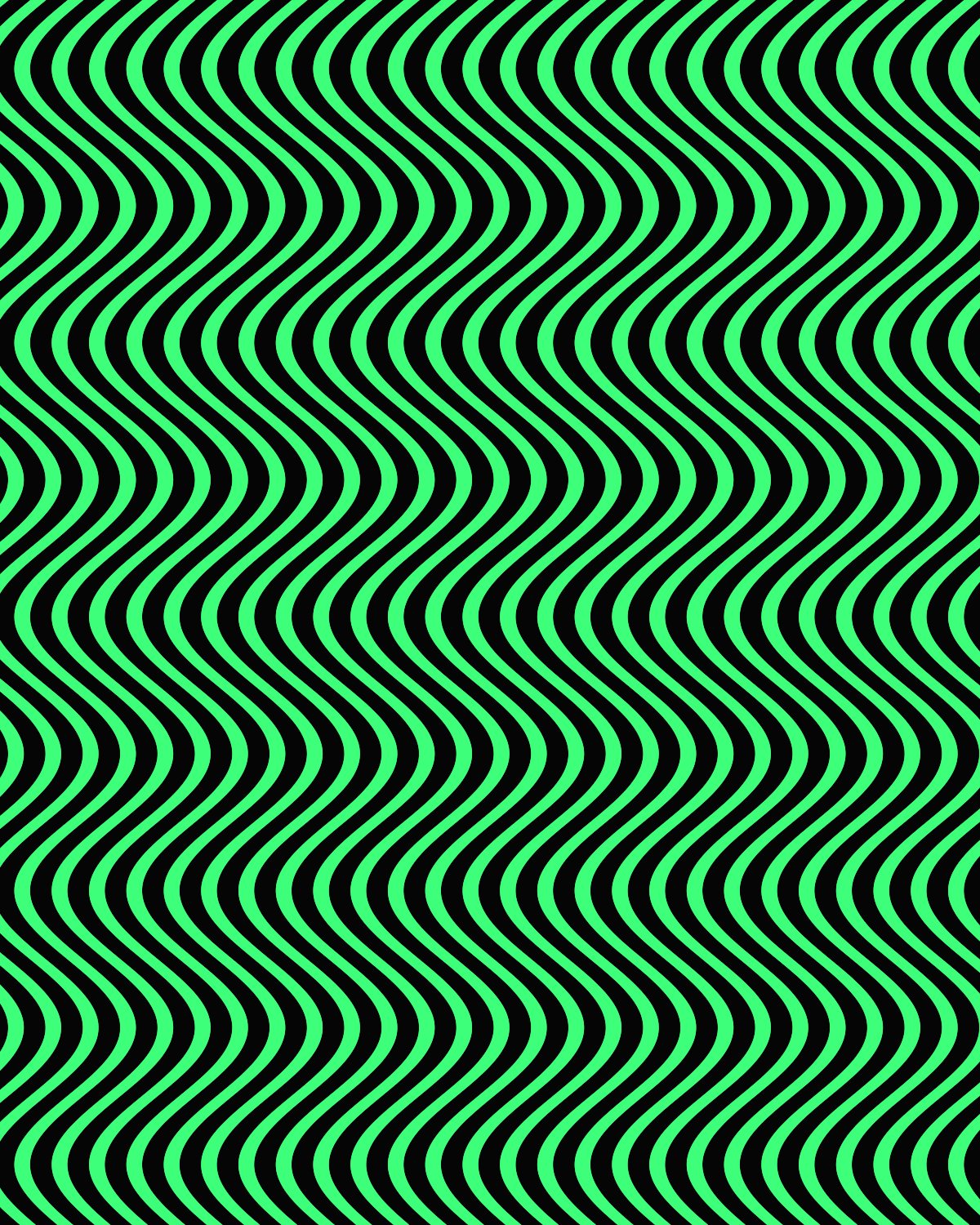
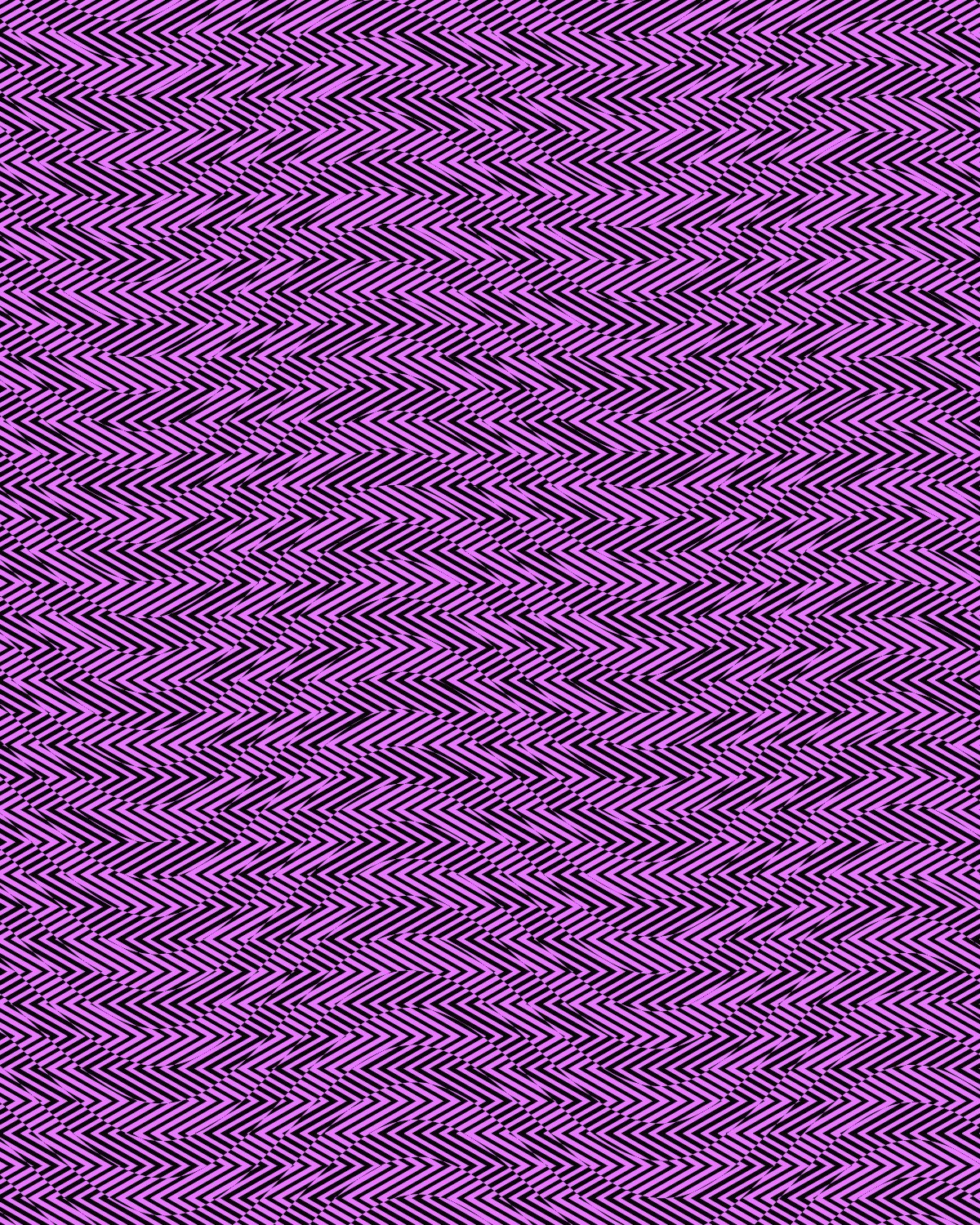
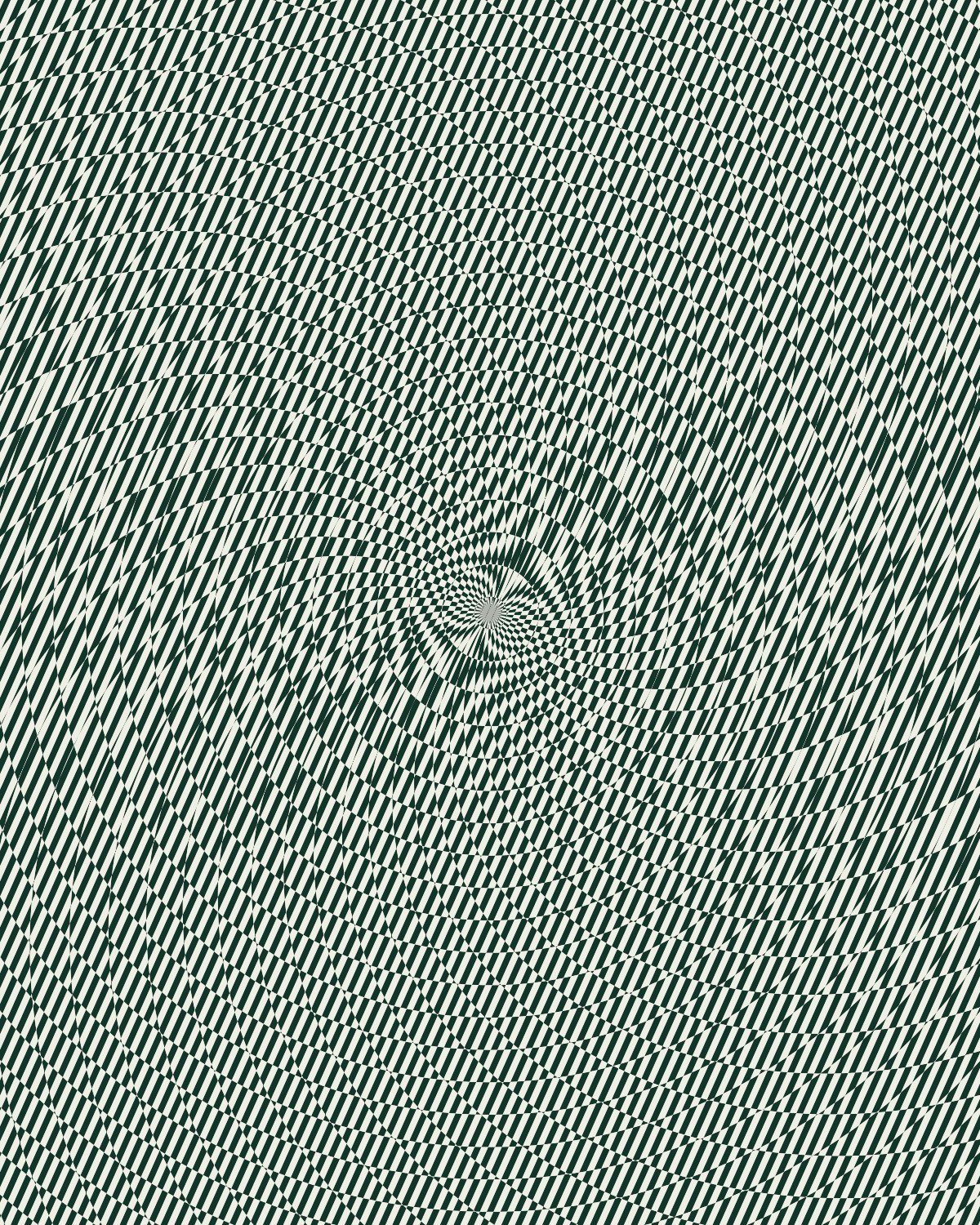
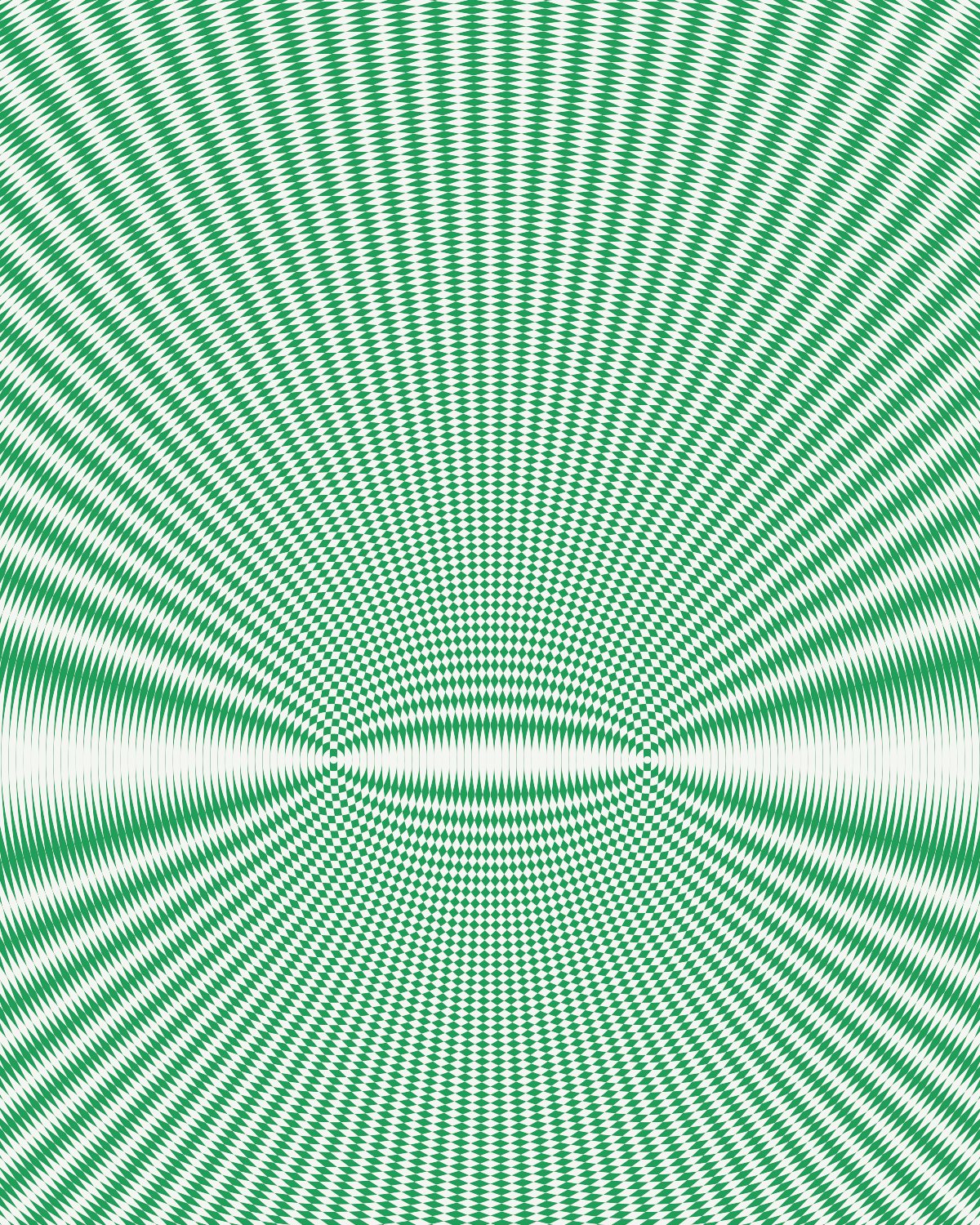
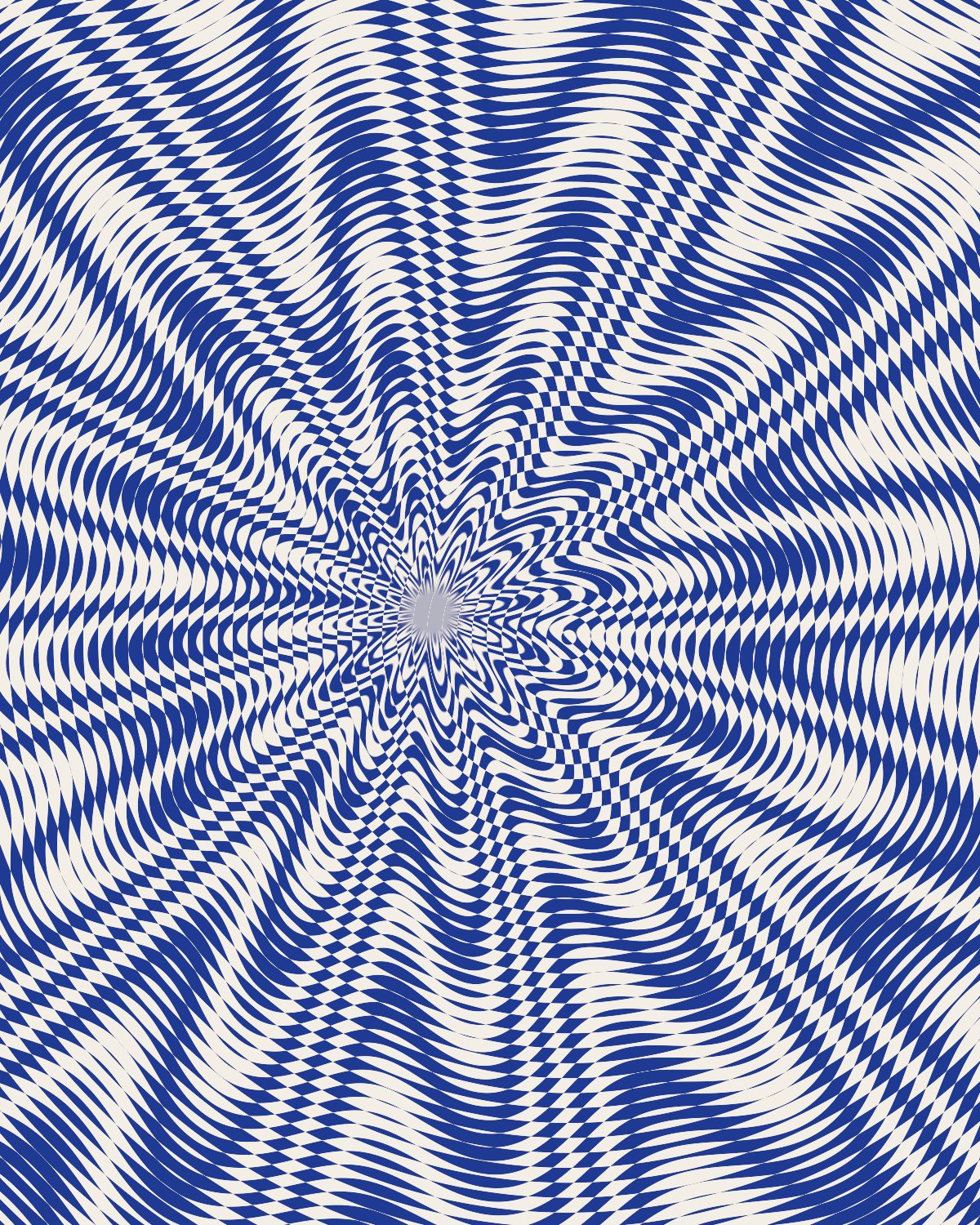
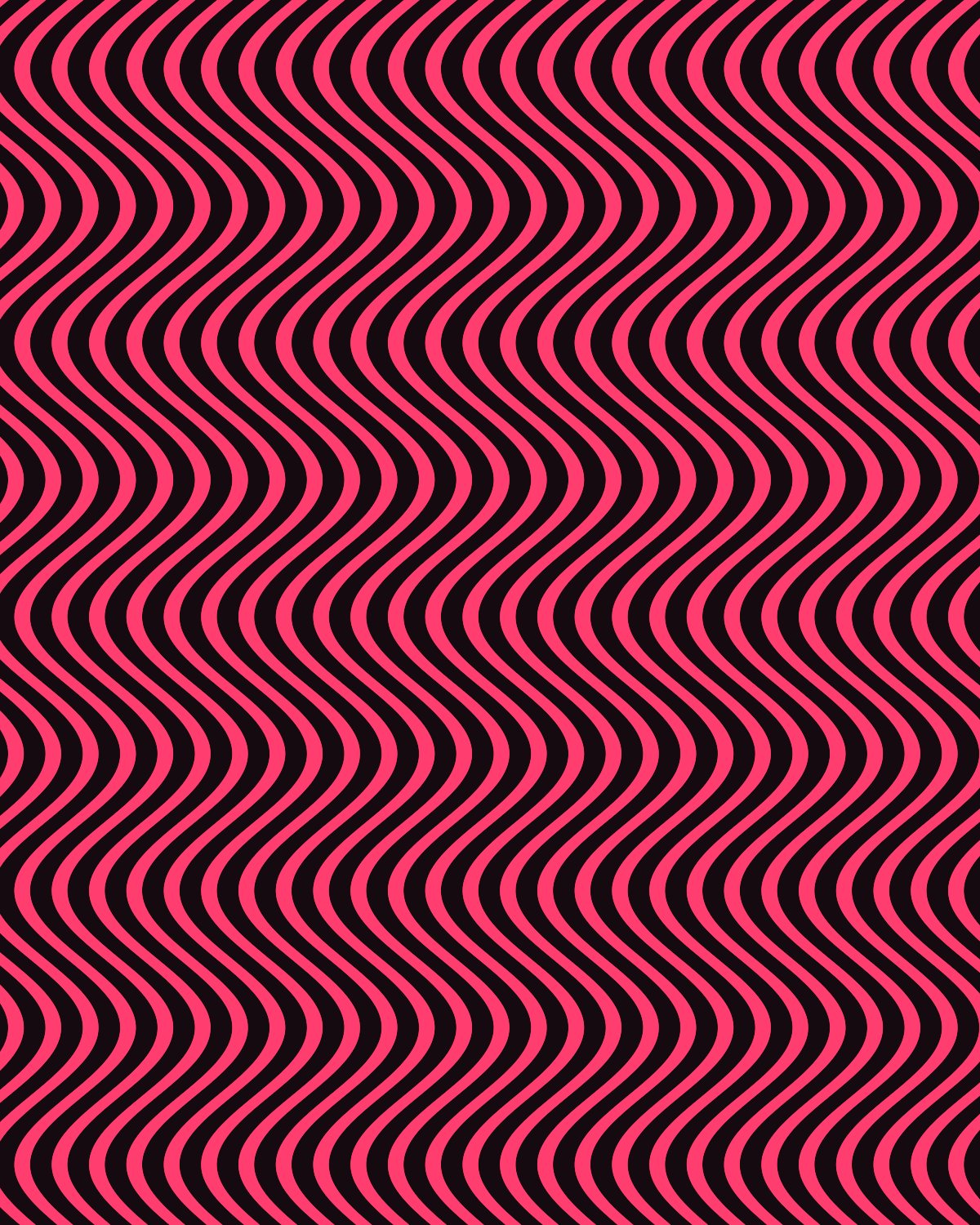
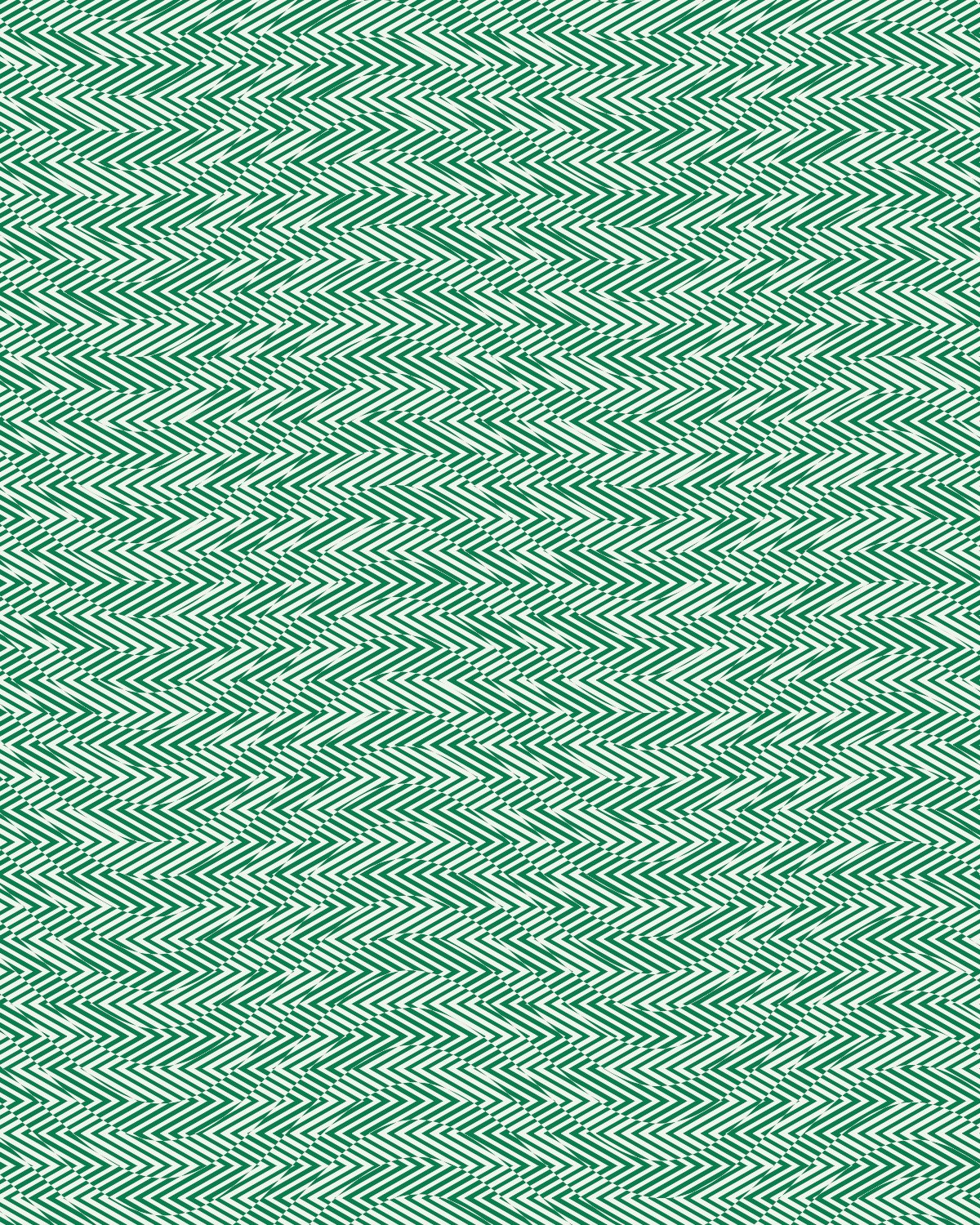
Stacked periodic line fields whose interference is the texture: banknote moire.


 Rosette preset
Guilloche stacks layers of fine repeating lines and lets them interfere, the security pattern you see on banknotes and certificates. Bend each layer into waves or zig-zags, warp them together and set the ink and paper colors.
- 5presets
- 36settings
- 3apps
Same effect, different presets.
8 renders, each from its own preset or seed. Try it on yours
Use the guilloche pattern in Photoshop, Affinity or Figma.
One licence covers all three: $59.99, paid once. See pricing
Photoshop
Open Filter Archive from the Plugins menu, pick Guilloche under Backgrounds and press Apply. It draws on a new layer, no photo needed.
Mac & Windows · Photoshop 2024+Affinity
Choose Filters, Plugins, Filter Archive on a pixel layer and pick Guilloche. It fills that layer with the pattern.
Mac & Windows · Affinity 3Figma
Run Filter Archive with nothing selected and pick Guilloche. The pattern drops into your file as a new layer.
Figma CommunitySettings worth touching.
- WaveLayer 1
- Extra bend on each layer of lines, on top of its own shape.
- WarpFinish
- Bends every layer together, so the interference breathes with them.
- InkFinish
- The color of the lines, set against the Paper color.
Plus 33 more in the panel, all editable after you pick a preset.
Guilloche Pattern questions.
What is a guilloche pattern?
A guilloche pattern is an intricate design of overlapping, repeating curved lines, used on banknotes, passports and certificates because it is hard to copy.
How do I make a guilloche pattern in Photoshop?
Open Filter Archive from the Plugins menu and choose Guilloche from the Backgrounds group. It draws from nothing, so you don't need a photo. Start from a preset such as Wave Field or Chevron Weave, adjust it while the preview updates, then press Apply to add it as a new layer.
Can I use it in Affinity or Figma?
Yes. Guilloche runs in Affinity 3 on Mac and Windows, from Filters, then Plugins, then Filter Archive, and in Figma through the Figma Community, where generators work with nothing selected. One licence covers Photoshop, Affinity and Figma.
Which presets come with Guilloche?
5 presets: Wave Field, Chevron Weave, Rosette, Two Focus and Banknote. Every setting stays editable after you pick one, and you can save a stack of filters to use again.
Can I change the colors?
Yes. Guilloche has Ink and Paper color controls, so you can set them to any color, including your own palette.
Related effects.
See all 43




Your photos next
Make a guilloche pattern yourself.
Guilloche and 42 more effects in one plugin window, with a live preview and 235 presets. One licence covers Photoshop, Affinity and Figma.