
Speed Lines background
Radial energy: inked speed lines, fractured shards or a swirled liquid field.


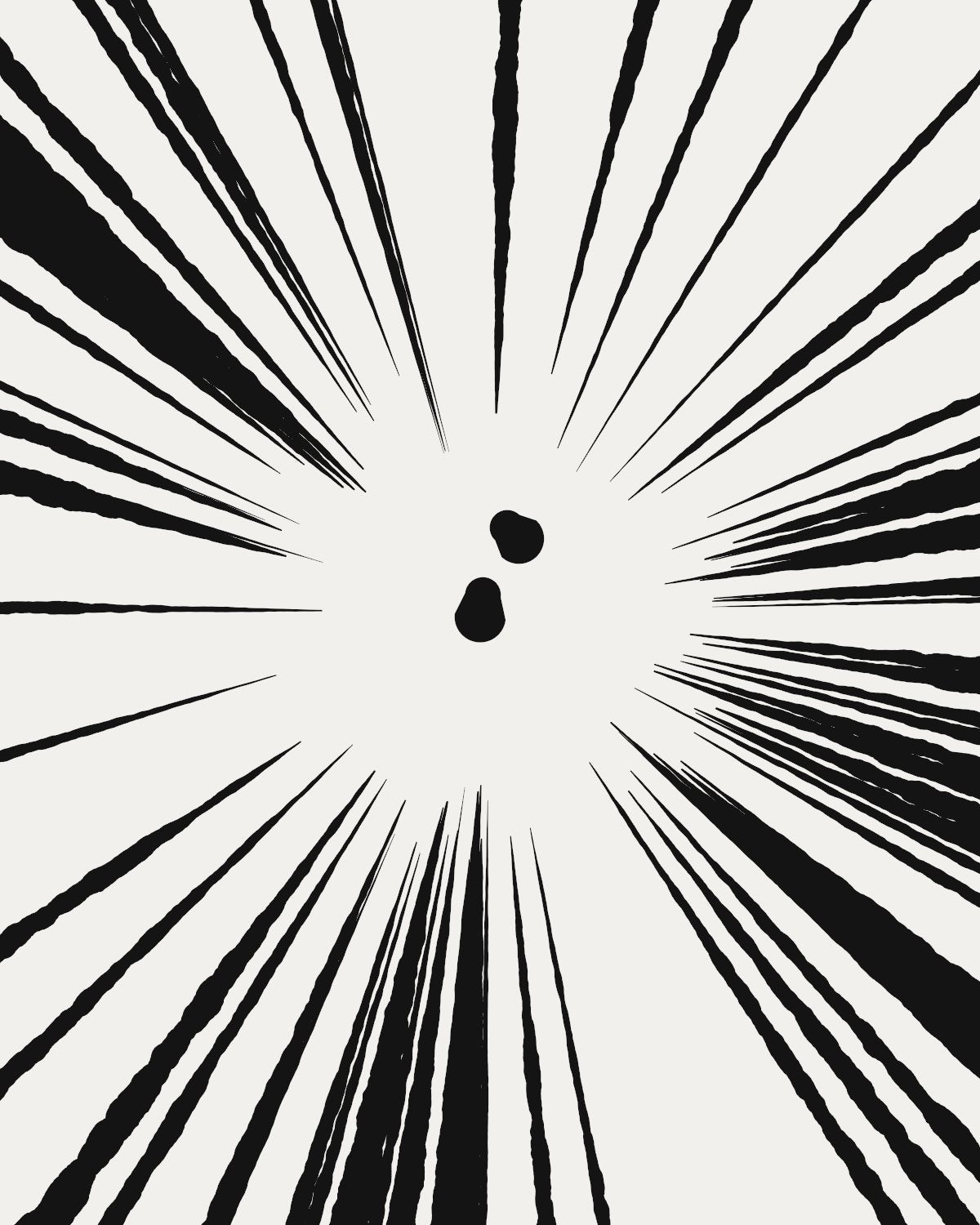 Manga Impact preset
Burst draws radial energy from nothing: manga impact lines around a clean centre, fractured shards, a swirled liquid field or a fan of rays. Bunch the rays, set how big the empty core is and point the fan anywhere.
- 4presets
- 38settings
- 3apps
Same effect, different presets.
8 renders, each from its own preset or seed. Try it on yours


Use the speed lines background in Photoshop, Affinity or Figma.
One licence covers all three: $59.99, paid once. See pricing
Photoshop
Open Filter Archive from the Plugins menu, pick Burst under Backgrounds and press Apply. It draws on a new layer, no photo needed.
Mac & Windows · Photoshop 2024+Affinity
Choose Filters, Plugins, Filter Archive on a pixel layer and pick Burst. It fills that layer with the pattern.
Mac & Windows · Affinity 3Figma
Run Filter Archive with nothing selected and pick Burst. The pattern drops into your file as a new layer.
Figma CommunitySettings worth touching.
- Empty CoreRays
- The clean hole in the middle where the subject goes.
- ClumpingRays
- Bunches rays together and leaves gaps. Zero is a mechanical fan.
- ArcRays
- A full circle of rays, or a fan.
Plus 35 more in the panel, all editable after you pick a preset.
Speed Lines Background questions.
What is a speed lines background?
A speed lines background is a burst of lines radiating from a centre, used in manga and comics to show impact, speed or focus on a subject.
How do I make a speed lines background in Photoshop?
Open Filter Archive from the Plugins menu and choose Burst from the Backgrounds group. It draws from nothing, so you don't need a photo. Start from a preset such as Manga Impact or Shard Storm, adjust it while the preview updates, then press Apply to add it as a new layer.
Can I use it in Affinity or Figma?
Yes. Burst runs in Affinity 3 on Mac and Windows, from Filters, then Plugins, then Filter Archive, and in Figma through the Figma Community, where generators work with nothing selected. One licence covers Photoshop, Affinity and Figma.
Which presets come with Burst?
4 presets: Manga Impact, Shard Storm, Mercury and Sun Fan. Every setting stays editable after you pick one, and you can save a stack of filters to use again.
Can I change the colors?
Yes. Burst has Ink and Paper color controls, so you can set them to any color, including your own palette.
Related effects.
See all 43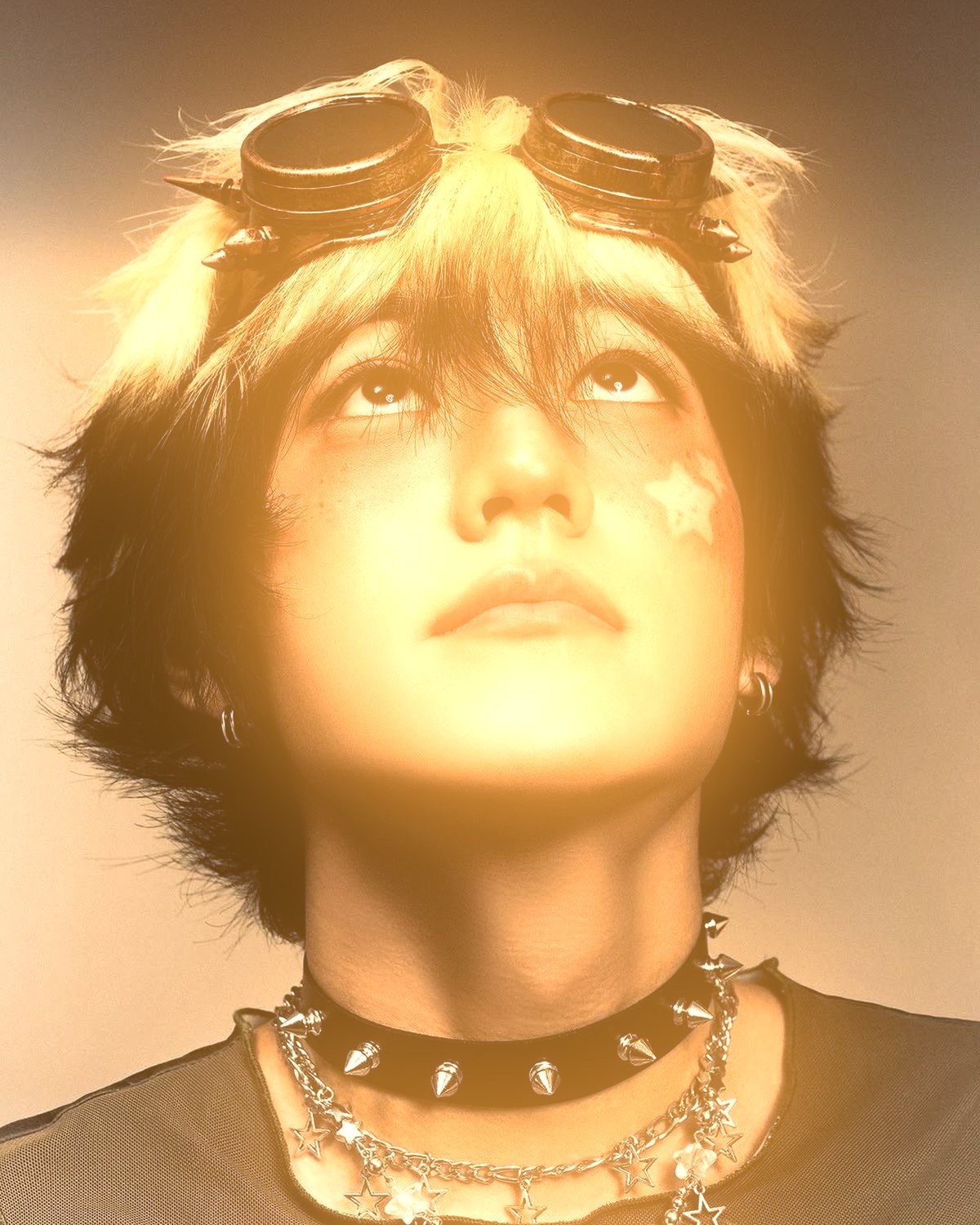
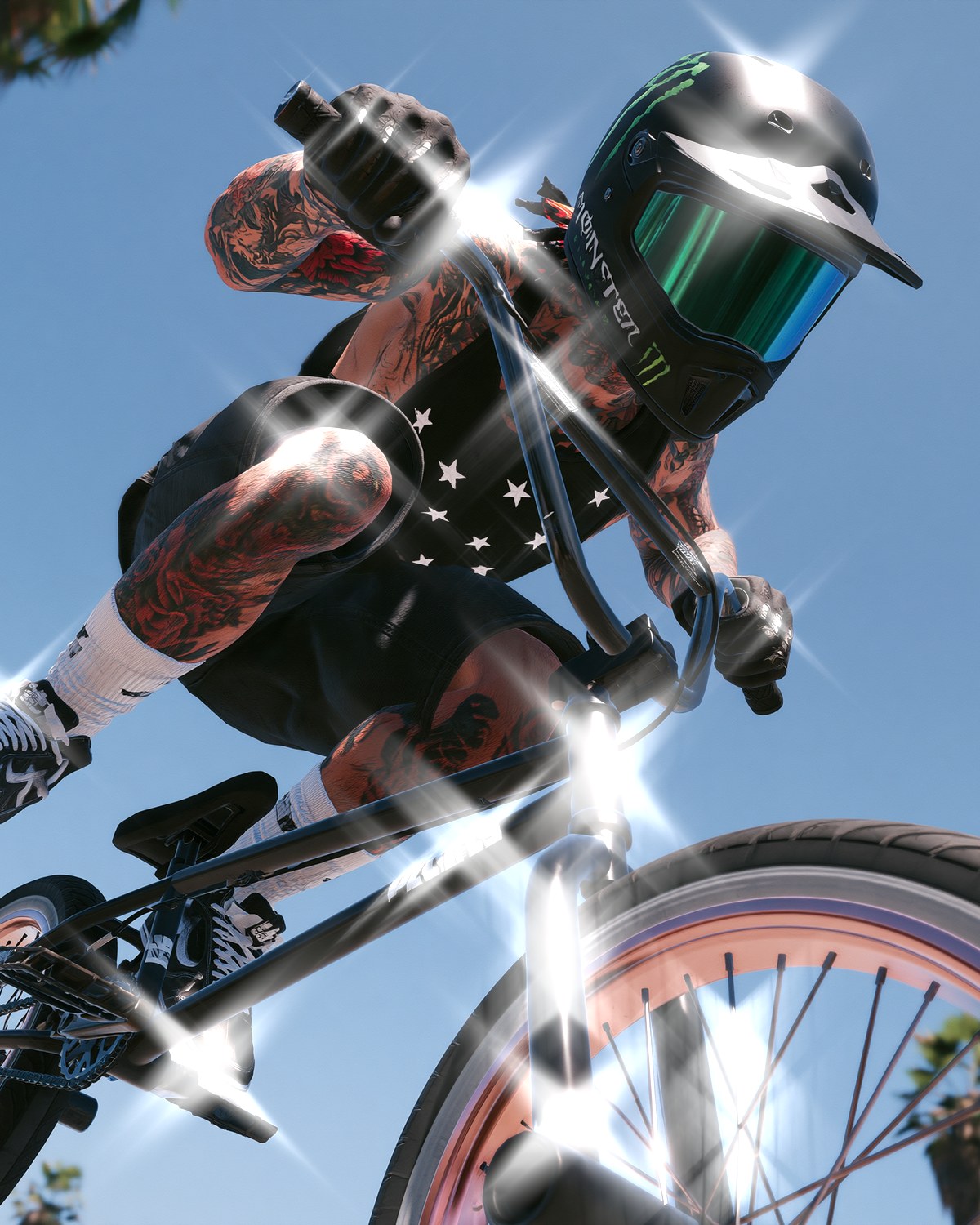

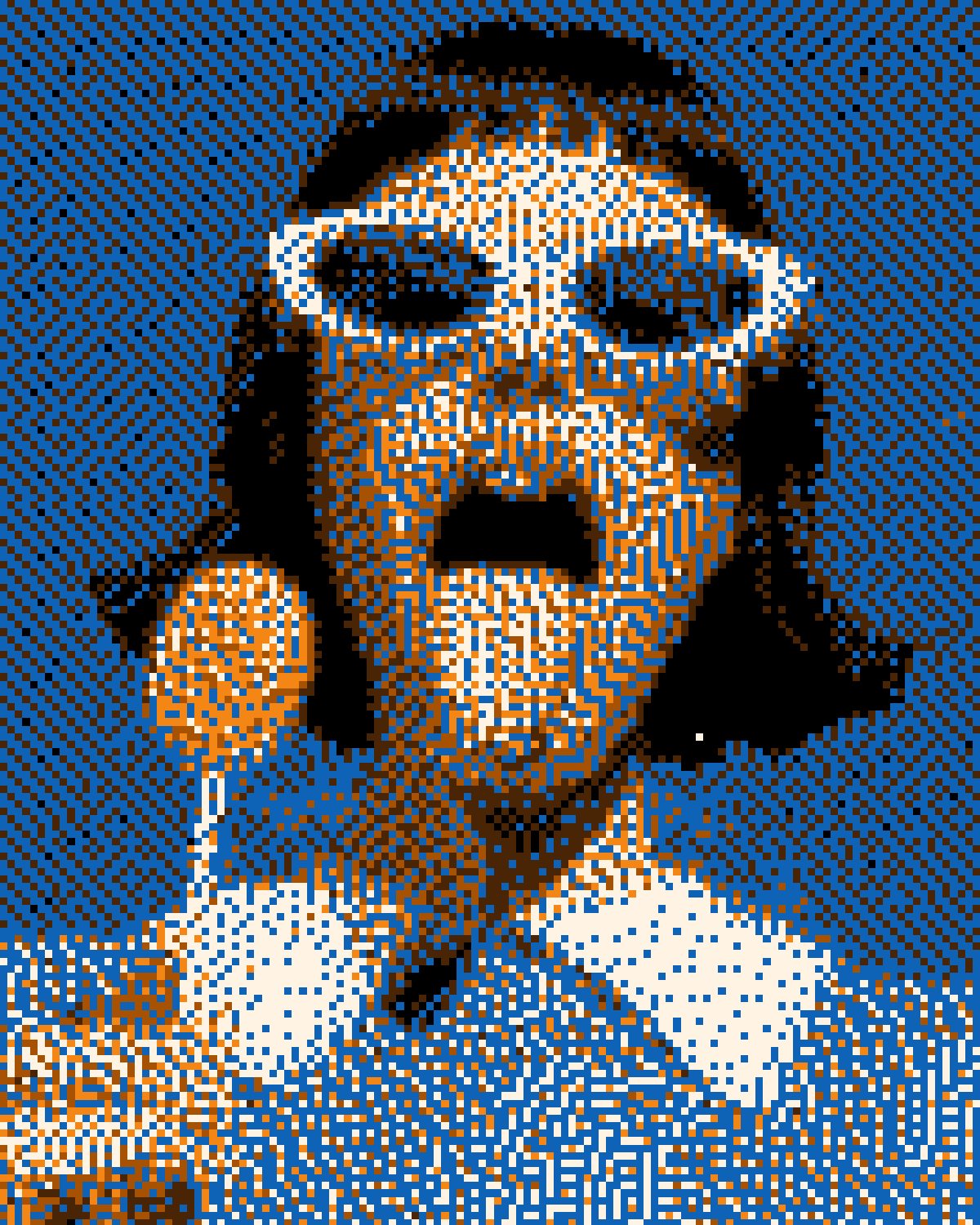


Your photos next
Make a speed lines background yourself.
Burst and 42 more effects in one plugin window, with a live preview and 235 presets. One licence covers Photoshop, Affinity and Figma.