
TV Glitch effect
A picture pushed through the wrong video format: subsampled color, combed fields and a beating line conversion.


 BeforeAfter
Broadcast runs your photo through the faults of real TV signals: color sampled too coarsely, interlaced fields combing apart on motion, dot crawl and rainbowing on fine detail. Presets run from DV tape and a composite dub to a crushed, many-generation copy.
- 5presets
- 9settings
- 3apps
Same effect, different presets.
8 photos, each with its own preset. Try it on yours


Use the TV glitch effect in Photoshop, Affinity or Figma.
One licence covers all three: $59.99, paid once. See pricing
Photoshop
Open Filter Archive from the Plugins menu, pick Broadcast and press Apply. The result lands on a new layer above your original.
Mac & Windows · Photoshop 2024+Affinity
Choose Filters, Plugins, Filter Archive on a pixel layer, pick Broadcast and apply it to that layer.
Mac & Windows · Affinity 3Figma
Select an image, frame or shape, run Filter Archive and apply Broadcast as a new layer or in place.
Figma CommunitySettings worth touching.
- MotionField
- How far the camera moved between fields, which sets how hard edges comb apart.
- Dot CrawlComposite
- Color leaking into brightness, the crawling dots along colored edges.
- Cross ColorComposite
- Brightness leaking into color, the rainbowing on fine detail.
Plus 6 more in the panel, all editable after you pick a preset.
TV Glitch Effect questions.
What is a TV glitch effect?
A TV glitch effect recreates the errors of analogue and early digital television: interlacing combs, color bleeding off edges and rainbow patterns on fine detail.
How do I make a TV glitch effect in Photoshop?
Open Filter Archive from the Plugins menu and choose Broadcast. Start from a preset such as DV Tape or Composite Dub, adjust the settings while the preview updates, then press Apply. The result goes on a new layer and your original stays untouched.
Can I use it in Affinity or Figma?
Yes. The same Broadcast filter runs in Affinity 3 on Mac and Windows, from Filters, then Plugins, then Filter Archive on a pixel layer, and in Figma on an image, frame or shape. One licence covers Photoshop, Affinity and Figma.
Which presets come with Broadcast?
5 presets: DV Tape, Composite Dub, Fast Pan, Crushed and Every Generation. Every setting stays editable after you pick one, and you can save a stack of filters to use again.
Can I change the colors?
Broadcast keeps the colors of the picture you run it on. To recolor the result, stack it with a filter that has its own palette, such as Thermal or Bitmap, in the same panel.
Related effects.
See all 43
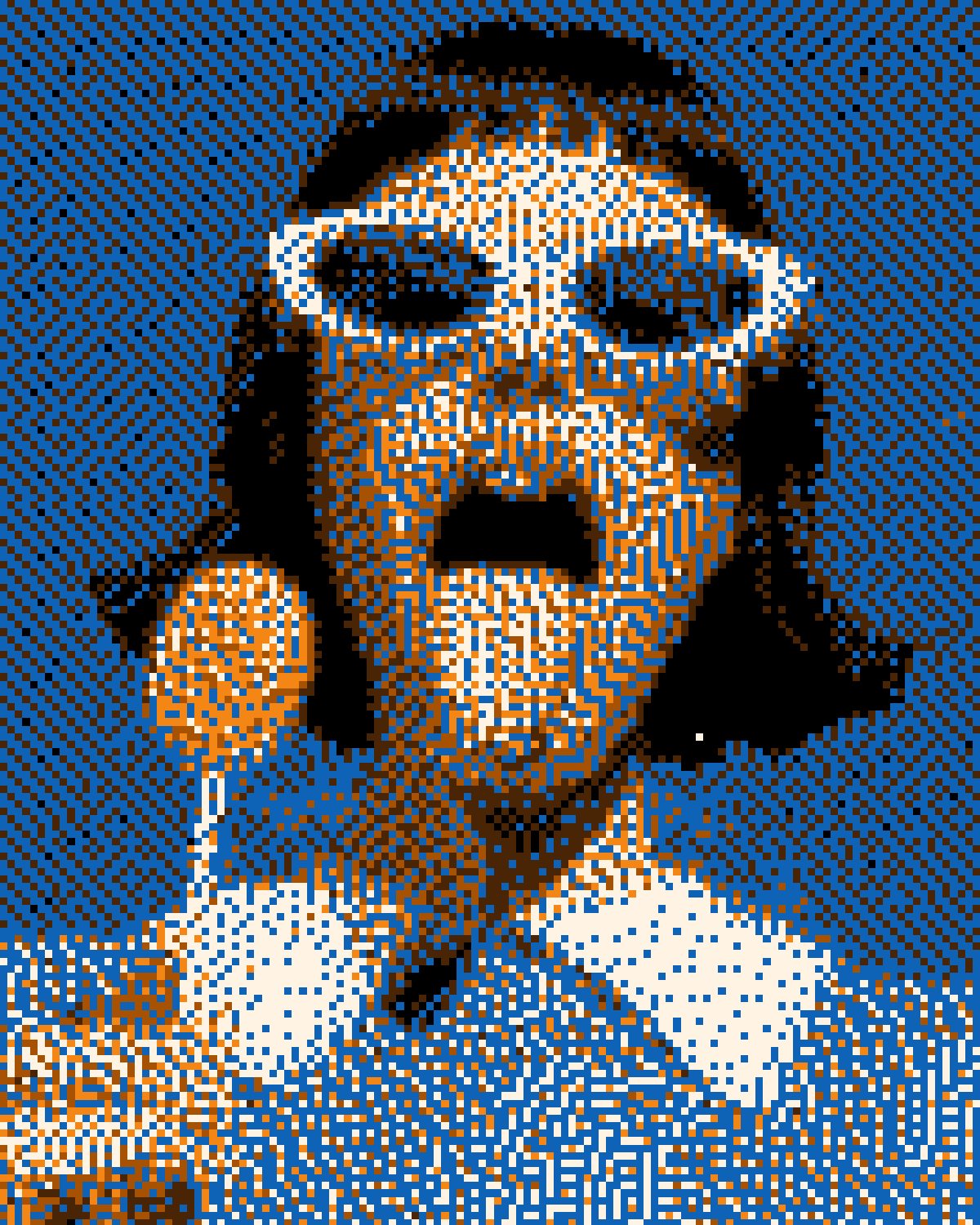


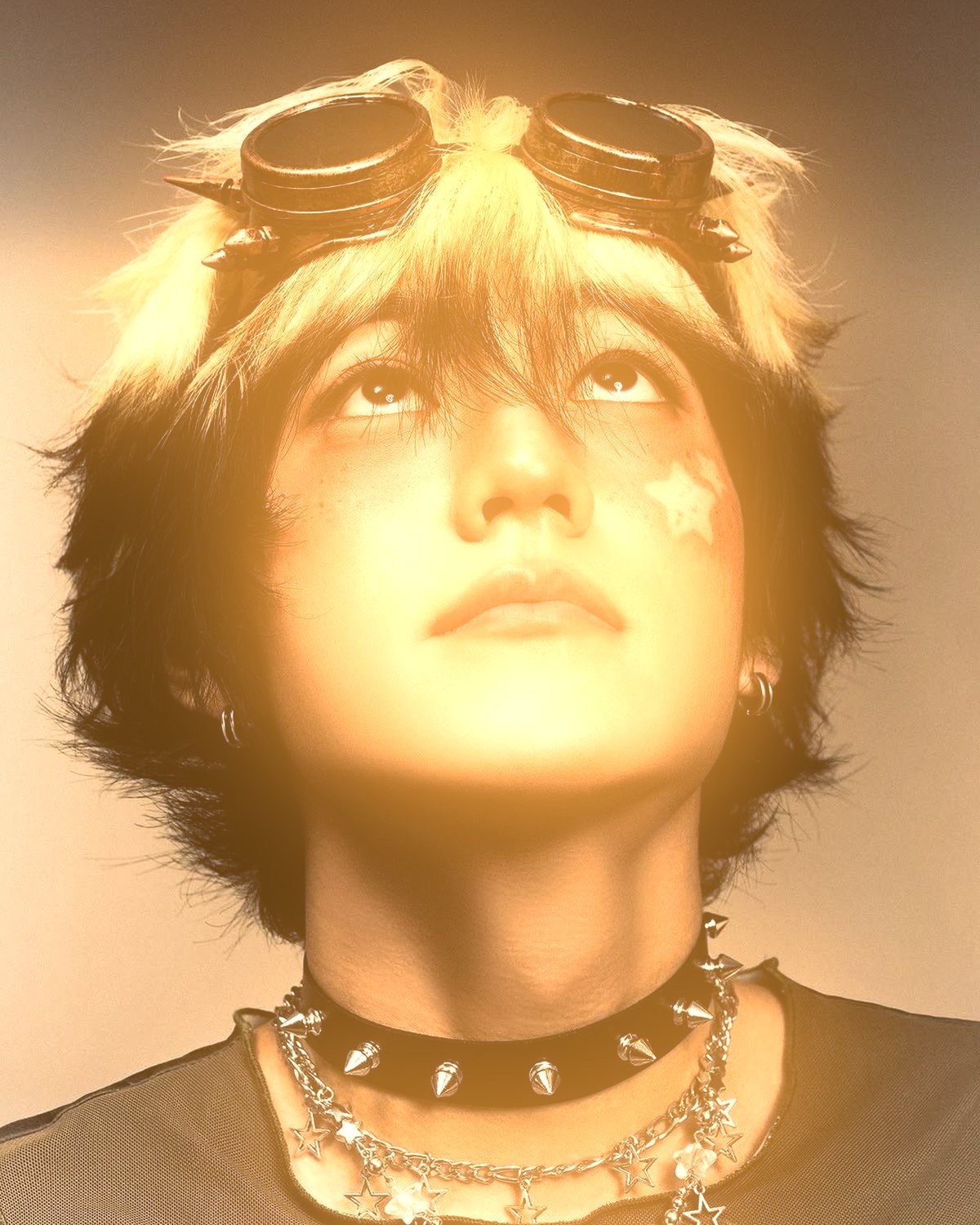

Your photos next
Make a TV glitch effect yourself.
Broadcast and 42 more effects in one plugin window, with a live preview and 235 presets. One licence covers Photoshop, Affinity and Figma.