
Dither effect
Thirty dithering algorithms, tonal and full-color palettes, and dots that bleed.


 BeforeAfter
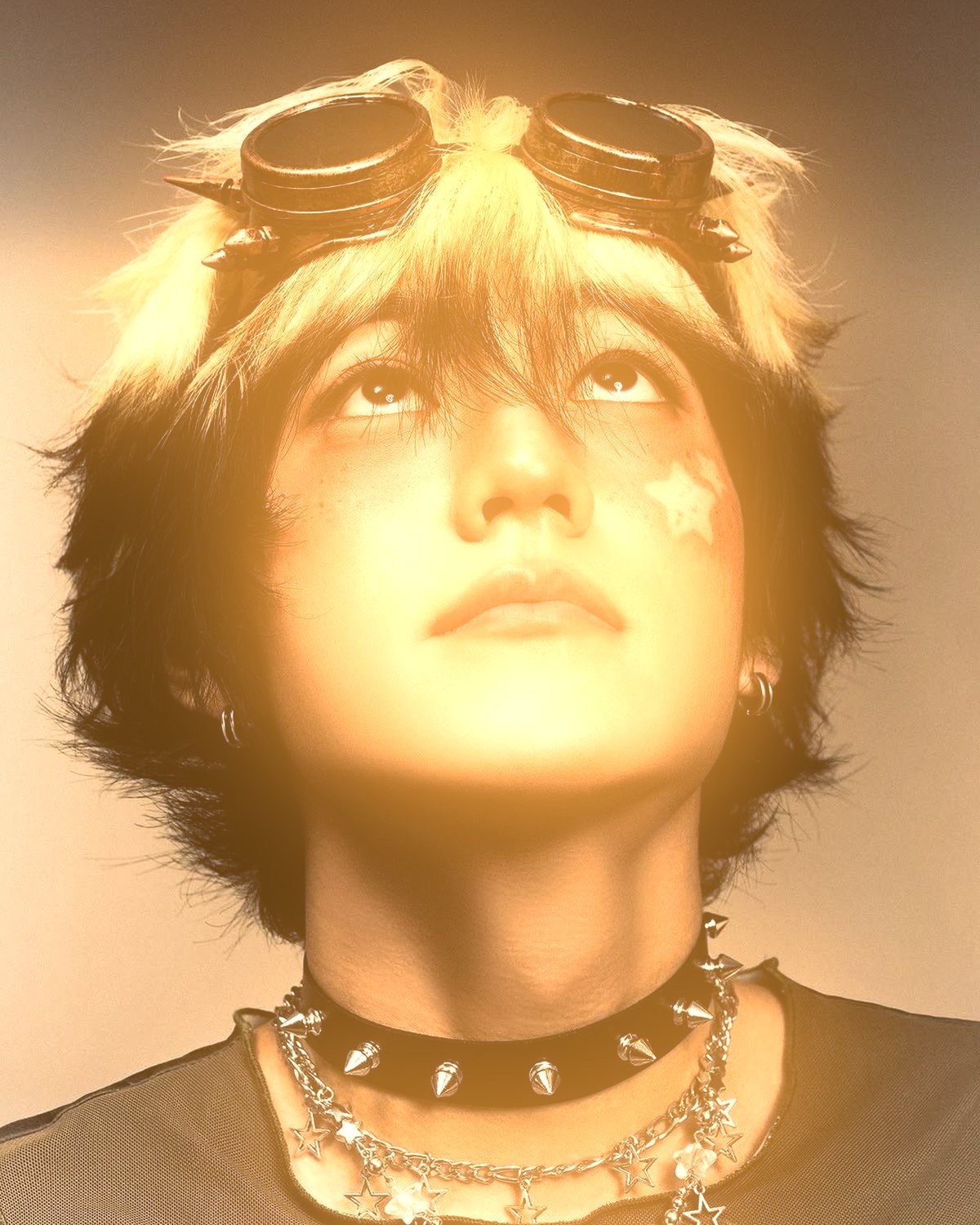
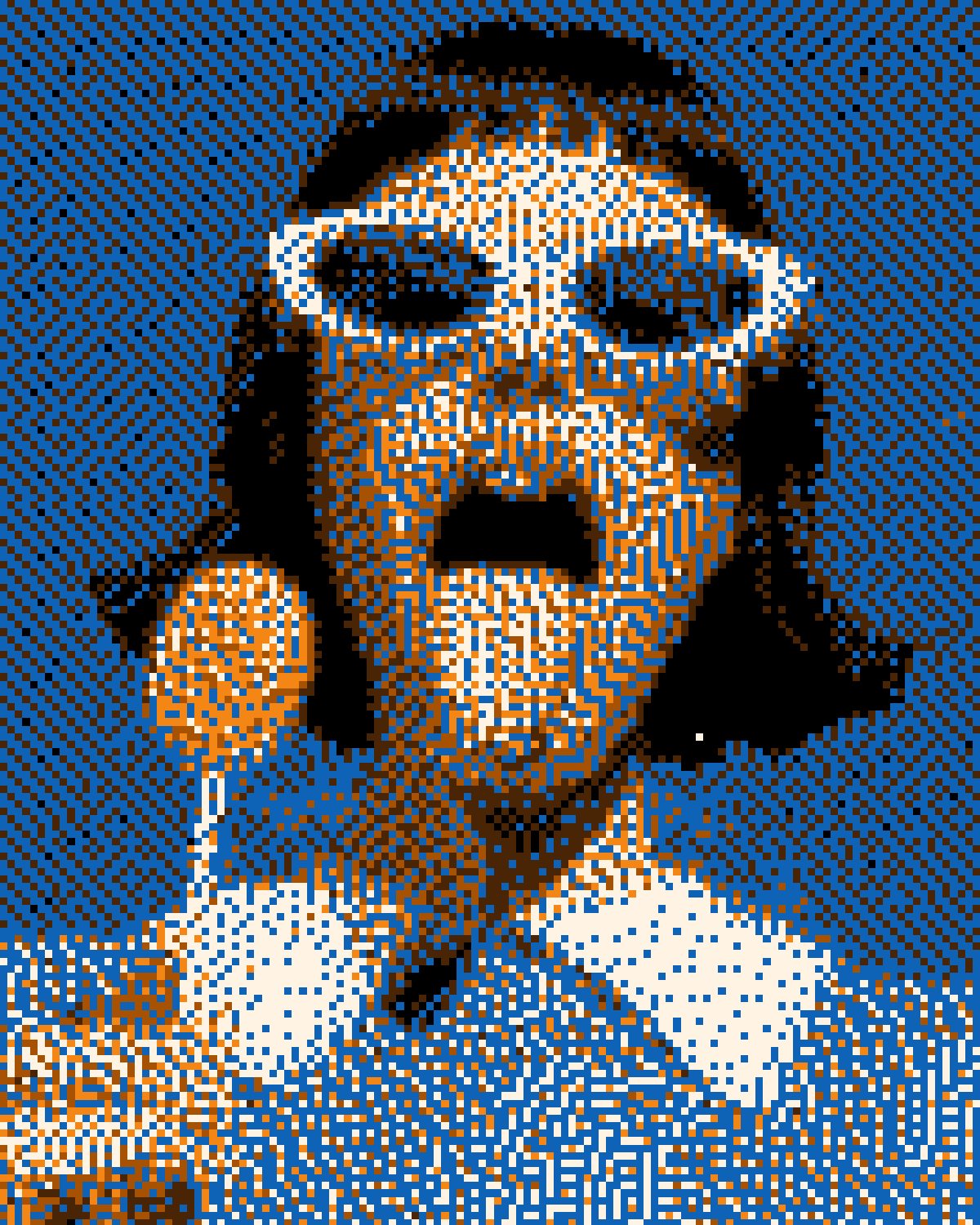
Bitmap pixelates your photo and dithers it into a small palette, from 1-bit Macintosh black and white to handheld-game greens, amber dots, tritone prints and full color. Thirty algorithms change the texture of the pattern, and a Bleed control lets the pixels swell into each other like ink on soft paper.
- 9presets
- 27settings
- 3apps
Same effect, different presets.
8 photos, each with its own preset. Try it on yours


Use the dither effect in Photoshop, Affinity or Figma.
One licence covers all three: $59.99, paid once. See pricing
Photoshop
Open Filter Archive from the Plugins menu, pick Bitmap and press Apply. The result lands on a new layer above your original.
Mac & Windows · Photoshop 2024+Affinity
Choose Filters, Plugins, Filter Archive on a pixel layer, pick Bitmap and apply it to that layer.
Mac & Windows · Affinity 3Figma
Select an image, frame or shape, run Filter Archive and apply Bitmap as a new layer or in place.
Figma CommunitySettings worth touching.
- ScaleBitmap
- The pixel size the image is reduced to before dithering. Bigger reads as chunkier pixel art.
- LevelsBitmap
- How many tone levels there are before the palette. 2 is 1-bit.
- BleedBitmap
- Lets pixels swell into their neighbours and merge, like ink on soft paper.
Plus 24 more in the panel, all editable after you pick a preset.
Dither Effect questions.
What is a dither effect?
A dither effect fakes more tones than a palette really has by scattering pixels of the available colors in patterns. It is the look of early computer graphics, handheld consoles and 1-bit art.
How do I make a dither effect in Photoshop?
Open Filter Archive from the Plugins menu and choose Bitmap. Start from a preset such as Handheld or Amber Dots, adjust the settings while the preview updates, then press Apply. The result goes on a new layer and your original stays untouched.
Can I use it in Affinity or Figma?
Yes. The same Bitmap filter runs in Affinity 3 on Mac and Windows, from Filters, then Plugins, then Filter Archive on a pixel layer, and in Figma on an image, frame or shape. One licence covers Photoshop, Affinity and Figma.
Which presets come with Bitmap?
9 presets: Handheld, Amber Dots, Macintosh, Newsprint, Tritone, Full Color, Fantasy Console, Soft Dots and Etching. Every setting stays editable after you pick one, and you can save a stack of filters to use again.
Can I change the colors?
Yes. Bitmap has Ink, Mid, Mid 2 and Paper color controls, so you can set them to any color, including your own palette.
Related effects.
See all 43



Your photos next
Make a dither effect yourself.
Bitmap and 42 more effects in one plugin window, with a live preview and 235 presets. One licence covers Photoshop, Affinity and Figma.