
Emboss effect
Reads tone as height and lights it from one side, then screens it and leaves it to collect dirt.


 BeforeAfter
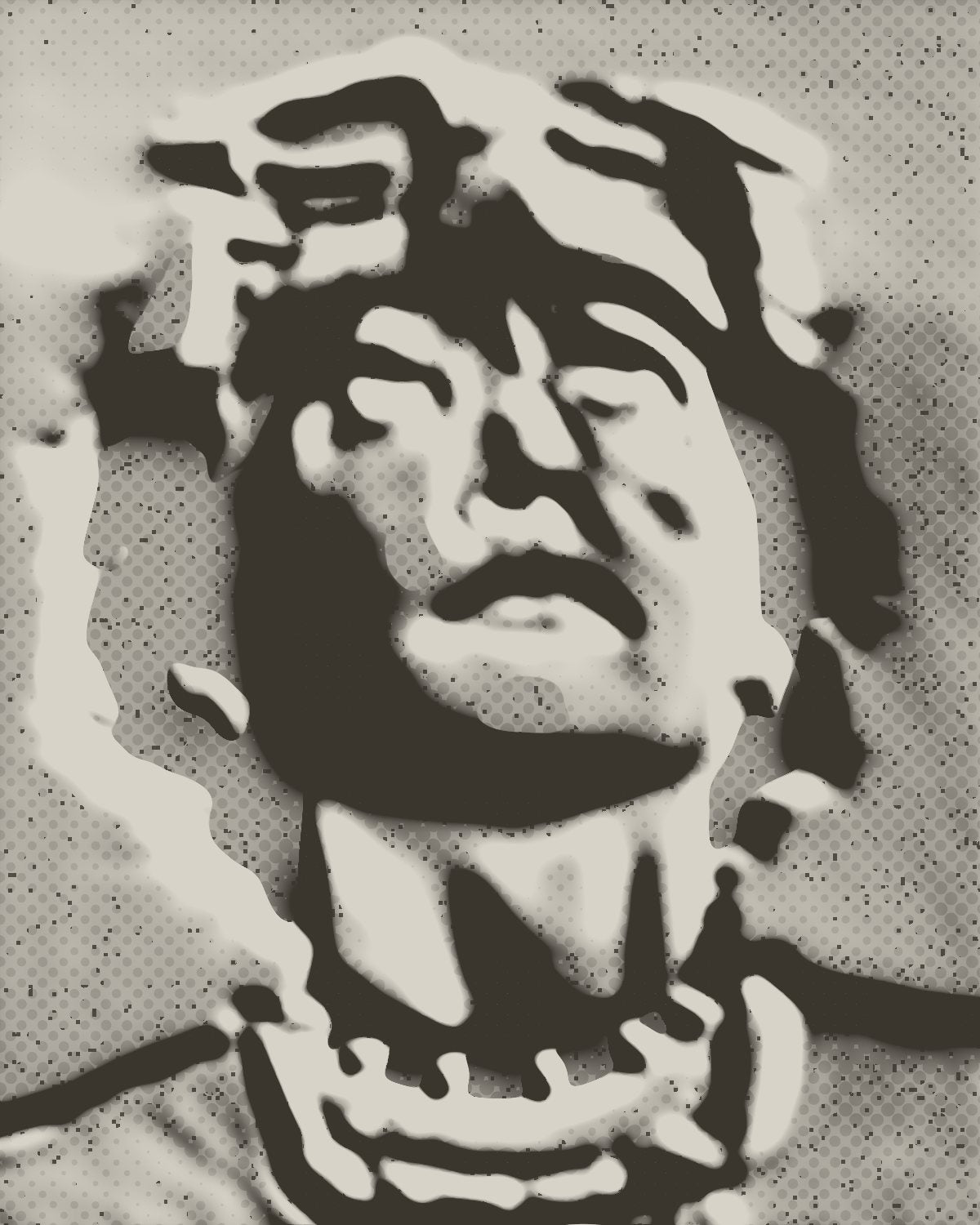
Emboss turns your photo into a surface. Dark and light become low and high, a lamp rakes across it from one side, and the result is screened and dirtied so it looks like a rubbing, a plaster cast or a blind foil stamp rather than a sharpening filter.
- 6presets
- 26settings
- 3apps
Same effect, different presets.
8 photos, each with its own preset. Try it on yours



Use the emboss effect in Photoshop, Affinity or Figma.
One licence covers all three: $59.99, paid once. See pricing
Photoshop
Open Filter Archive from the Plugins menu, pick Emboss and press Apply. The result lands on a new layer above your original.
Mac & Windows · Photoshop 2024+Affinity
Choose Filters, Plugins, Filter Archive on a pixel layer, pick Emboss and apply it to that layer.
Mac & Windows · Affinity 3Figma
Select an image, frame or shape, run Filter Archive and apply Emboss as a new layer or in place.
Figma CommunitySettings worth touching.
- DepthRelief
- How steep the relief is for each step in tone. Steeper relief, not just a brighter one.
- ElevationLight
- How high the lamp sits. Low light rakes across and finds every ripple; high light flattens the relief out.
- SmoothRelief
- Blurs the surface before it is lit, so the relief follows the picture's forms instead of its noise.
Plus 23 more in the panel, all editable after you pick a preset.
Emboss Effect questions.
What is an emboss effect?
An emboss effect makes an image look pressed into or raised out of a surface, by treating brightness as height and lighting it from an angle. Done well it reads as a physical relief, like a coin, a rubbing or a stamped sheet.
How do I make an emboss effect in Photoshop?
Open Filter Archive from the Plugins menu and choose Emboss. Start from a preset such as Rubbing or Plaster, adjust the settings while the preview updates, then press Apply. The result goes on a new layer and your original stays untouched.
Can I use it in Affinity or Figma?
Yes. The same Emboss filter runs in Affinity 3 on Mac and Windows, from Filters, then Plugins, then Filter Archive on a pixel layer, and in Figma on an image, frame or shape. One licence covers Photoshop, Affinity and Figma.
Which presets come with Emboss?
6 presets: Rubbing, Plaster, Blind Foil, Gravestone, Newsprint and Clean Relief. Every setting stays editable after you pick one, and you can save a stack of filters to use again.
Can I change the colors?
Yes. Emboss has Ink and Paper color controls, so you can set them to any color, including your own palette.
Related effects.
See all 43




Your photos next
Make an emboss effect yourself.
Emboss and 42 more effects in one plugin window, with a live preview and 235 presets. One licence covers Photoshop, Affinity and Figma.