
Wireframe effect
A mesh that crowds where the form turns away, so line density does the shading.


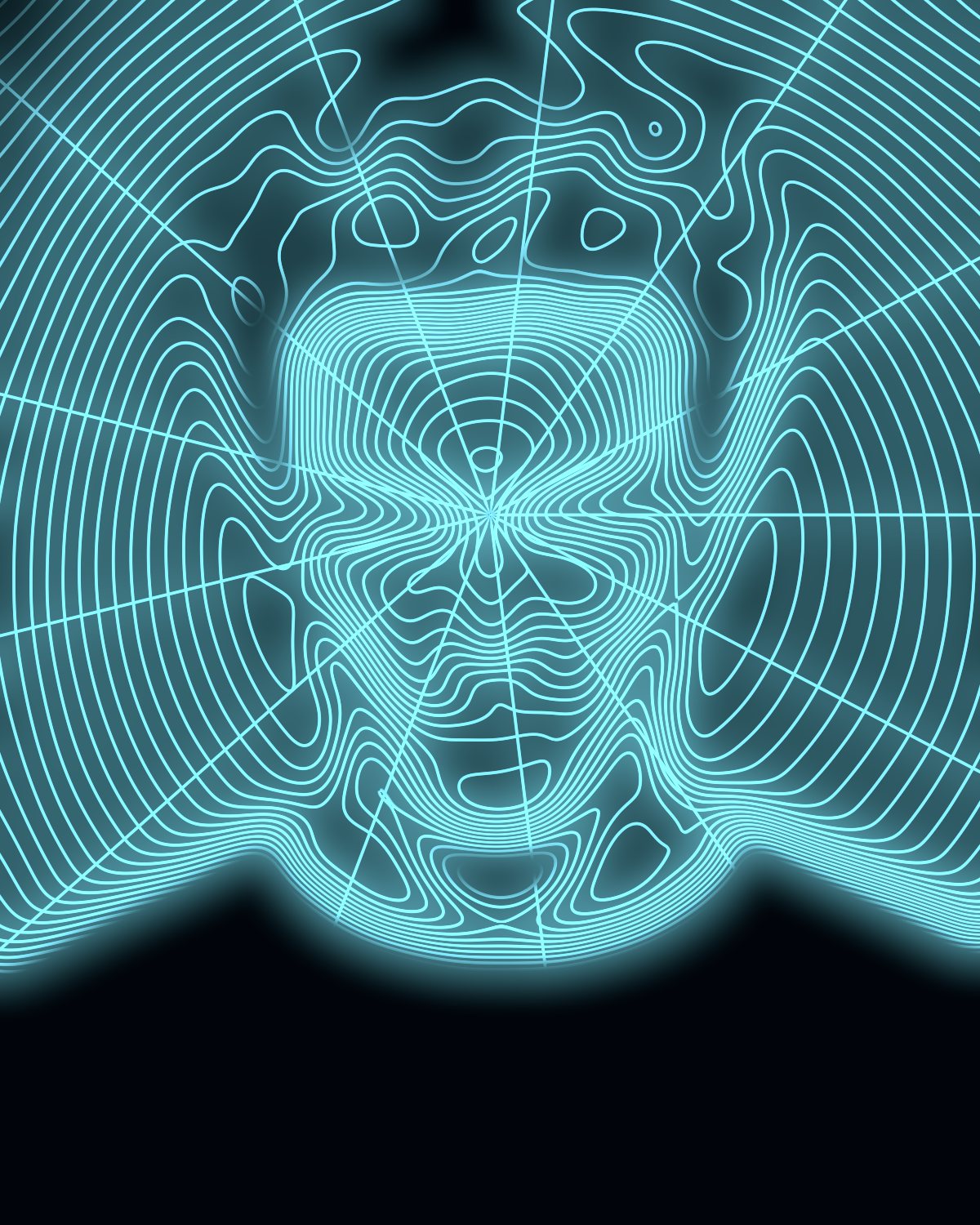 BeforeAfter
Wireframe drapes a glowing mesh over your subject and lets the lines crowd together where the form turns away, so it reads like a 3D scan rather than a grid pasted on top. A rim line picks out the silhouette and folds.
- 4presets
- 27settings
- 3apps
Same effect, different presets.
8 photos, each with its own preset. Try it on yours
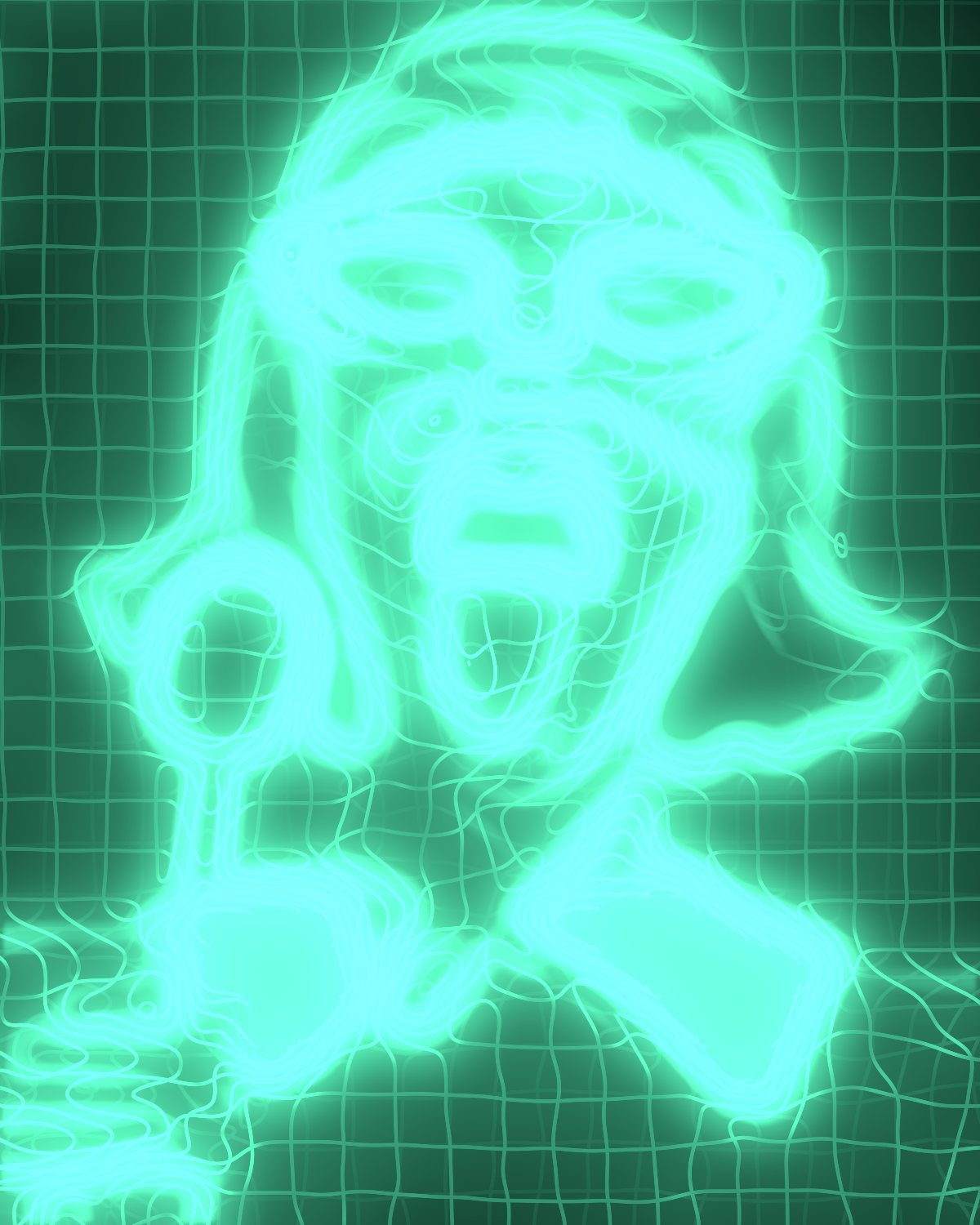
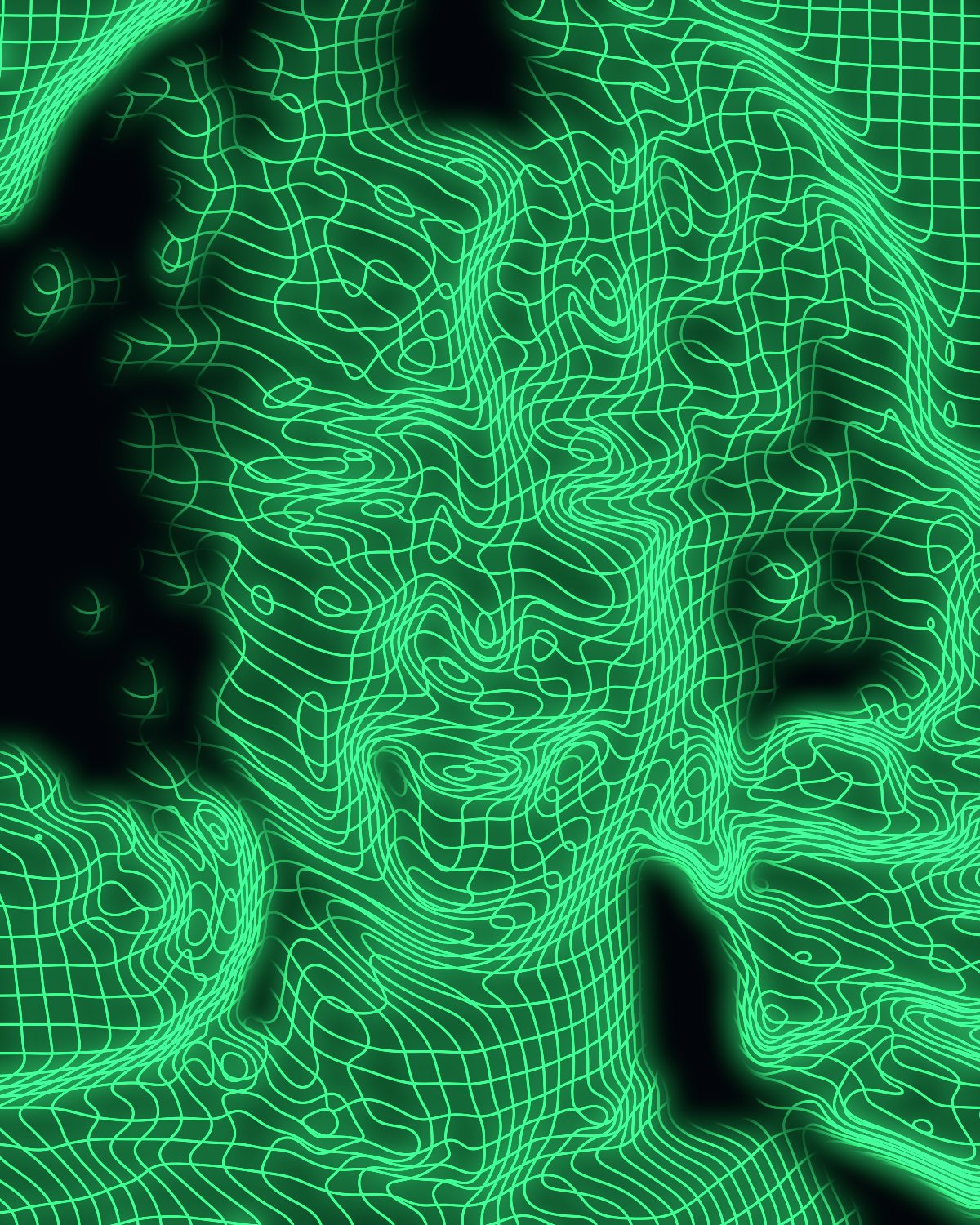

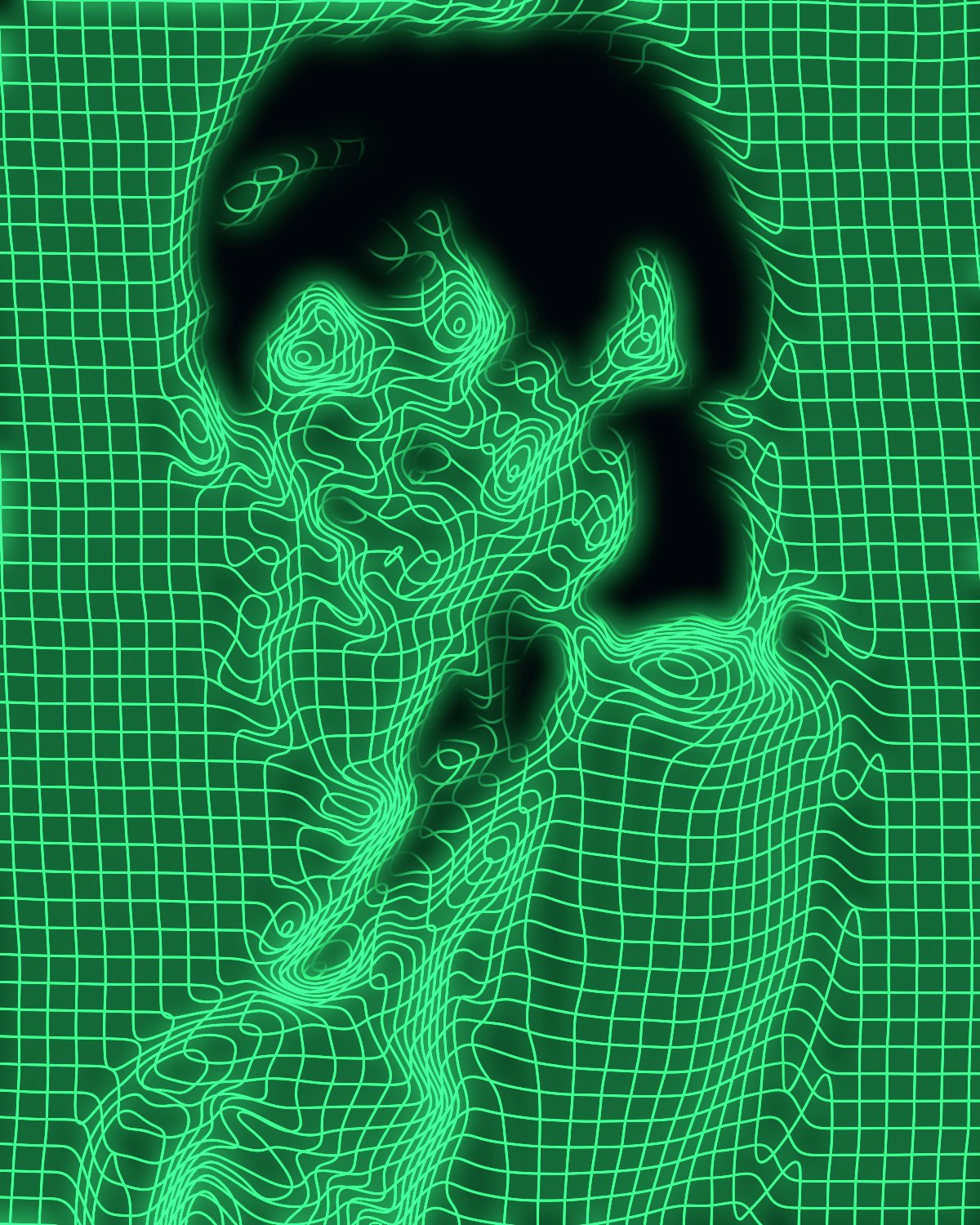


Use the wireframe effect in Photoshop, Affinity or Figma.
One licence covers all three: $59.99, paid once. See pricing
Photoshop
Open Filter Archive from the Plugins menu, pick Wireframe and press Apply. The result lands on a new layer above your original.
Mac & Windows · Photoshop 2024+Affinity
Choose Filters, Plugins, Filter Archive on a pixel layer, pick Wireframe and apply it to that layer.
Mac & Windows · Affinity 3Figma
Select an image, frame or shape, run Filter Archive and apply Wireframe as a new layer or in place.
Figma CommunitySettings worth touching.
- ReliefForm
- How far the tone pushes the mesh. This is what makes density read as curvature.
- FillLine
- How much a flat surface keeps. Low lets only the turning form light up; high keeps the whole mesh.
- RimLine
- A solid line where the form turns edge-on: the silhouette and the folds.
Plus 24 more in the panel, all editable after you pick a preset.
Wireframe Effect questions.
What is a wireframe effect?
A wireframe effect draws a subject as a mesh of lines, like a 3D model or a body scan. The spacing and brightness of the lines describe the shape instead of normal shading.
How do I make a wireframe effect in Photoshop?
Open Filter Archive from the Plugins menu and choose Wireframe. Start from a preset such as Blueprint or Scan Mesh, adjust the settings while the preview updates, then press Apply. The result goes on a new layer and your original stays untouched.
Can I use it in Affinity or Figma?
Yes. The same Wireframe filter runs in Affinity 3 on Mac and Windows, from Filters, then Plugins, then Filter Archive on a pixel layer, and in Figma on an image, frame or shape. One licence covers Photoshop, Affinity and Figma.
Which presets come with Wireframe?
4 presets: Blueprint, Scan Mesh, Sliced Scan and Lathe. Every setting stays editable after you pick one, and you can save a stack of filters to use again.
Can I change the colors?
Yes. Wireframe has Ink and Ground color controls, so you can set them to any color, including your own palette.
Related effects.
See all 43



Your photos next
Make a wireframe effect yourself.
Wireframe and 42 more effects in one plugin window, with a live preview and 235 presets. One licence covers Photoshop, Affinity and Figma.