
Glass Refraction effect
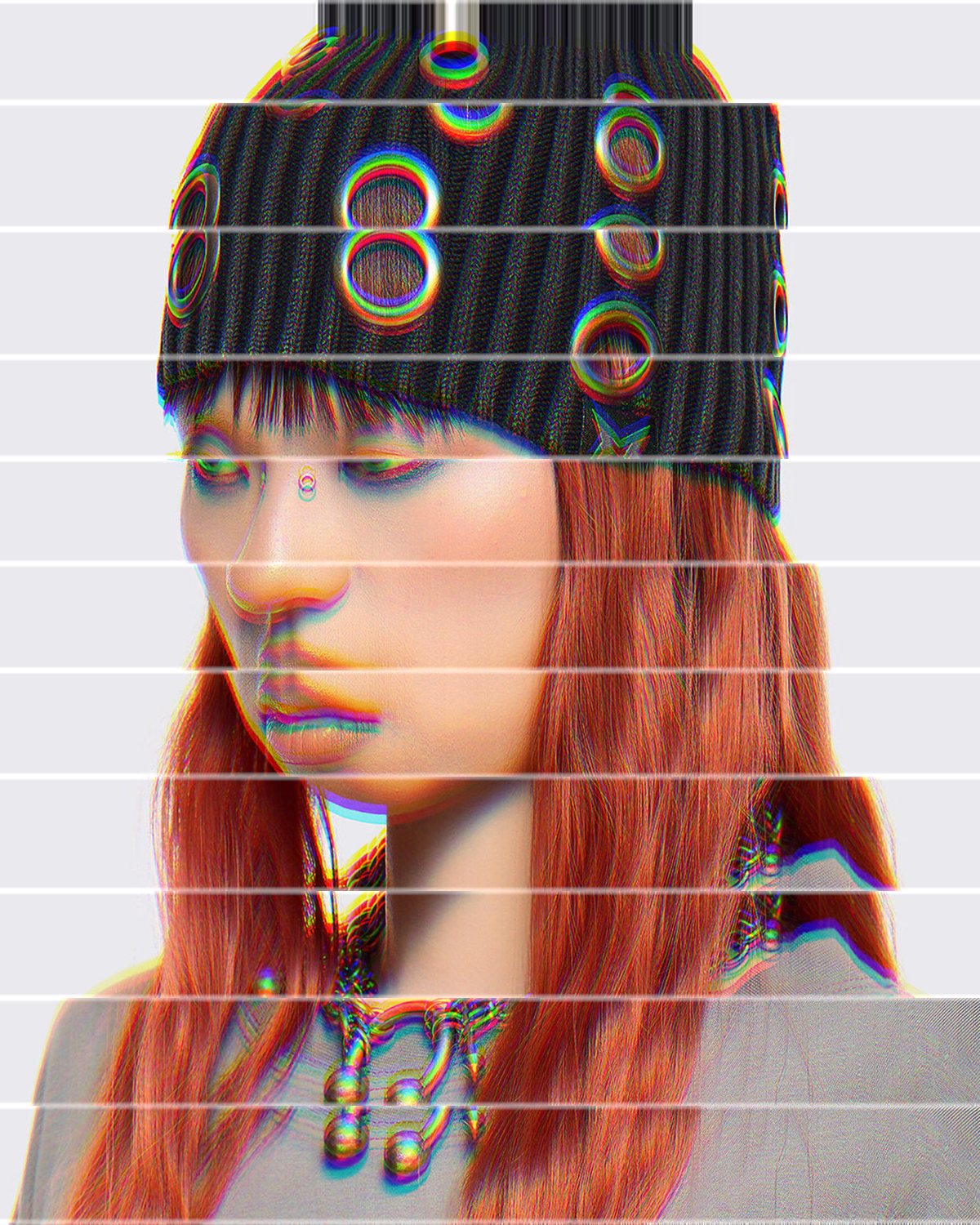
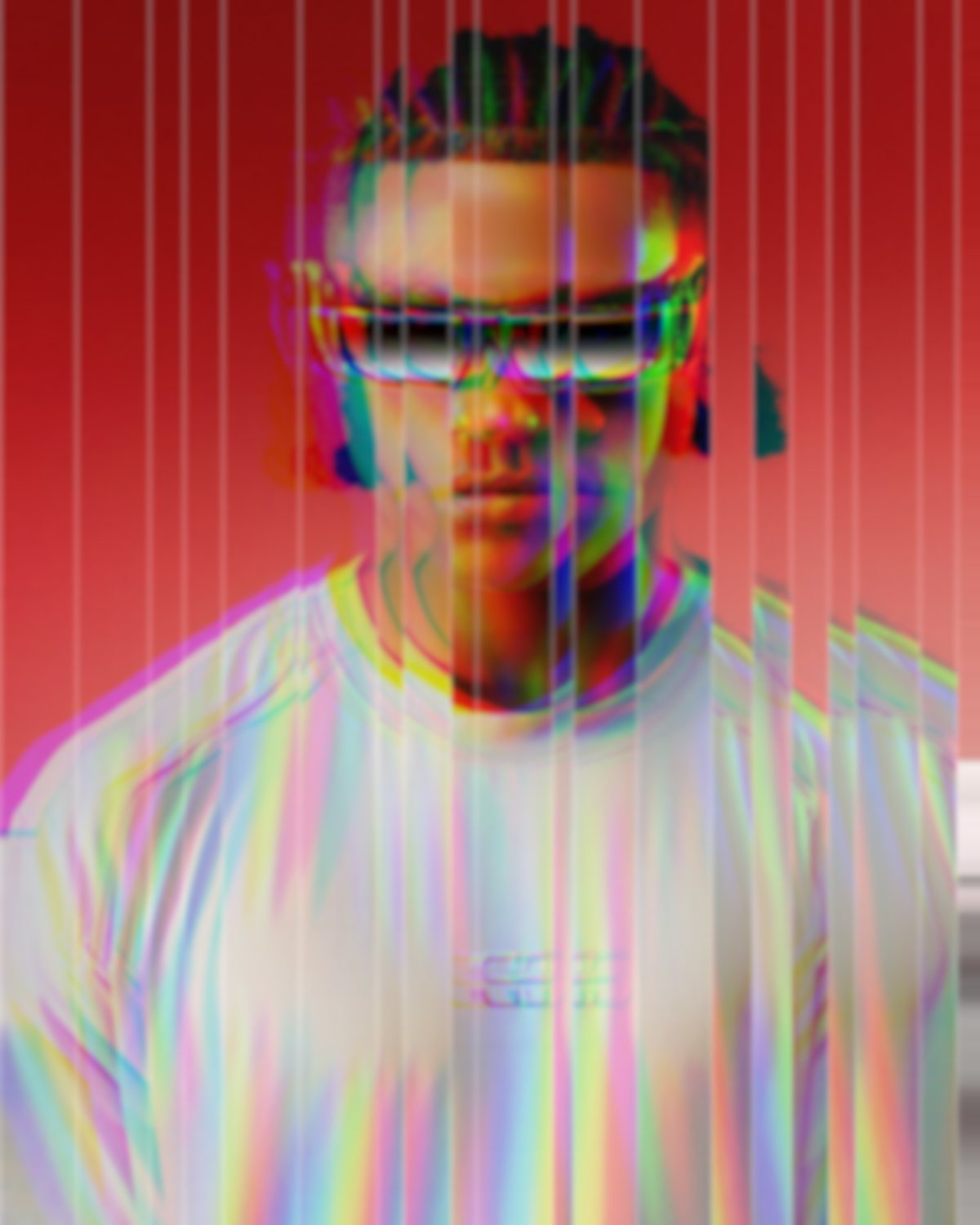
Slices the image into refracting facets, with lensing, dispersion and a specular edge.


 BeforeAfter
Glass Slice cuts your photo into strips or shards of glass. Each facet bends what is behind it, splits the light into colour ribbons and catches a bright edge. Presets run from shattered panes to venetian slats and a fan of facets.
- 3presets
- 16settings
- 3apps
Same effect, different presets.
8 photos, each with its own preset. Try it on yours



Use the glass refraction effect in Photoshop, Affinity or Figma.
One licence covers all three: $9.99 a month or $59.99 once. See pricing
Photoshop
Open Filter Archive from the Plugins menu, pick Glass Slice and press Apply. The result lands on a new layer above your original.
Mac & Windows · Photoshop 2024+Affinity
Choose Filters, Plugins, Filter Archive on a pixel layer, pick Glass Slice and apply it to that layer.
Mac & Windows · Affinity 3Figma
Select an image, frame or shape, run Filter Archive and apply Glass Slice as a new layer or in place.
Figma CommunitySettings worth touching.
- LensingRefraction
- How curved each facet is. Zero is a plain cut and shift; more makes it refract.
- DispersionRefraction
- Splits the light into colour ribbons inside each facet.
- Specular EdgeFinish
- A bright line where facets meet. Without it the strips read as an accident.
Plus 13 more in the panel, all editable after you pick a preset.
Glass Refraction Effect questions.
What is a glass refraction effect?
A glass refraction effect makes a photo look like it is seen through textured glass, such as fluted or reeded panels or broken shards, with the image bent and offset in each section.
How do I make a glass refraction effect in Photoshop?
Open Filter Archive from the Plugins menu and choose Glass Slice. Start from a preset such as Shatter or Venetian, adjust the settings while the preview updates, then press Apply. The result goes on a new layer and your original stays untouched.
Can I use it in Affinity or Figma?
Yes. The same Glass Slice filter runs in Affinity 3 on Mac and Windows, from Filters, then Plugins, then Filter Archive on a pixel layer, and in Figma on an image, frame or shape. One licence covers Photoshop, Affinity and Figma.
Which presets come with Glass Slice?
3 presets: Shatter, Venetian and Facet Fan. Every setting stays editable after you pick one, and you can save a stack of filters to use again.
Can I change the colours?
Glass Slice keeps the colours of the picture you run it on. To recolour the result, stack it with a filter that has its own palette, such as Thermal or Bitmap, in the same panel.
Related effects.
See all 35


Your photos next
Make a glass refraction effect yourself.
Glass Slice and 34 more effects in one plugin window, with a live preview and 166 presets. One licence covers Photoshop, Affinity and Figma.