
Op Art background
Op-art stripe fields pushed through ripple, turbulence and swirl. Flat, hard-edged and print-ready.


 Corner Blowout preset
Warp Field draws bold op-art patterns from nothing: stripes, rings and pinwheels bent through ripple, turbulence and swirl, or crossed into lattices and checkers. It is two flat colors with hard edges, so it prints clean at any size.
- 6presets
- 29settings
- 3apps
Same effect, different presets.
8 renders, each from its own preset or seed. Try it on yours


Use the op art background in Photoshop, Affinity or Figma.
One licence covers all three: $59.99, paid once. See pricing
Photoshop
Open Filter Archive from the Plugins menu, pick Warp Field under Backgrounds and press Apply. It draws on a new layer, no photo needed.
Mac & Windows · Photoshop 2024+Affinity
Choose Filters, Plugins, Filter Archive on a pixel layer and pick Warp Field. It fills that layer with the pattern.
Mac & Windows · Affinity 3Figma
Run Filter Archive with nothing selected and pick Warp Field. The pattern drops into your file as a new layer.
Figma CommunitySettings worth touching.
- PatternField
- The base pattern before any warping: stripes, rings, pinwheels and more.
- Band WidthField
- The distance from one band to the next.
- CrossingField
- Lays a second set of bands across the first. Union weaves a lattice; Knockout makes a checker.
Plus 26 more in the panel, all editable after you pick a preset.
Op Art Background questions.
What is an op art background?
An op art background is a pattern of hard-edged stripes or shapes bent so it seems to move or vibrate, in the style of 1960s optical art.
How do I make an op art background in Photoshop?
Open Filter Archive from the Plugins menu and choose Warp Field from the Backgrounds group. It draws from nothing, so you don't need a photo. Start from a preset such as MTV Ripple or Corner Blowout, adjust it while the preview updates, then press Apply to add it as a new layer.
Can I use it in Affinity or Figma?
Yes. Warp Field runs in Affinity 3 on Mac and Windows, from Filters, then Plugins, then Filter Archive, and in Figma through the Figma Community, where generators work with nothing selected. One licence covers Photoshop, Affinity and Figma.
Which presets come with Warp Field?
6 presets: MTV Ripple, Corner Blowout, Pinwheel, Rule Weave, Sydney Lattice and Sydney Shards. Every setting stays editable after you pick one, and you can save a stack of filters to use again.
Can I change the colors?
Yes. Warp Field has Ink and Paper color controls, so you can set them to any color, including your own palette.
Related effects.
See all 43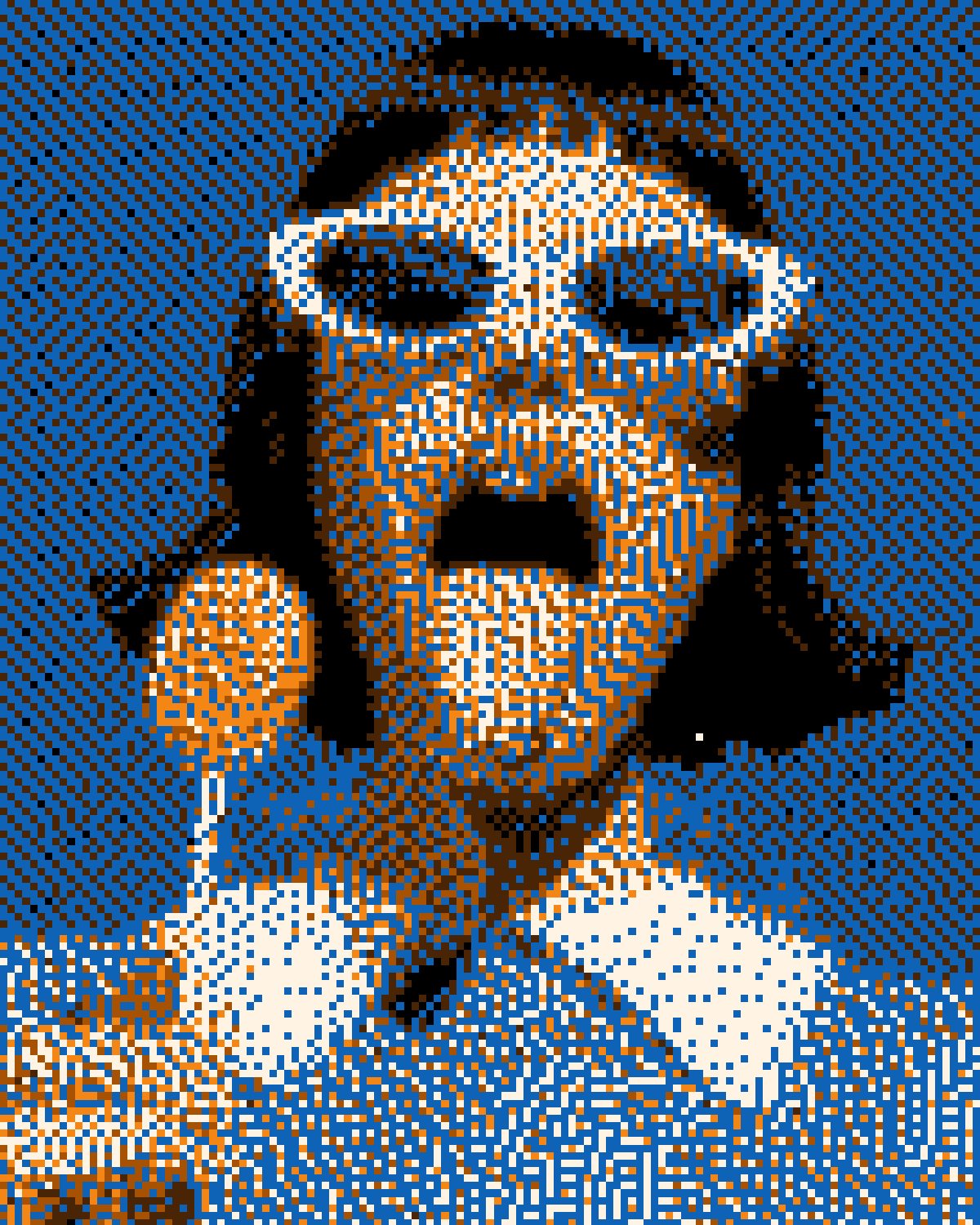



Your photos next
Make an op art background yourself.
Warp Field and 42 more effects in one plugin window, with a live preview and 235 presets. One licence covers Photoshop, Affinity and Figma.