Every filter Photoshop should have shipped with.
43 filters and background generators. Stack them, tweak every setting, save the stack. Inside Photoshop, Affinity and Figma, on your own layers.
One plugin
Design with no limits.
43 filters and background generators in one plugin, for Photoshop, Affinity and Figma. Stack them, tweak anything, save the stack.
- 43 filters, including 9 background generators
- Photoshop, Affinity and Figma on one licence
- Every setting open, nothing baked in
- Future filter updates free
That panel is the real engine. Drag a slider.
Scroll
Before / after
Drag it.
You didn't get into design to make what everyone else is making. Pull the line across: same photo, pushed one idea further, and now it has a point of view.


Watch it work
Make your designs stand out.
Watch a plain photo become the one people stop scrolling for. Pick a filter, stack another, and push it until nobody else's work looks like yours.
 From 0:48
Filter Archive | The Filters Photoshop Should've Had · Open on YouTube ↗
Stacks
Filters stack. Turn them off.
Layer filters like layers. Toggle one off, reorder, change one three filters down, and the result updates. Save the whole stack with a name and it's one click next time.

Click a row to switch it off. The photo is a real render every time.
Click one. Same photo, saved stack applied.
The gallery
Everything in the box.
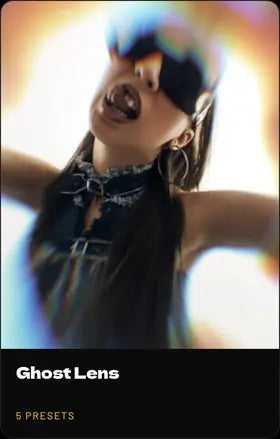
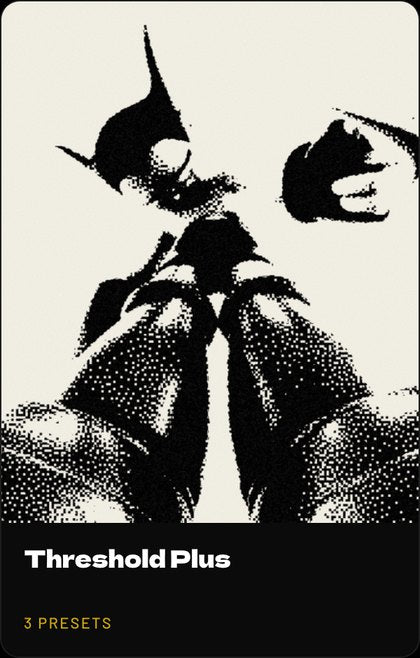
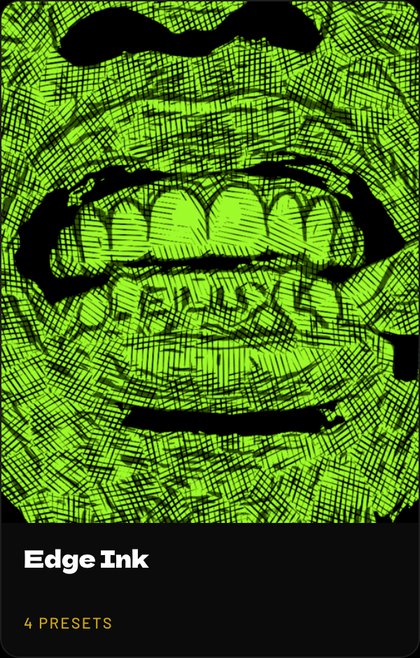
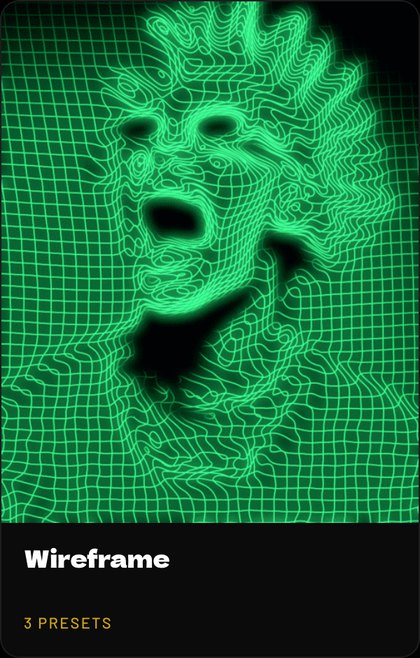
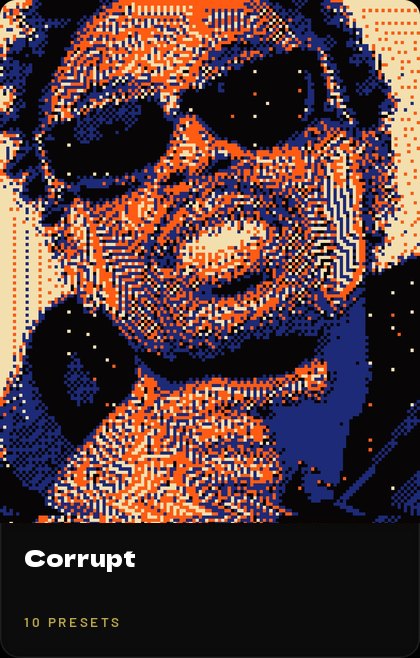
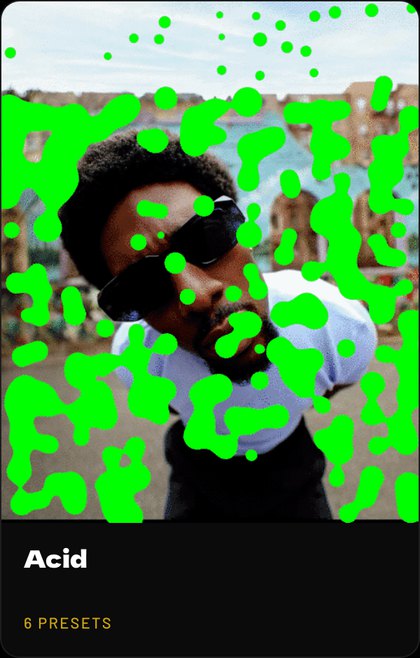
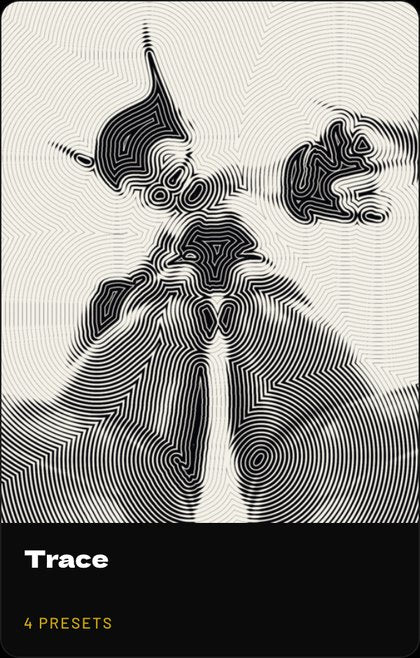
Hover a photo filter to see what it started from. Browse all 43 effects up close
One photo
One photo. Every filter.
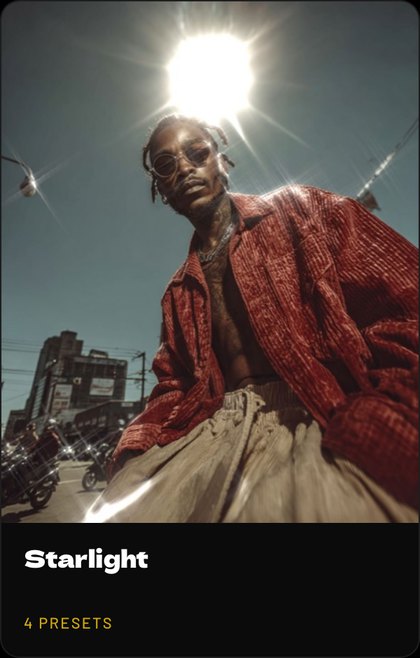
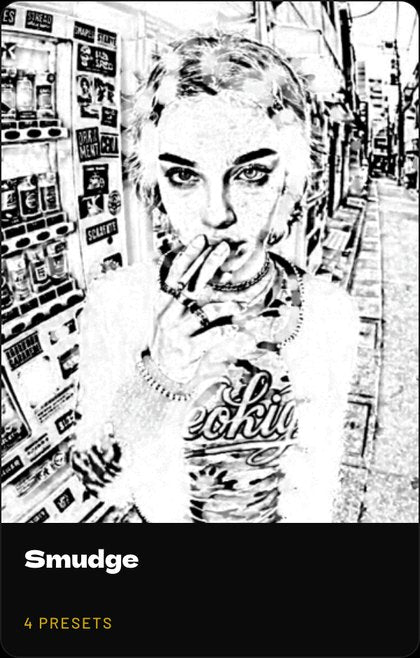
The same picture 34 times over. Every one of these is a filter you can open up, not a look you're stuck with.
 Original
Pricing
Pay once, own it.
One payment, one plugin, all three apps, every filter. Checkout is by Stripe and the licence lands in your inbox.
Photoshop 2024 or newer and Affinity, on Mac and Windows. Figma plugin in the Community. One licence covers all three.
- All 43 filters and generators
- Photoshop, Affinity and Figma
- New filters as they ship, free
- One payment, yours to keep
Made for exploratory designers and art directors. Thirty-five ways to push a picture somewhere new, then push it further, in the time it used to take to try one.
FAQ
Questions, answered.
What is Filter Archive?
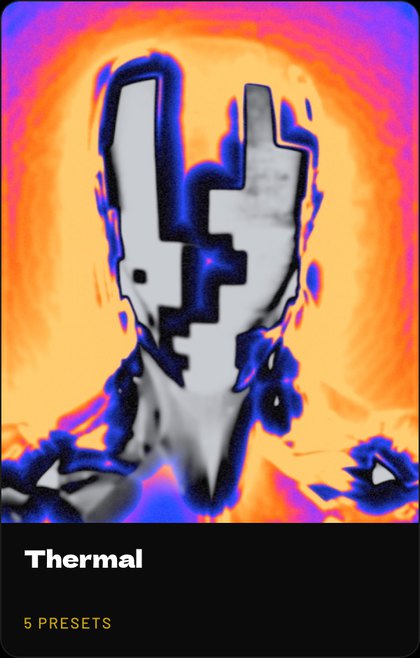
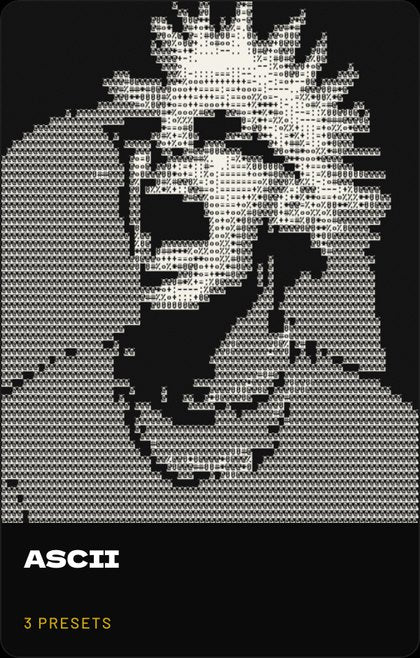
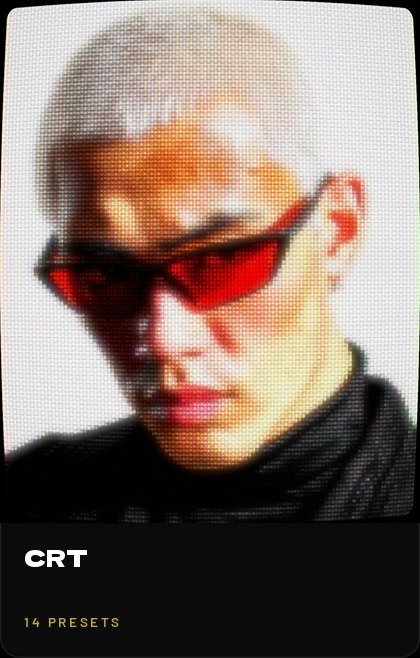
Filter Archive is a plugin that adds 43 filters to Photoshop, Affinity and Figma: 34 photo effects like halftone, risograph, CRT, VHS, thermal and ASCII, plus 9 background generators. Every setting stays editable, and there are 235 presets to start from.
Which apps and computers does it work on?
Is there a Filter Gallery for Affinity?
Affinity doesn't come with anything like Photoshop's Filter Gallery, and Filter Archive fills that gap. It's a filter gallery for Affinity 3 in one plugin: 42 effects including halftone, risograph, CRT, VHS, thermal and ASCII, each with a live preview and every setting editable. It runs on Mac and Windows. More on the Affinity filter gallery.
How do I make a halftone effect in Photoshop?
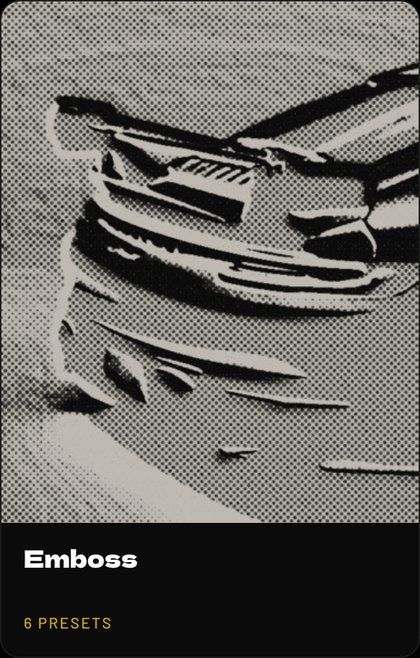
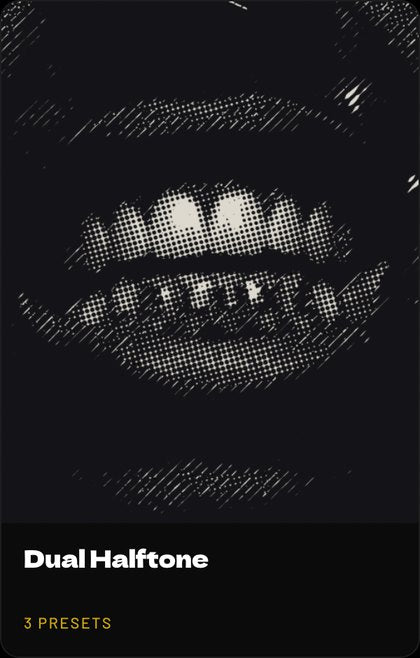
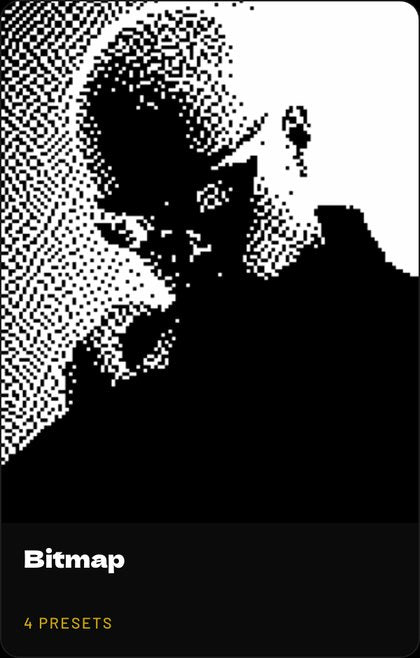
Open Filter Archive from the Plugins menu, choose Dual Halftone and start from a preset like Newsprint or Zine. Drag Size and Angle to set the dots, then press Apply. For a one-color dot or dither look, Bitmap does the same job.
How do I get a risograph print look in Photoshop?
Use Bitmap with the Riso palette for a flat, grainy print in a few inks, or Dual Halftone's Two Color preset for a two-ink screen. Stack a second filter on top to push it further.
Can it do CRT, VHS and glitch effects?
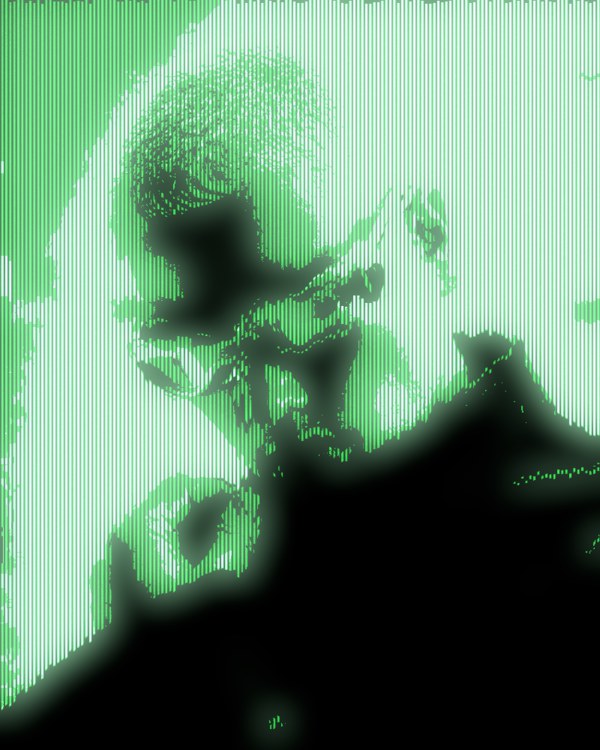
Yes. CRT adds scanlines and phosphor glow, VHS Tape recreates worn videotape, and Datamosh, Broadcast, Chromatic Aberration, Corrupt and Vibrate cover the glitch looks. All of them run live on your own image.
Will it change my original image?
Not in Photoshop: Apply puts the result on a new layer and leaves your original untouched. In Affinity it works like any filter plugin, on the layer you run it on, so duplicate the layer first if you want to keep the original.
Can I stack filters and save my own looks?
Yes. Stack filters like layers, reorder them, switch any one off, and save the stack to use again on the next image.
How much does Filter Archive cost?
$59.99, paid once. That's lifetime access to every filter, all three apps and new filters as they ship.
How do I install it after buying?
You get an email with a download button for Photoshop and one for Affinity. In Photoshop, double-click the file and Creative Cloud installs it under the Plugins menu. The Figma plugin installs from the Figma Community. The first time you open it, sign in with the email you bought with and enter the 6-digit code we send you.
How many computers can I use it on?
A licence covers three computers for Photoshop and Affinity, and another three for Figma. That's a laptop and a studio machine with room to spare.
Does it work offline?
Yes. The filters render on your own computer, and the plugin only needs to check in online once every 7 days.