
Melt effect
Reads tone as a force and drags the picture along it: tearing, streaming, coming apart.


 BeforeAfter
Decay makes a photo slump, tear and stream. It reads the picture's tones as a force field and drags the pixels along it in many small steps, so the motion follows curves. Let only the shadows move, add swirl for a vortex, or smear the whole trail.
- 7presets
- 15settings
- 3apps
Same effect, different presets.
8 photos, each with its own preset. Try it on yours




Use the melt effect in Photoshop, Affinity or Figma.
One licence covers all three: $59.99, paid once. See pricing
Photoshop
Open Filter Archive from the Plugins menu, pick Decay and press Apply. The result lands on a new layer above your original.
Mac & Windows · Photoshop 2024+Affinity
Choose Filters, Plugins, Filter Archive on a pixel layer, pick Decay and apply it to that layer.
Mac & Windows · Affinity 3Figma
Select an image, frame or shape, run Filter Archive and apply Decay as a new layer or in place.
Figma CommunitySettings worth touching.
- StepsField
- How many small moves the drag is made of. Many follow the field's curves; one big one is a straight shove.
- SwirlField
- Rotates the force field. At 90 the drag becomes a vortex.
- What MovesGate
- Which tones travel. Moving only part of the range makes one thing slump out of another.
Plus 12 more in the panel, all editable after you pick a preset.
Melt Effect questions.
What is a melt effect?
A melt effect makes an image look like it is dripping, sliding or being pulled apart, with parts of the picture dragged into streaks while others stay in place.
How do I make a melt effect in Photoshop?
Open Filter Archive from the Plugins menu and choose Decay. Start from a preset such as Torn or Wind, adjust the settings while the preview updates, then press Apply. The result goes on a new layer and your original stays untouched.
Can I use it in Affinity or Figma?
Yes. The same Decay filter runs in Affinity 3 on Mac and Windows, from Filters, then Plugins, then Filter Archive on a pixel layer, and in Figma on an image, frame or shape. One licence covers Photoshop, Affinity and Figma.
Which presets come with Decay?
7 presets: Torn, Wind, Melt, Gather, Combed, Shadows Only and Long Drag. Every setting stays editable after you pick one, and you can save a stack of filters to use again.
Can I change the colors?
Decay keeps the colors of the picture you run it on. To recolor the result, stack it with a filter that has its own palette, such as Thermal or Bitmap, in the same panel.
Related effects.
See all 43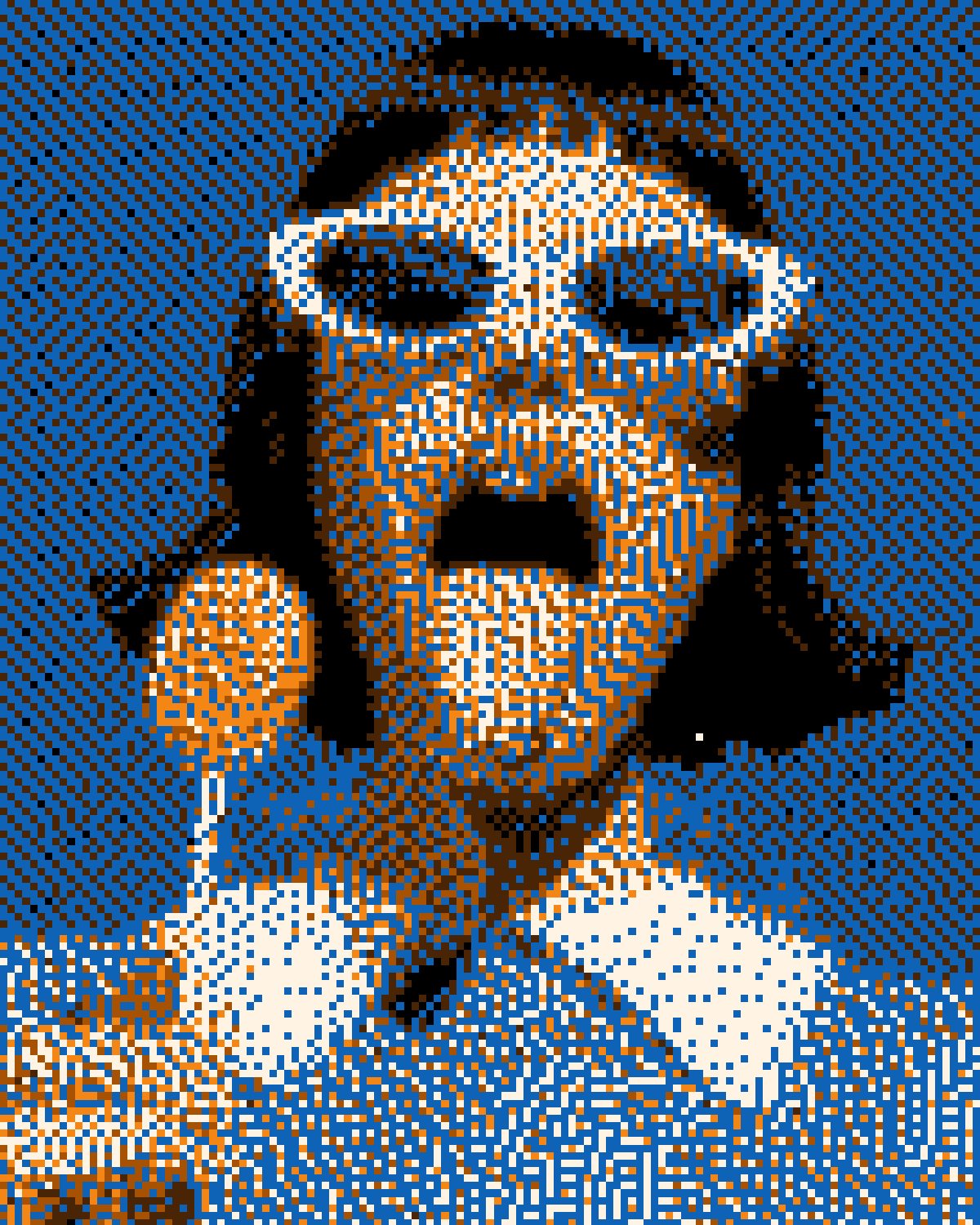




Your photos next
Make a melt effect yourself.
Decay and 42 more effects in one plugin window, with a live preview and 235 presets. One licence covers Photoshop, Affinity and Figma.