
Corrupted Image effect
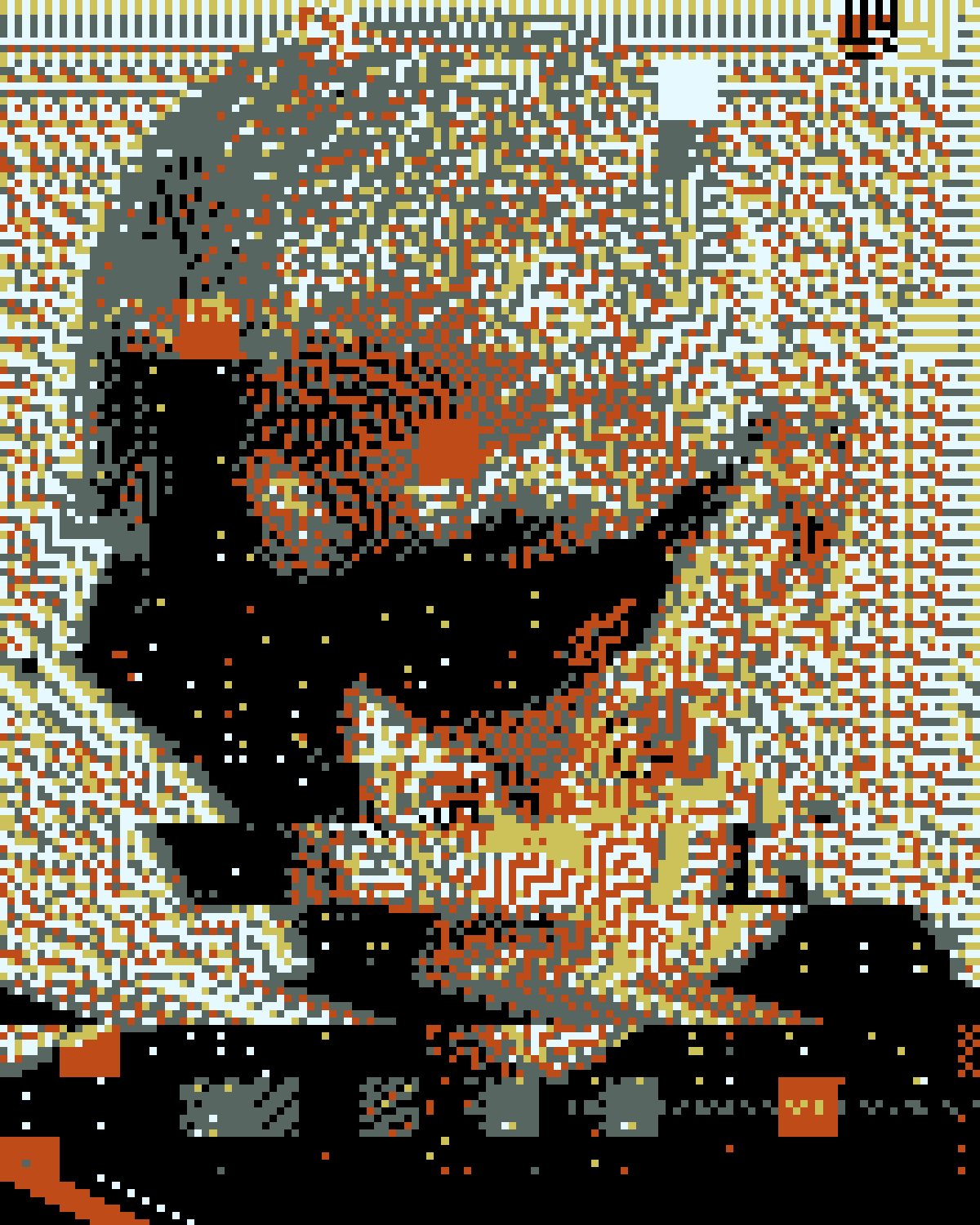
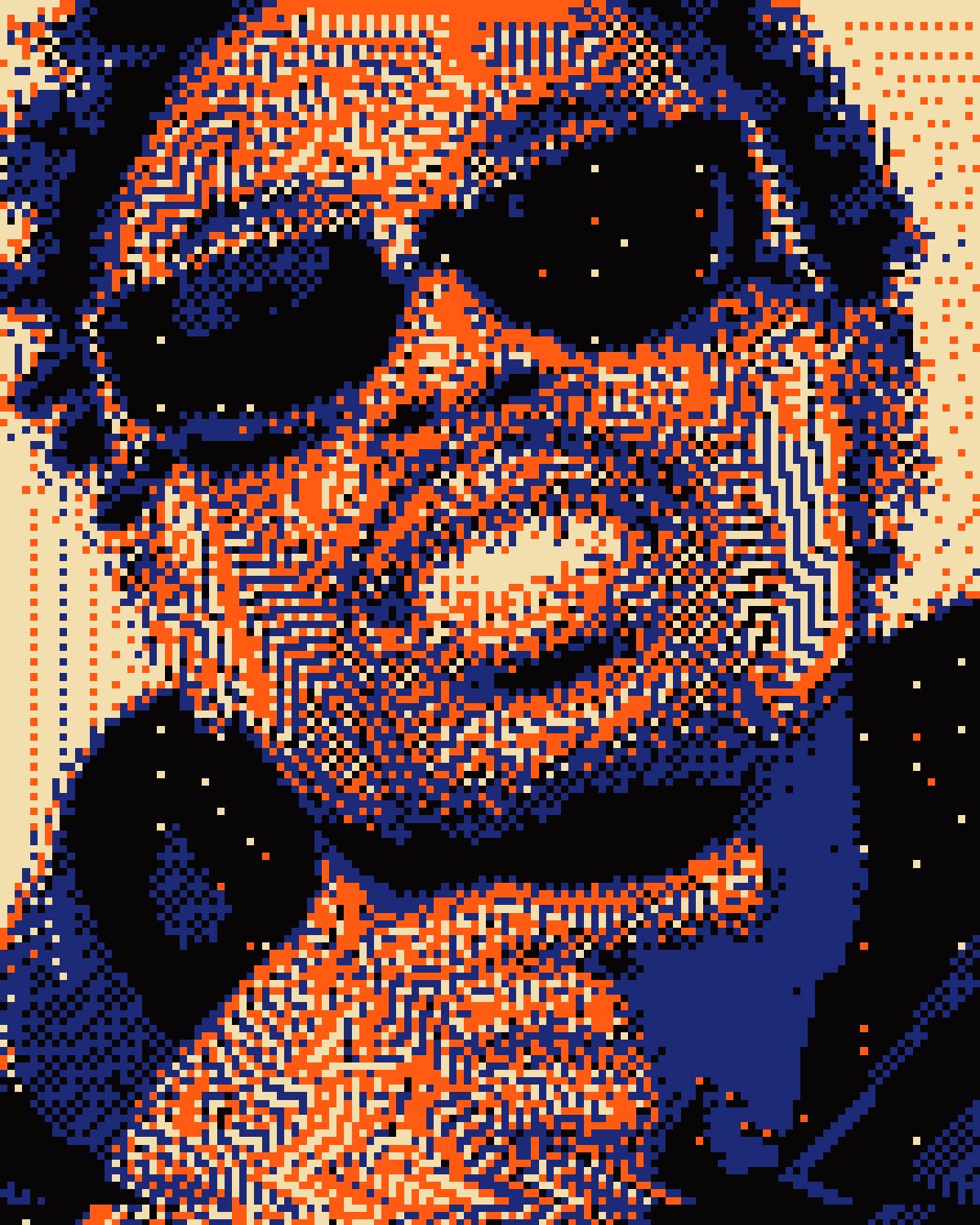
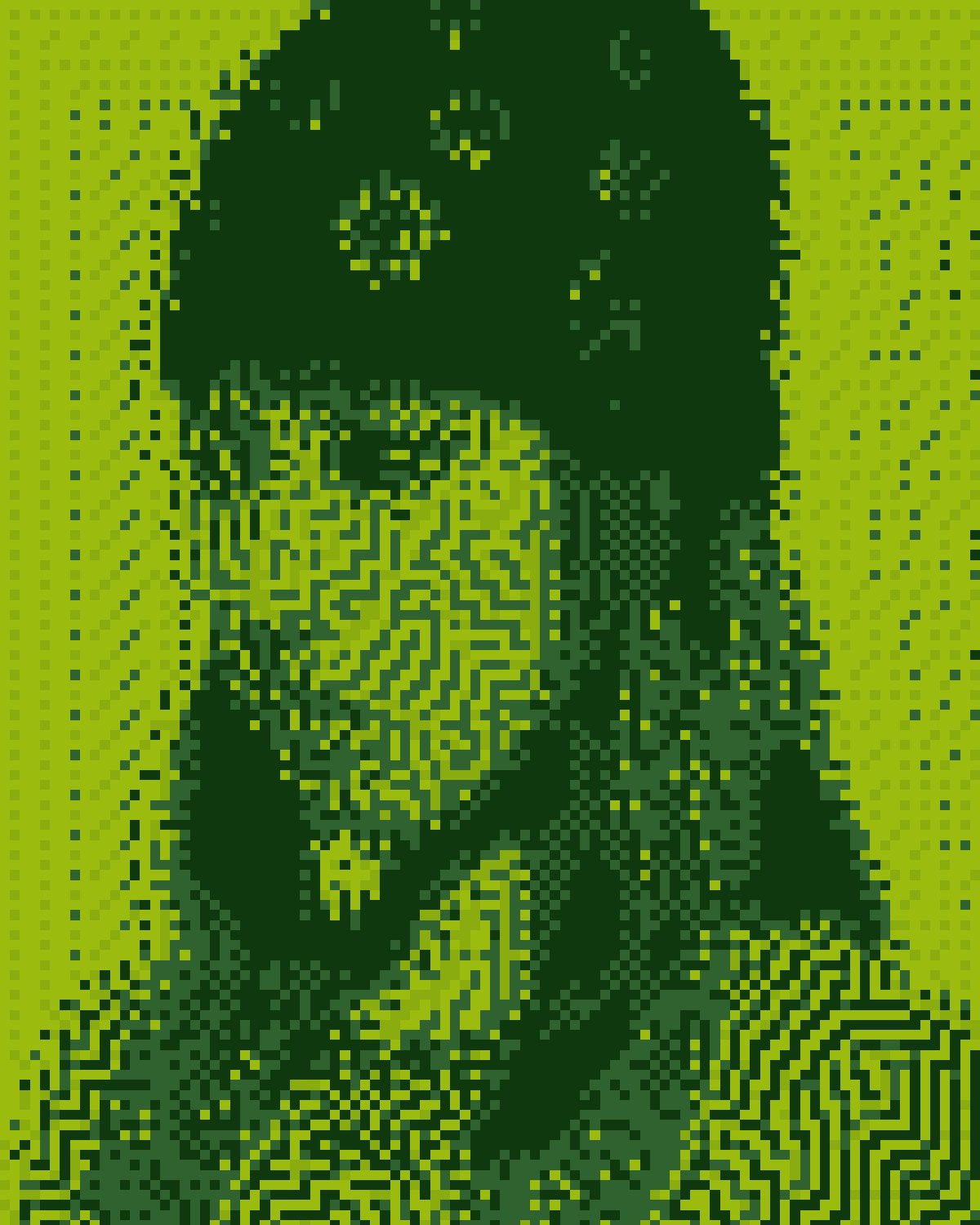
A photo decaying into the few colors that survive it: broken dithering, leaking error and smeared scanlines.


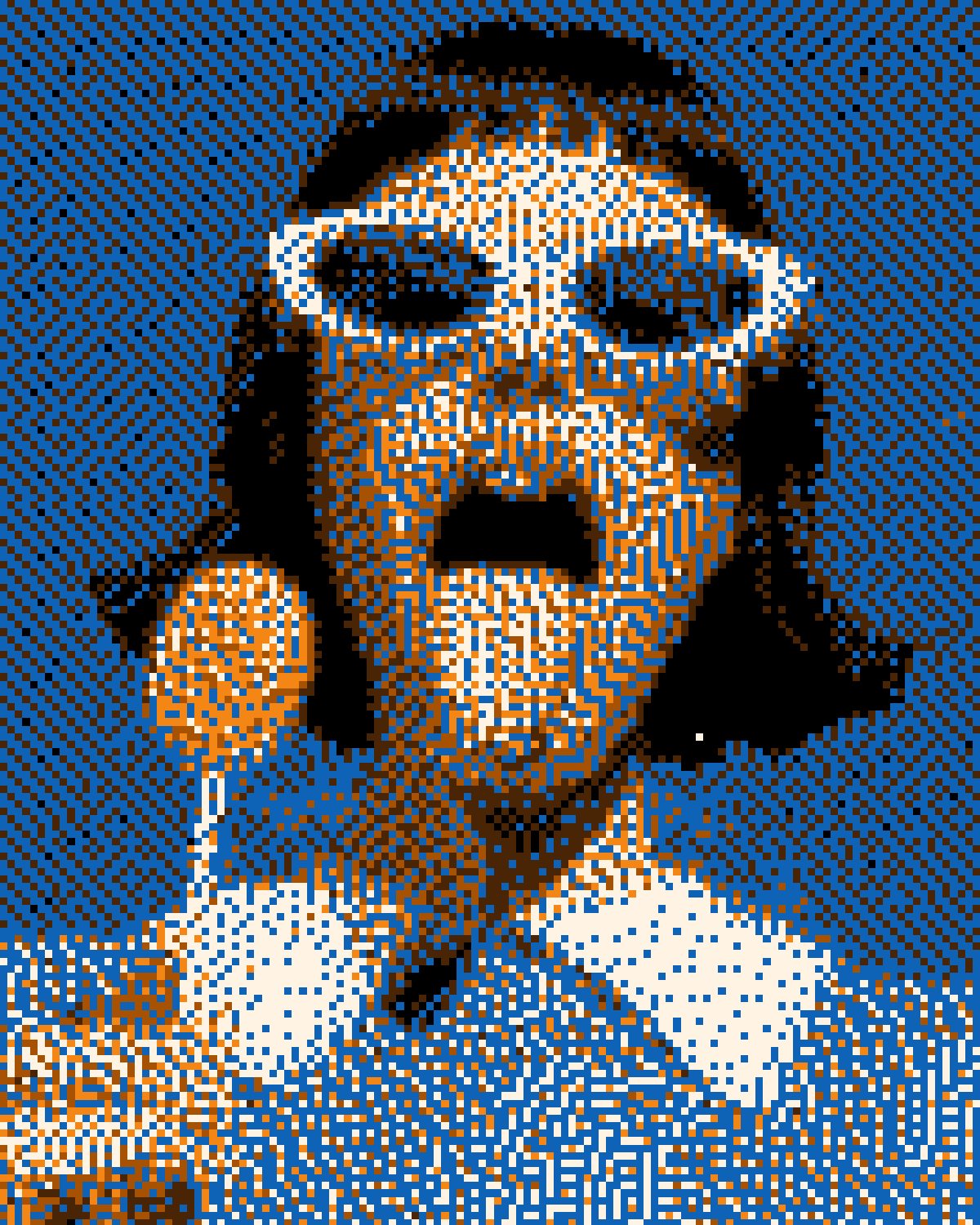 BeforeAfter
Corrupt pushes your photo down to a handful of colors and lets the process fail on purpose. The dither breaks into stripes and checkerboards, error leaks into the blacks as dotted lines, blocks go wrong and scanlines smear, then you recolor whatever survives. Ten presets run from the first signs of damage to a full meltdown and a broken download.
- 10presets
- 21settings
- 3apps
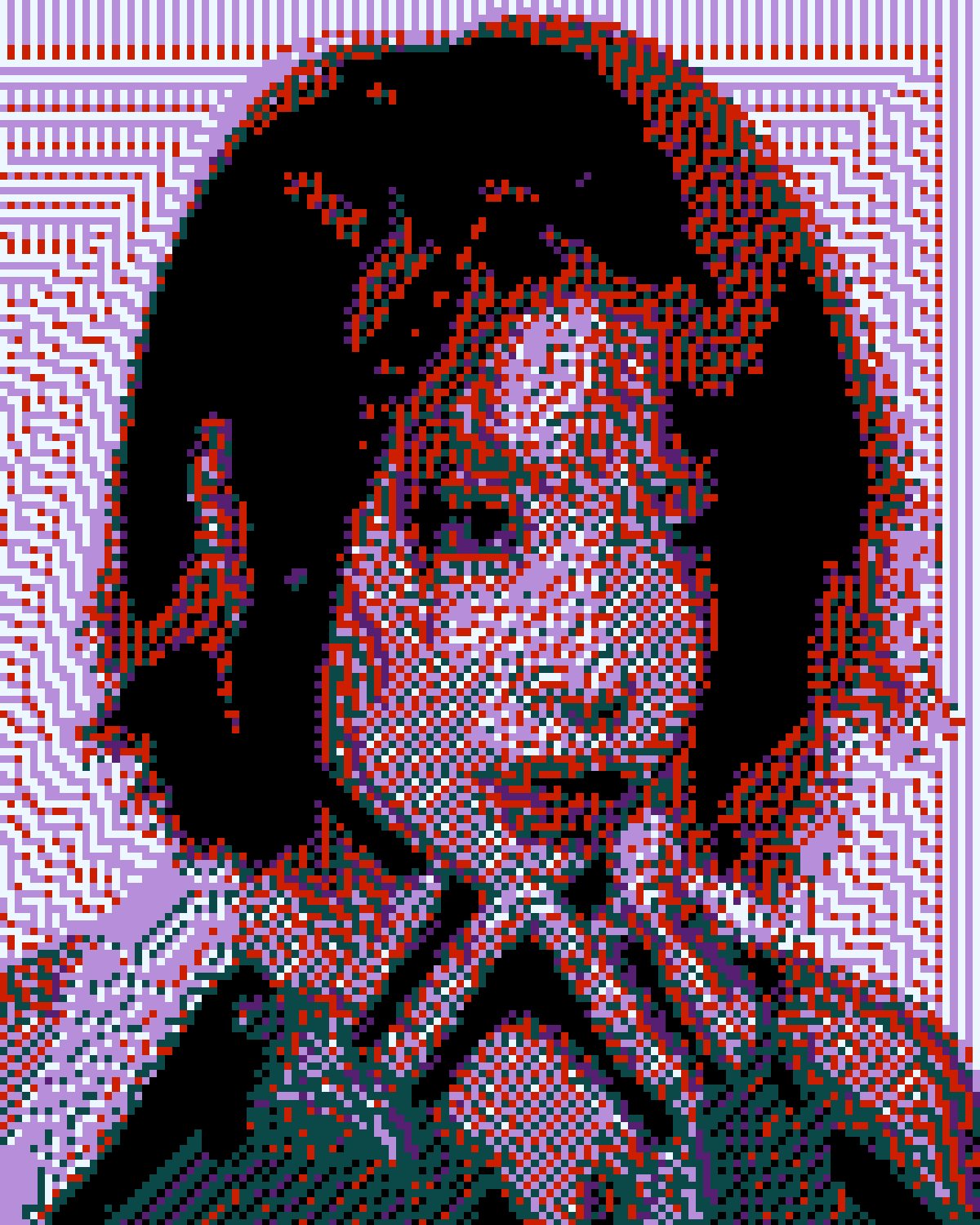
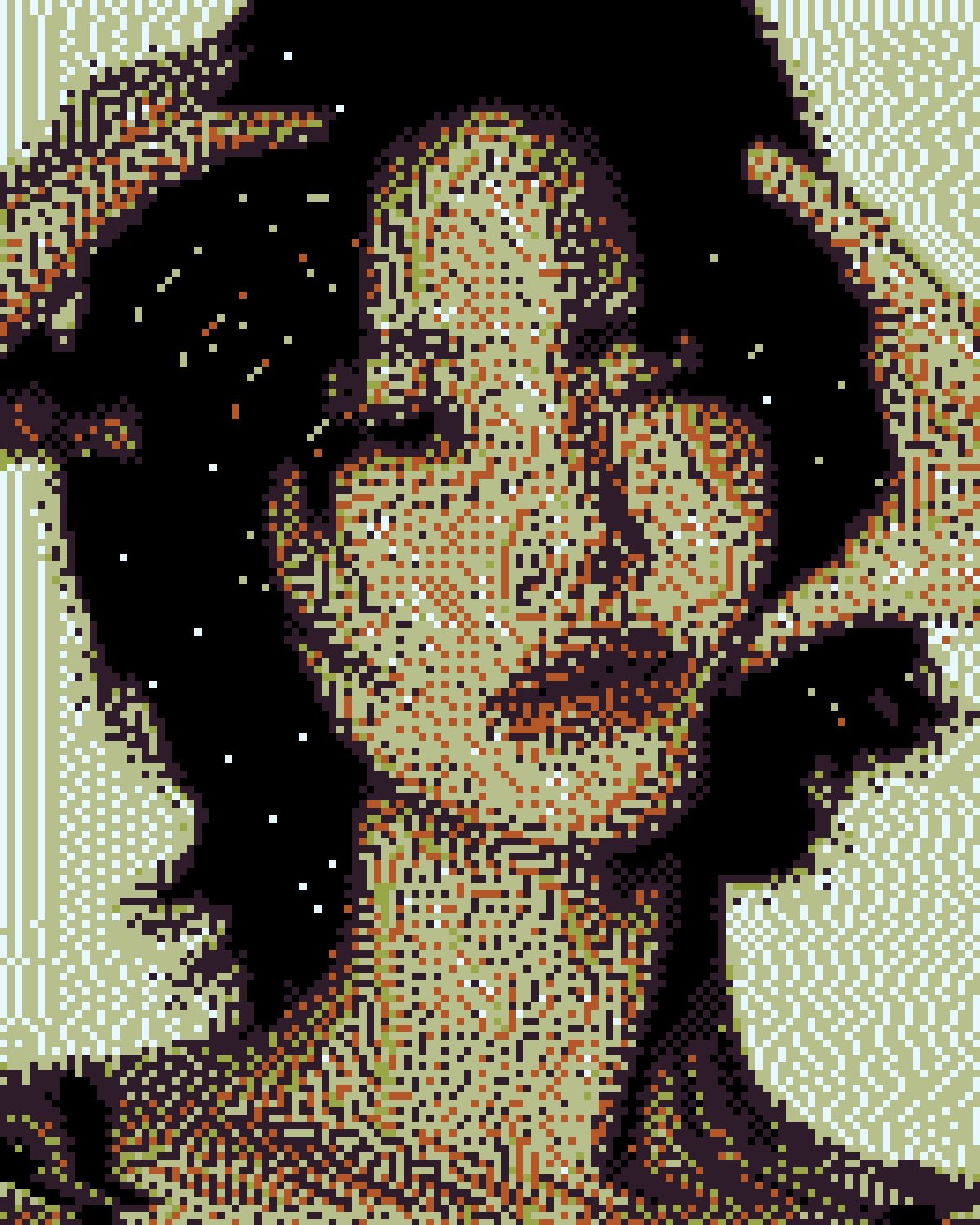
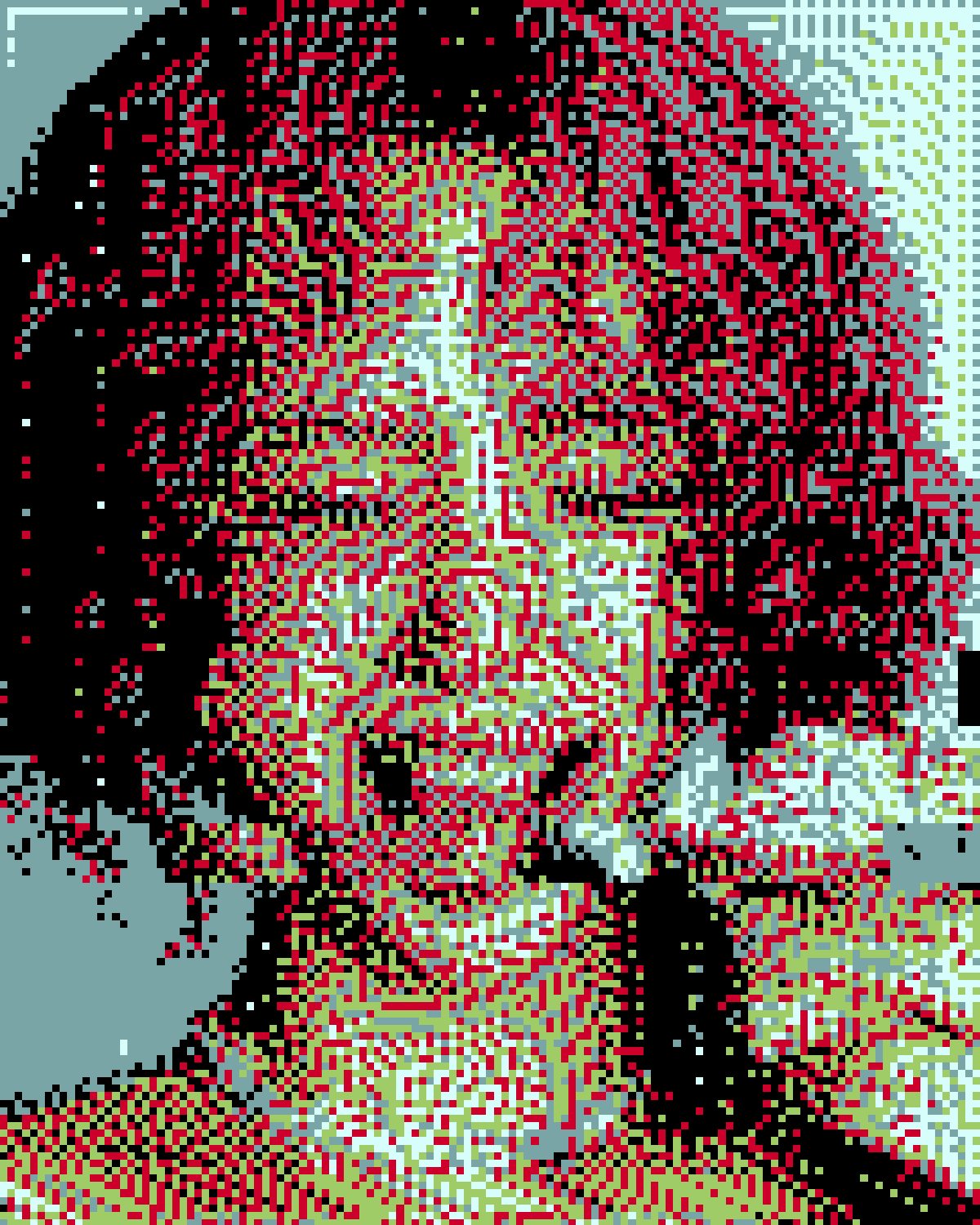
Same effect, different presets.
8 photos, each with its own preset. Try it on yours

Use the corrupted image effect in Photoshop, Affinity or Figma.
One licence covers all three: $59.99, paid once. See pricing
Photoshop
Open Filter Archive from the Plugins menu, pick Corrupt and press Apply. The result lands on a new layer above your original.
Mac & Windows · Photoshop 2024+Affinity
Choose Filters, Plugins, Filter Archive on a pixel layer, pick Corrupt and apply it to that layer.
Mac & Windows · Affinity 3Figma
Select an image, frame or shape, run Filter Archive and apply Corrupt as a new layer or in place.
Figma CommunitySettings worth touching.
- CorruptionCorrupt
- How far gone the picture is. At zero it is the photo; every step takes colors away, coarsens the pixels and breaks the dither a little more.
- Colors LeftColor
- How many colors survive at full corruption. The middle tones die first, so the extremes are what is left.
- LeakDither
- Error escaping into the blacks as thin dotted lines, in the color of whatever they crossed last.
Plus 18 more in the panel, all editable after you pick a preset.
Corrupted Image Effect questions.
What is a corrupted image effect?
A corrupted image effect makes a picture look like a damaged file or a failing display: too few colors, broken patterns, shifted blocks and smeared rows, the look of a glitched GIF or a half-loaded download.
How do I make a corrupted image effect in Photoshop?
Open Filter Archive from the Plugins menu and choose Corrupt. Start from a preset such as Decay or First Signs, adjust the settings while the preview updates, then press Apply. The result goes on a new layer and your original stays untouched.
Can I use it in Affinity or Figma?
Yes. The same Corrupt filter runs in Affinity 3 on Mac and Windows, from Filters, then Plugins, then Filter Archive on a pixel layer, and in Figma on an image, frame or shape. One licence covers Photoshop, Affinity and Figma.
Which presets come with Corrupt?
10 presets: Decay, First Signs, Sunset Cross, Knight, Night Grid, Broken Download, Rot, Meltdown, Ember Swap and Pocket. Every setting stays editable after you pick one, and you can save a stack of filters to use again.
Can I change the colors?
Corrupt keeps the colors of the picture you run it on. To recolor the result, stack it with a filter that has its own palette, such as Thermal or Bitmap, in the same panel.
Related effects.
See all 42




Your photos next
Make a corrupted image effect yourself.
Corrupt and 41 more effects in one plugin window, with a live preview and 226 presets. One licence covers Photoshop, Affinity and Figma.