
Rim Light effect
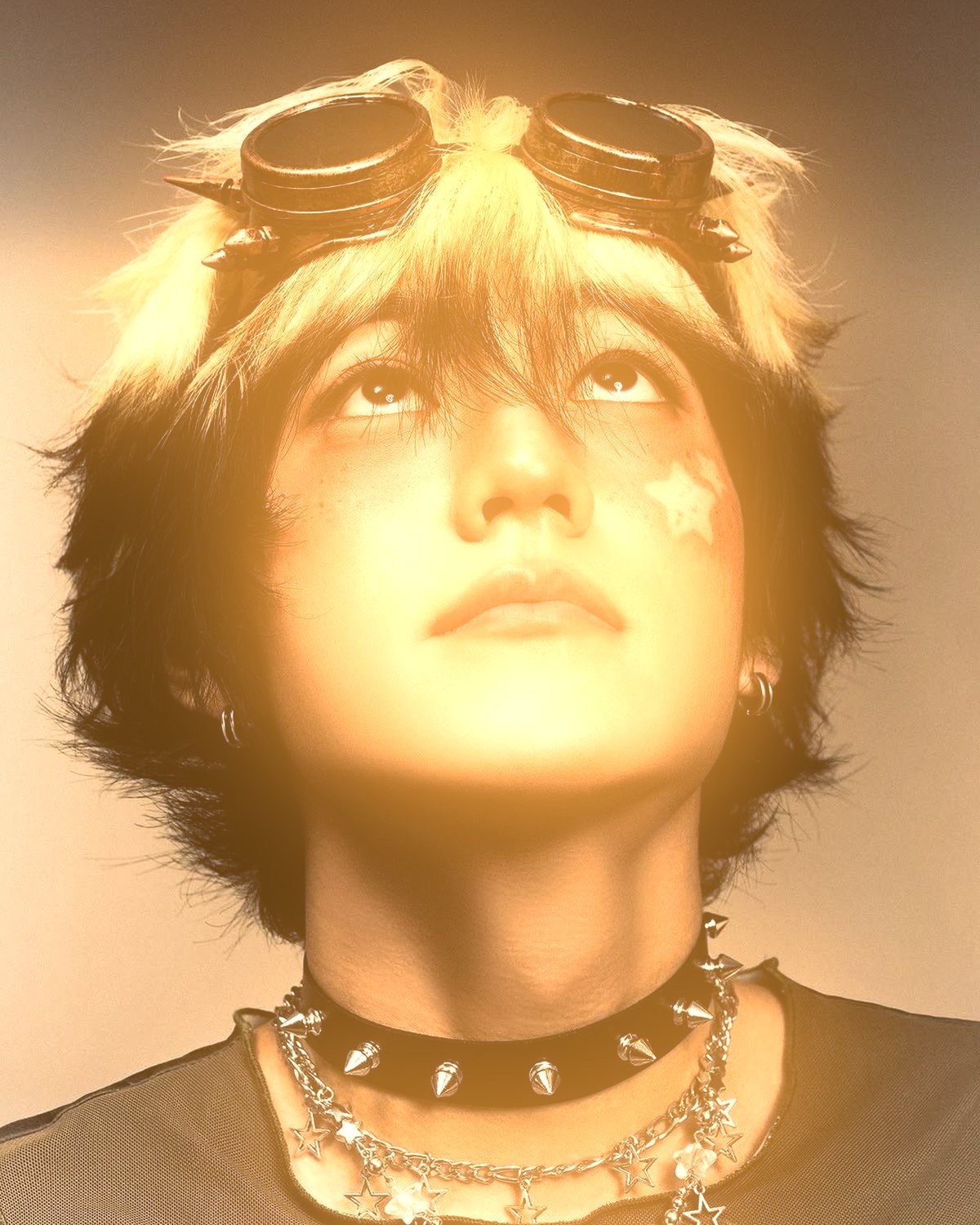
Designer-style rim lighting round your subject: a hot contact line, a soft rim, bloom and a glow behind.

 BeforeAfter
Rim Light paints rim lighting the way designers do it by hand in Photoshop, in one filter. Photoshop's Select Subject finds your subject, then a hard contact line, a soft rim broken up by hair and fabric, a bloom and a soft glow behind are added to the edges that face the light, on top of the photo's own colors. Drag the light round the subject, turn on a second one opposite, or put a flat color behind for a dark studio.
- 8presets
- 32settings
- 1app
Same effect, different presets.
One photo through every preset. Try it on yours






Use the rim light effect in Photoshop.
$59.99, paid once, for the whole plugin. The other filters also run in Affinity and Figma. See pricing
Settings worth touching.
- LightLight
- Where the light comes from. Drag its handle round the subject on the picture, and only the edges facing it catch the light.
- SpreadLight
- How much of the outline the light reaches. At 360° it rings the whole subject in a halo.
- BackgroundSubject
- Keep the photo behind the subject, put a flat color behind it for a dark studio, or clear it so the light spills into a transparent layer.
Plus 29 more in the panel, all editable after you pick a preset.
Rim Light Effect questions.
What is a rim light effect?
A rim light effect puts a thin line of light along the edges of a subject, as if a lamp stood behind it, so the subject separates from the background. Designers usually paint it by hand with soft brushes in Linear Dodge; this builds the same stages in one step.
How do I make a rim light effect in Photoshop?
Open Filter Archive from the Plugins menu and choose Rim Light. Start from a preset such as Golden or Ember, adjust the settings while the preview updates, then press Apply. The result goes on a new layer and your original stays untouched.
Can I use it in Affinity or Figma?
Not yet. Rim Light is in the Photoshop plugin for now. The other Filter Archive filters run in Affinity 3 and Figma on the same licence.
Which presets come with Rim Light?
8 presets: Golden, Ember, Moonlight, Studio, Halo, Crimson, Neon Duo and Cyber. Every setting stays editable after you pick one, and you can save a stack of filters to use again.
Can I change the colors?
Yes. Rim Light has Color, Color, Bloom Color and Background Color color controls, so you can set them to any color, including your own palette.
Related effects.
See all 43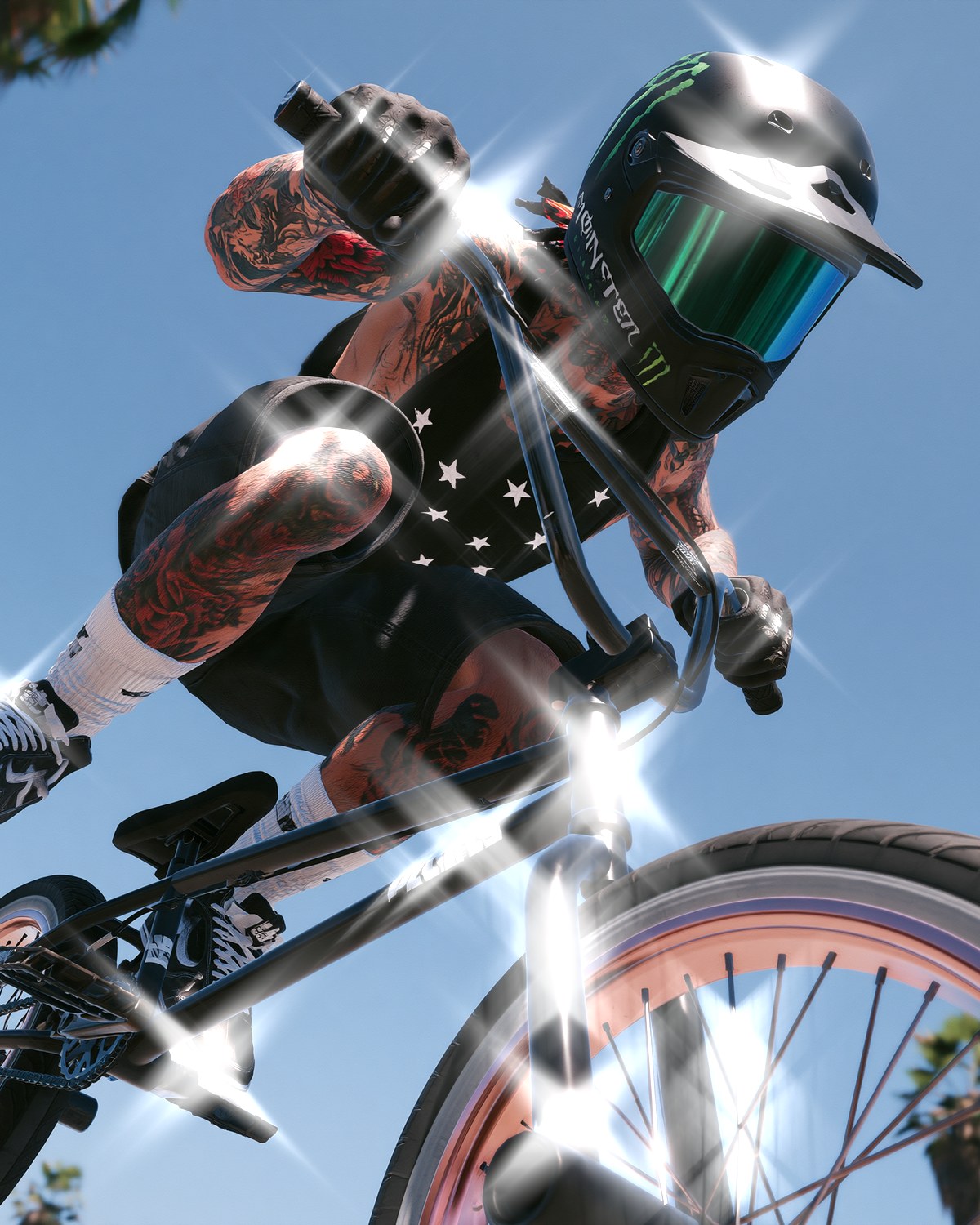




Your photos next
Make a rim light effect yourself.
Rim Light and 42 more effects in one plugin window, with a live preview and 235 presets. One licence covers Photoshop, Affinity and Figma.