
What the Filter Gallery is
The Filter Gallery is Photoshop's built-in browser for creative filters, under Filter > Filter Gallery. Adobe groups its effects into six categories: Artistic, Brush Strokes, Distort, Sketch, Stylize and Texture. You can stack several effects with the New effect layer button and apply them together, and applying it to a Smart Object keeps the result editable (Adobe: apply filters from the Filter Gallery; Adobe: Smart Filters).
Where it falls short
- It doesn't run on 16-bit files. The Artistic, Brush Strokes, Sketch and Texture filters aren't on Adobe's list of filters that support 16-bit and 32-bit documents, which is the usual reason the Filter Gallery is greyed out.
- Sketch filters draw in your swatch colors. Adobe notes that many Sketch filters redraw the image in the foreground and background colors, so you set the ink before you open the gallery, not inside it.
- The looks are from another era. Watercolor, colored pencil and plastic wrap are all there; CRT, VHS, thermal, dithering and datamosh aren't.
Option 1: Photoshop's other built-in filters
A few modern looks have rough built-in versions outside the gallery. They're quick, with limited control:
| Look | Built-in route |
|---|---|
| Halftone dots | Filter > Pixelate > Color Halftone |
| 1-bit dither | Image > Mode > Grayscale, then Image > Mode > Bitmap with Diffusion Dither |
| Edge drawing | Filter > Stylize > Find Edges |
| Relief | Filter > Stylize > Emboss |
| Square mosaic | Filter > Pixelate > Mosaic |
Adobe's filter effects reference lists every built-in filter if you want to dig further.
Option 2: a filter plugin
A filter plugin brings its own effects, usually with a live preview and far more control. Here is how Filter Gallery favourites map to Filter Archive filters:
| If you used… | Try… |
|---|---|
| Halftone Pattern (Sketch) | Halftone effect: two screens, your own inks and paper |
| Photocopy (Sketch) | Photocopy effect: real copy-of-a-copy generations |
| Stamp (Sketch) | Threshold effect: two tones with a toner edge |
| Bas Relief, Plaster (Sketch) | Emboss effect: lit relief, rubbing and foil presets |
| Chalk & Charcoal (Sketch) | Stipple effect: Chalk preset, marks that follow the form |
| Graphic Pen (Sketch) | Ink Drawing effect: contours, hatching and two inks |
| Glowing Edges (Stylize) | Contour Line effect or Wireframe effect |
| Mosaic Tiles, Stained Glass (Texture) | Mosaic effect: adaptive tiles, tesserae and poster fills |
| Glass, Ocean Ripple (Distort) | Glass Refraction effect |
| Diffuse Glow (Distort) | Star Filter effect: Soft Bloom preset |
| Grain (Texture) | Photocopy texture as an overlay |

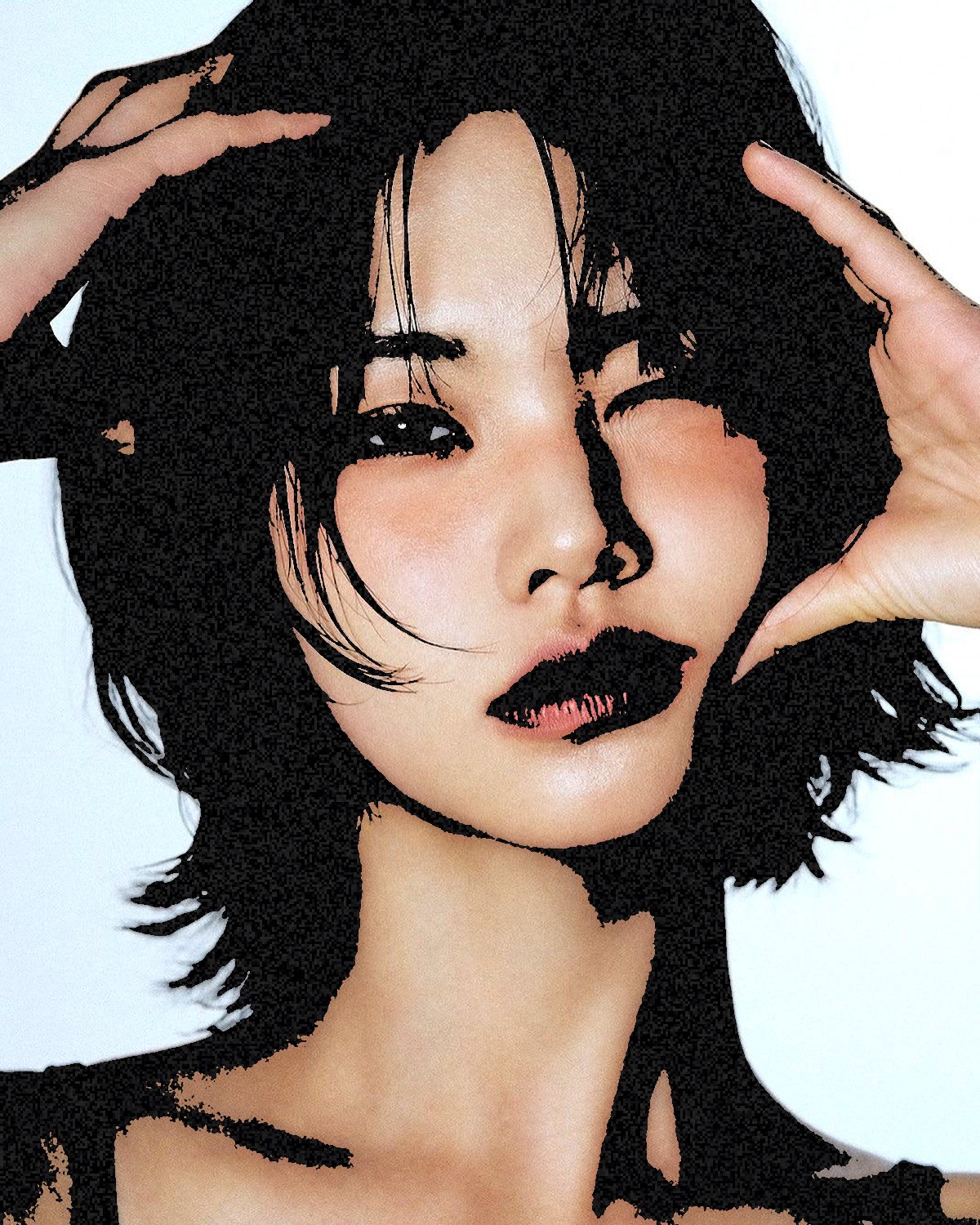


Looks the Filter Gallery never had
These are the reason most people go looking for an alternative in the first place:


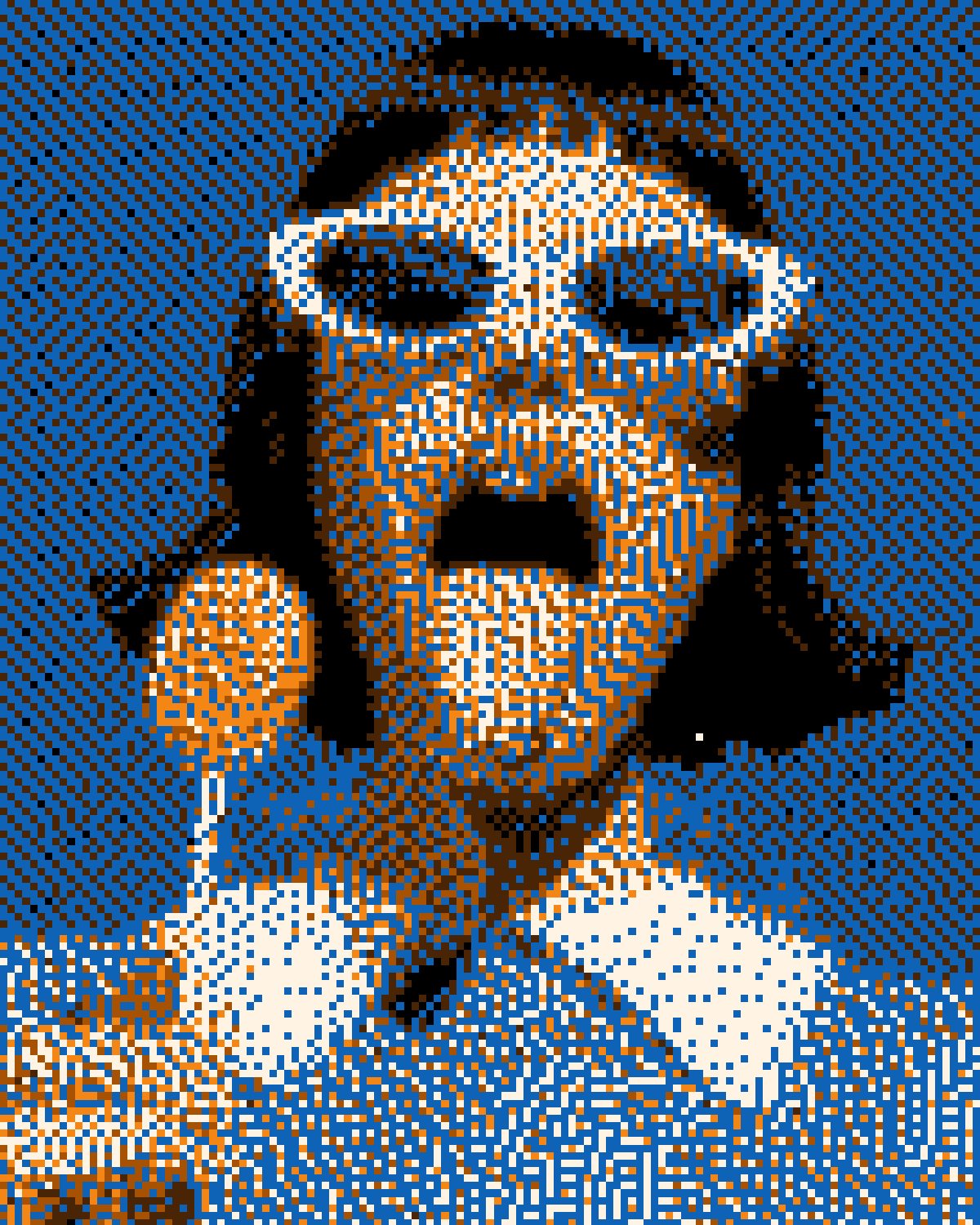
When to keep using the Filter Gallery
For painterly media (watercolor, colored pencil, dry brush, palette knife) the built-in gallery is still the right tool, and Filter Archive doesn't try to replace it. Use both: the gallery for paint, a plugin for print, screen and glitch.