
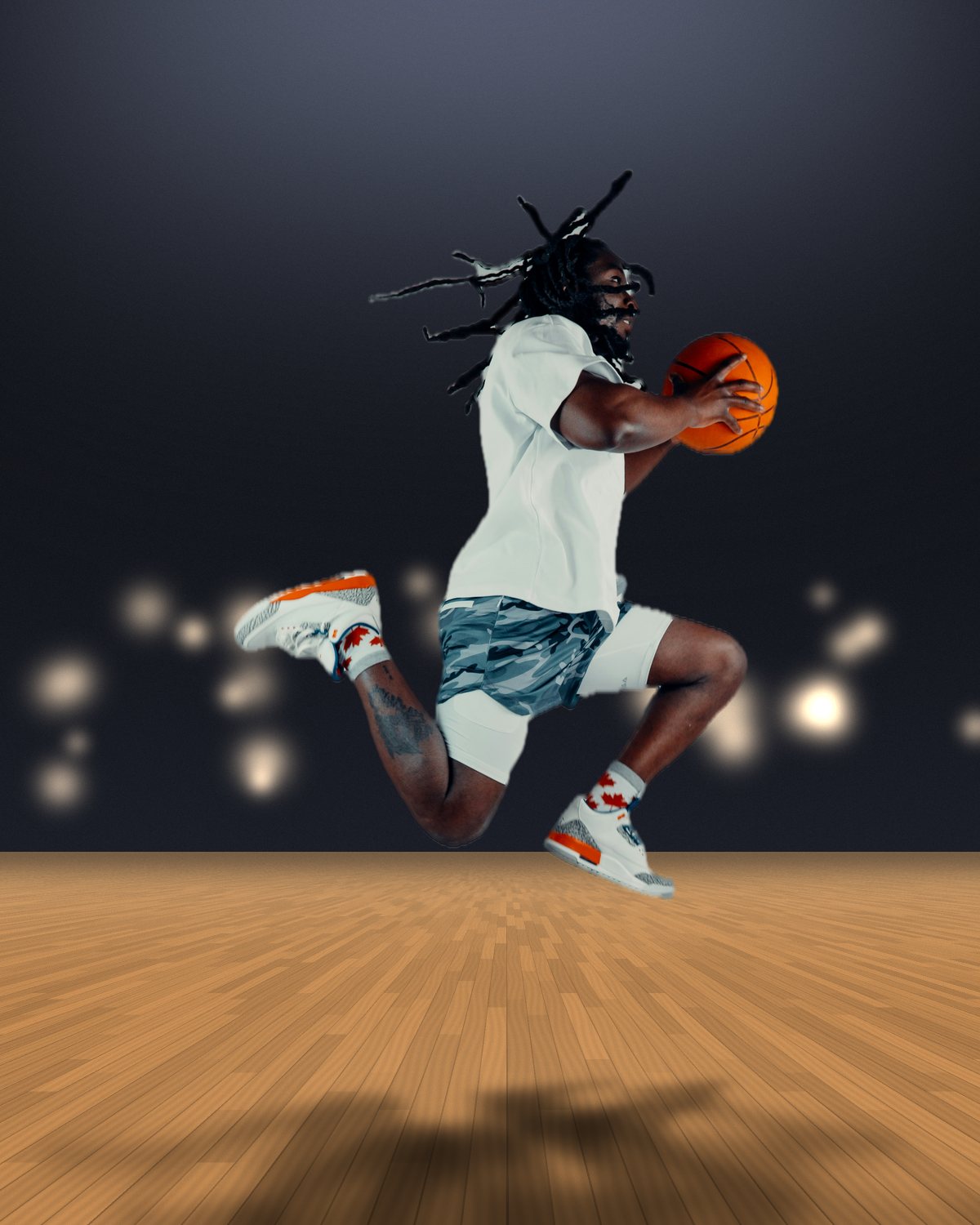
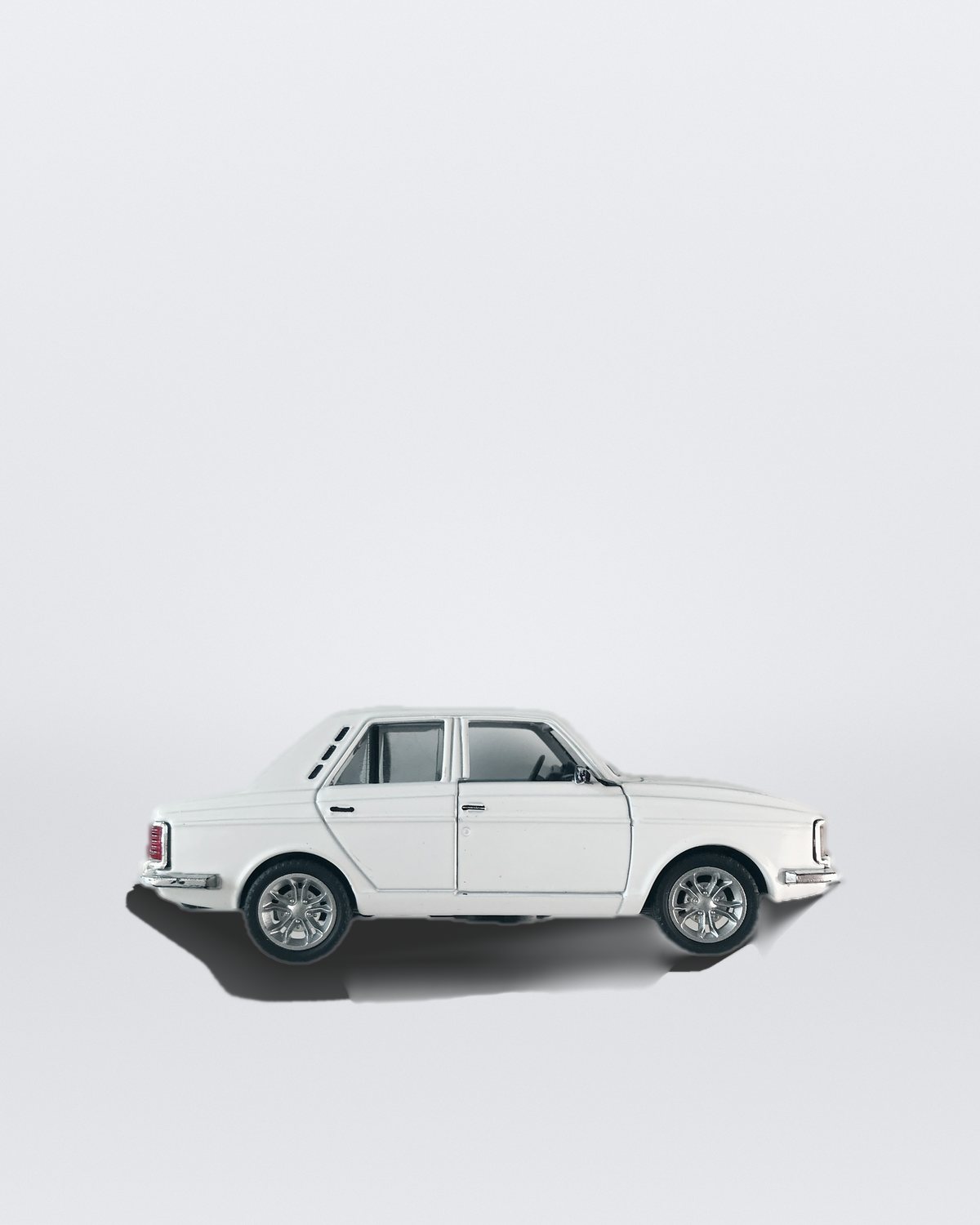
Photoshop's own Drop Shadow layer style offsets a blurred copy of a layer behind it. That suits a logo or a card, not a person standing on a floor. For a cast shadow you either build it by hand or use a plugin. Here's what's available as of November 2026, from what each tool's own listing says.
| Runs in | What it makes | How you pay | |
|---|---|---|---|
| Filter Archive: Shadow | Photoshop 2024+, Mac and Windows | Floor shadows from your cut-out, with Wall, Lift, several lights, a floor Reflection and a 3D Shadow | $59.99 once, with 43 other filters |
| Shadowify 2 | Photoshop 2021+ | Drop, flat, perspective and card shadows, plus angled and selective blur | One-time purchase |
| BBTools Shadow | Photoshop | Cast shadows with sun position, blur and scale controls | Paid, see its listing |
| remove.bg plugin | Photoshop, with a remove.bg account | AI shadows for cars, objects and drop shadows, in beta | Your remove.bg account |
| Harmonize / Generative Fill | Built into Photoshop | Generated shadows and lighting to match a background | Generative credits |
| Drop Shadow + Create Layer | Built into Photoshop | An offset shadow you split onto a layer and distort by hand | Included |
Filter Archive: Shadow
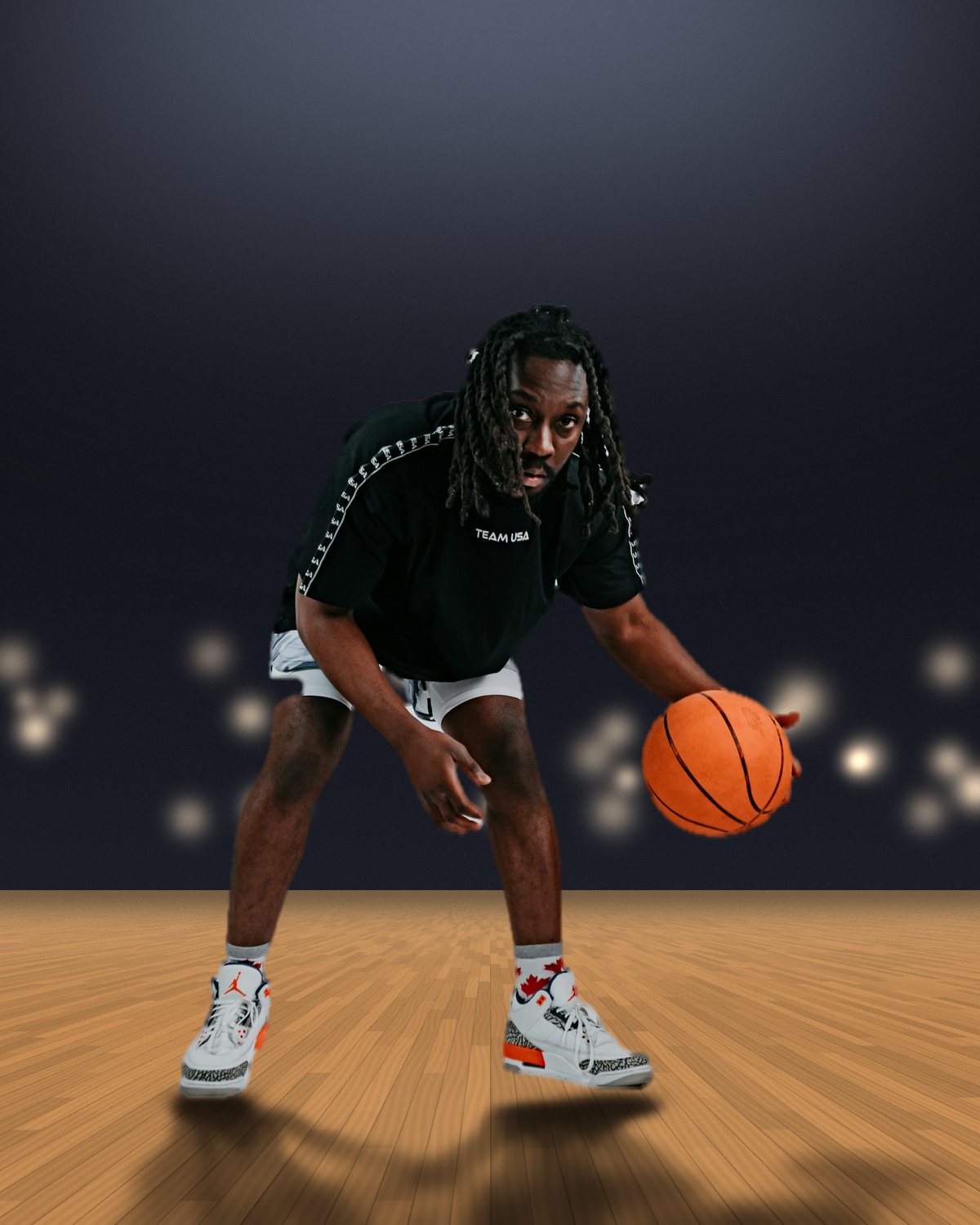
Shadow casts your subject's own shadow onto the floor from its cut-out, the way it's done by hand: the feet stay planted and the shadow leans out at the angle and length you drag on the preview, in real floor perspective. It's sharp at the feet and softer and lighter as it falls, with a dark contact pool and a thin Contact Line under the subject. It's built for photo manipulation and sports design, with settings for the cases a copy and Free Transform can't handle: a Wall for the shadow to climb, Lift for jumps and dunks, arena Lights that fan out one shadow per lamp, a glossy-floor Reflection and a 3D Shadow for cars and boxes.
Apply puts the shadow on its own Multiply layer under your cut-out. It's one of 44 filters in Filter Archive, $59.99 once; Shadow runs in Photoshop, and most of the other filters also run in Affinity and Figma. See 8 examples.
Shadowify 2
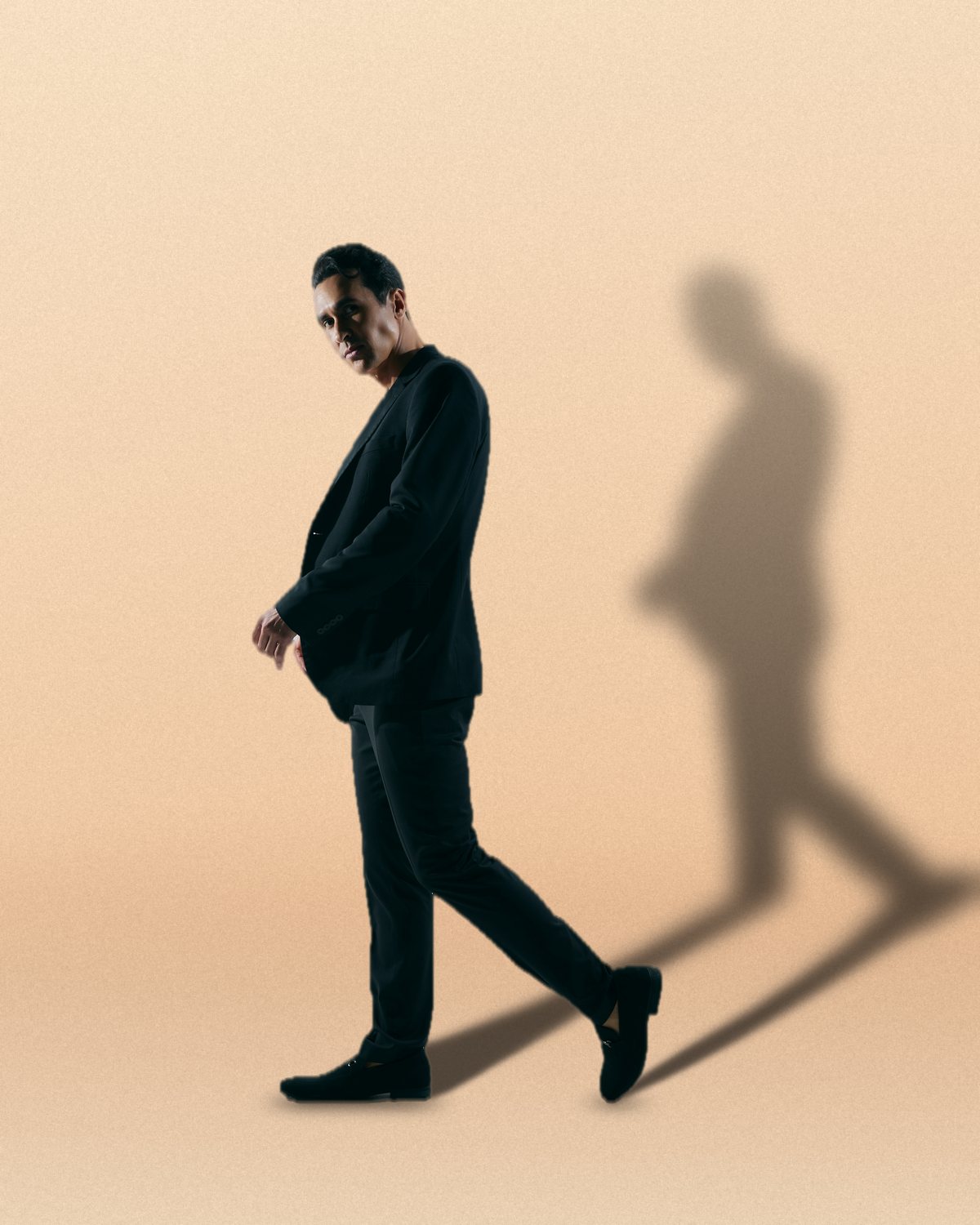
Shadowify has been around for years and is now at version 2. Its listing covers drop, flat, perspective and card shadows, plus angled and selective blur tools to soften them, for Photoshop 2021 or newer. It suits mockups and graphic shadows well. It's sold through marketplaces such as MasterBundles and Creative Market.
Looking for a Shadowify alternative?
If you came looking for Shadowify, the closest thing in Filter Archive is the Shadow filter: it builds a cast shadow from your cut-out and keeps it on its own layer. Where it goes further is in the scenes it handles: floors in perspective, a wall behind the subject, a subject in mid-air, several lights at once and a glossy-floor reflection. Shadowify's flat and card shadows are graphic styles Filter Archive doesn't try to copy.
BBTools Shadow
A Photoshop panel for cast shadows, listed on Adobe Exchange, with controls for the sun's position, blur and scale.
remove.bg for Photoshop
remove.bg's plugin is mainly for removing backgrounds. It also has an AI shadow feature, in beta at the time of writing, with modes for cars, 3D objects and drop shadows. The shadow lands on its own layer.
Adobe's own: Harmonize and Generative Fill
Photoshop's generative tools can add a shadow when you composite a subject. Harmonize matches a pasted subject's light and color to the background and can add shadows, and Generative Fill can paint one into a selection. Both use generative credits, and both generate the result rather than letting you set the angle, length and softness yourself.
Which one should you use?
| If you need… | Use |
|---|---|
| People, products or players standing on a floor | Filter Archive Shadow |
| A shadow that climbs a wall, or one for a jump or a dunk | Filter Archive Shadow (Wall, Lift) |
| A glossy floor reflection | Filter Archive Shadow (Reflection), or by hand |
| Flat graphic or card shadows for mockups | Shadowify 2 |
| A quick AI shadow on a car or product photo | remove.bg or Harmonize |
| A logo or card lifted off the page | Photoshop's Drop Shadow layer style |