
Cast Shadow effect
Your subject's own shadow on the floor: sharp where it touches down, softer as it falls away. Plus a glossy floor reflection and a 3D shadow for cars.

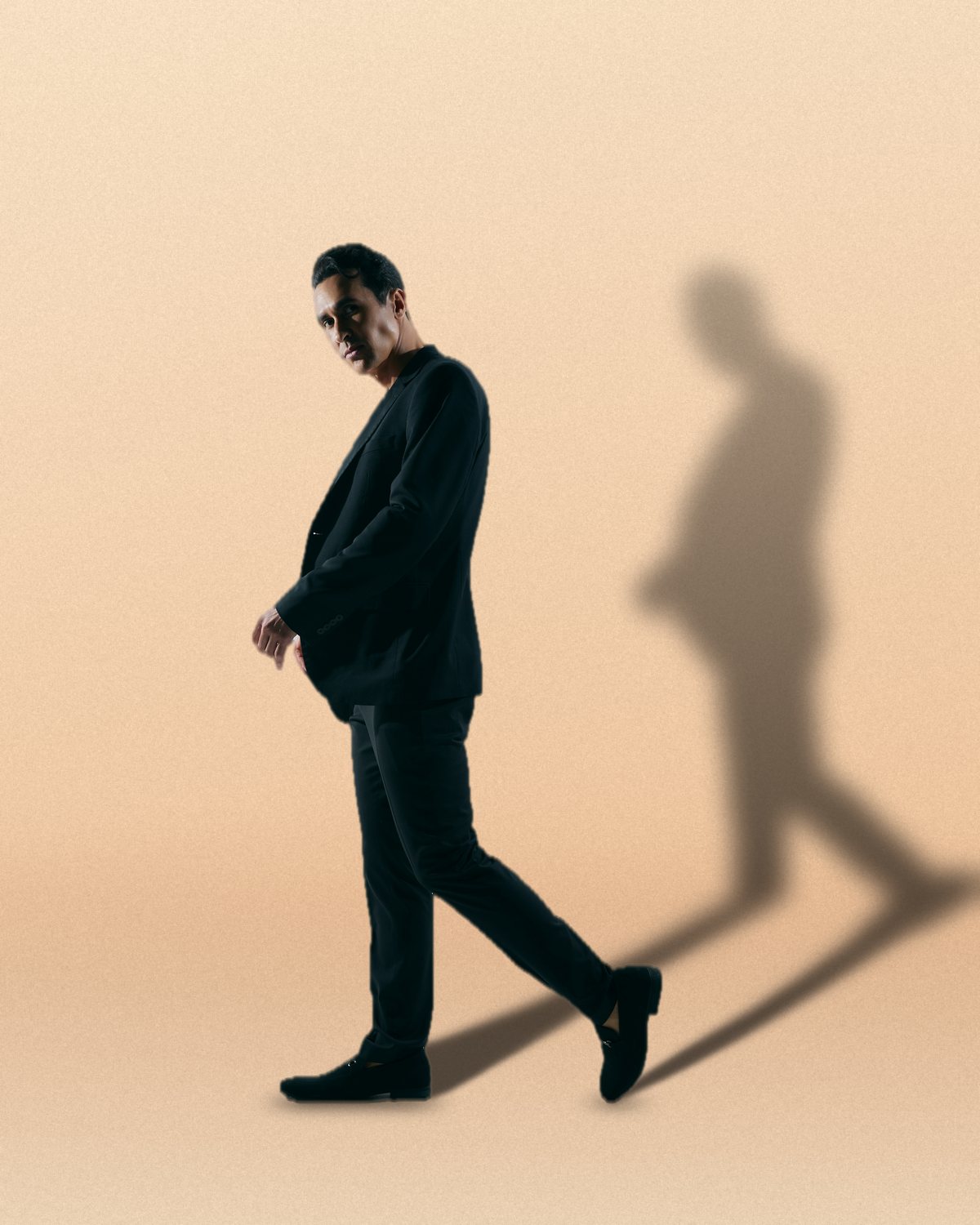 BeforeAfter
Shadow lays your subject's own shadow on the floor the way it's done by hand in Photoshop: the silhouette filled, laid down from the feet and softened. It stays sharp where the subject touches the floor and gets softer and lighter the further it falls, with a dark contact pool and a thin Contact Line under the feet, so a cut-out stands on the floor instead of floating over it. Drag the shadow's tip on the preview to aim it. Apply puts the shadow on its own Multiply layer under your cut-out, so you can still lower its opacity, mask it or blur it. Switch to Reflection for a glossy floor, or to 3D Shadow for cars, boxes and anything seen at an angle.
- 7presets
- 20settings
- 1app
Same effect, different presets.
Seven presets, plus Wall, Lift and the 3D Shadow style. Try it on yours
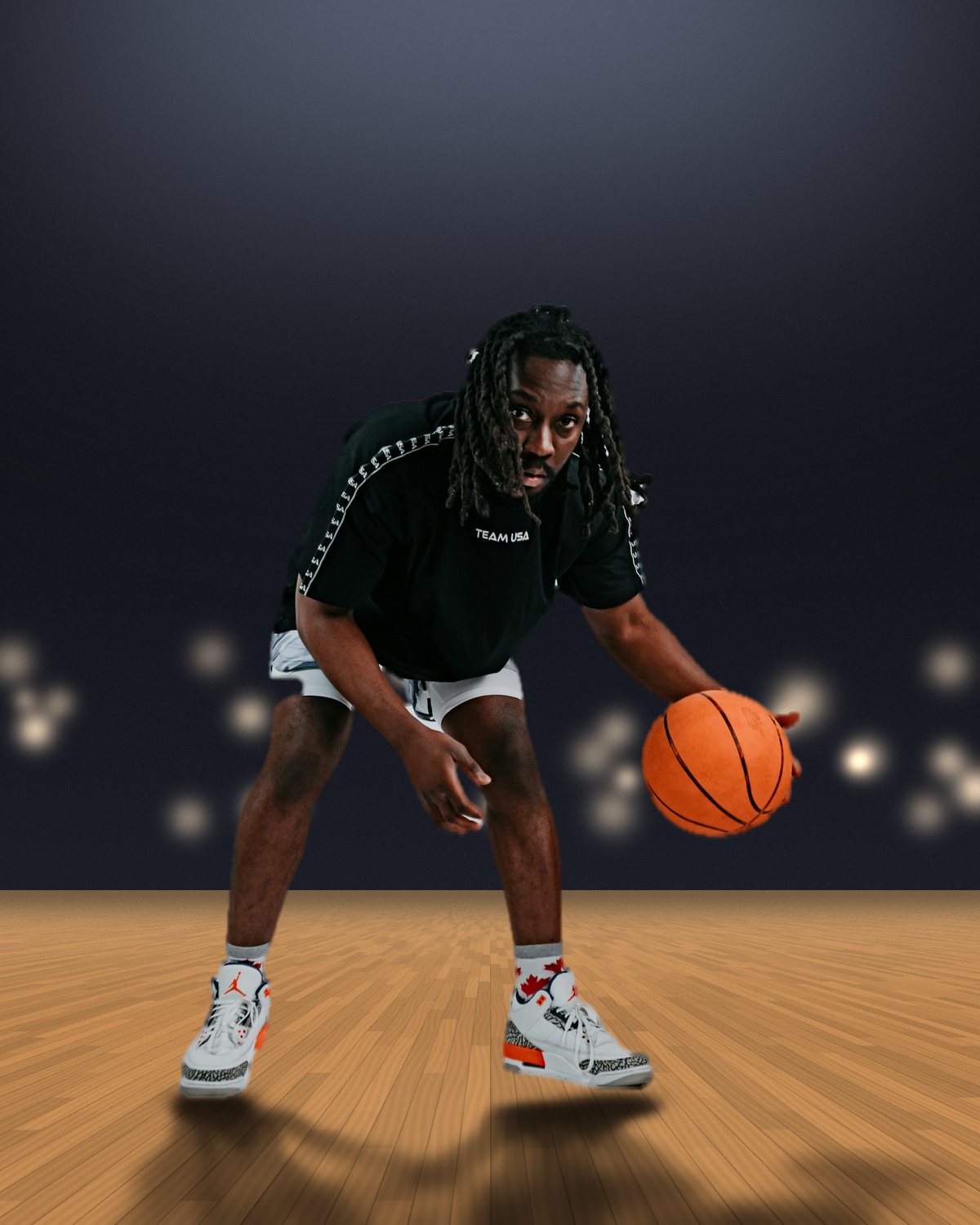

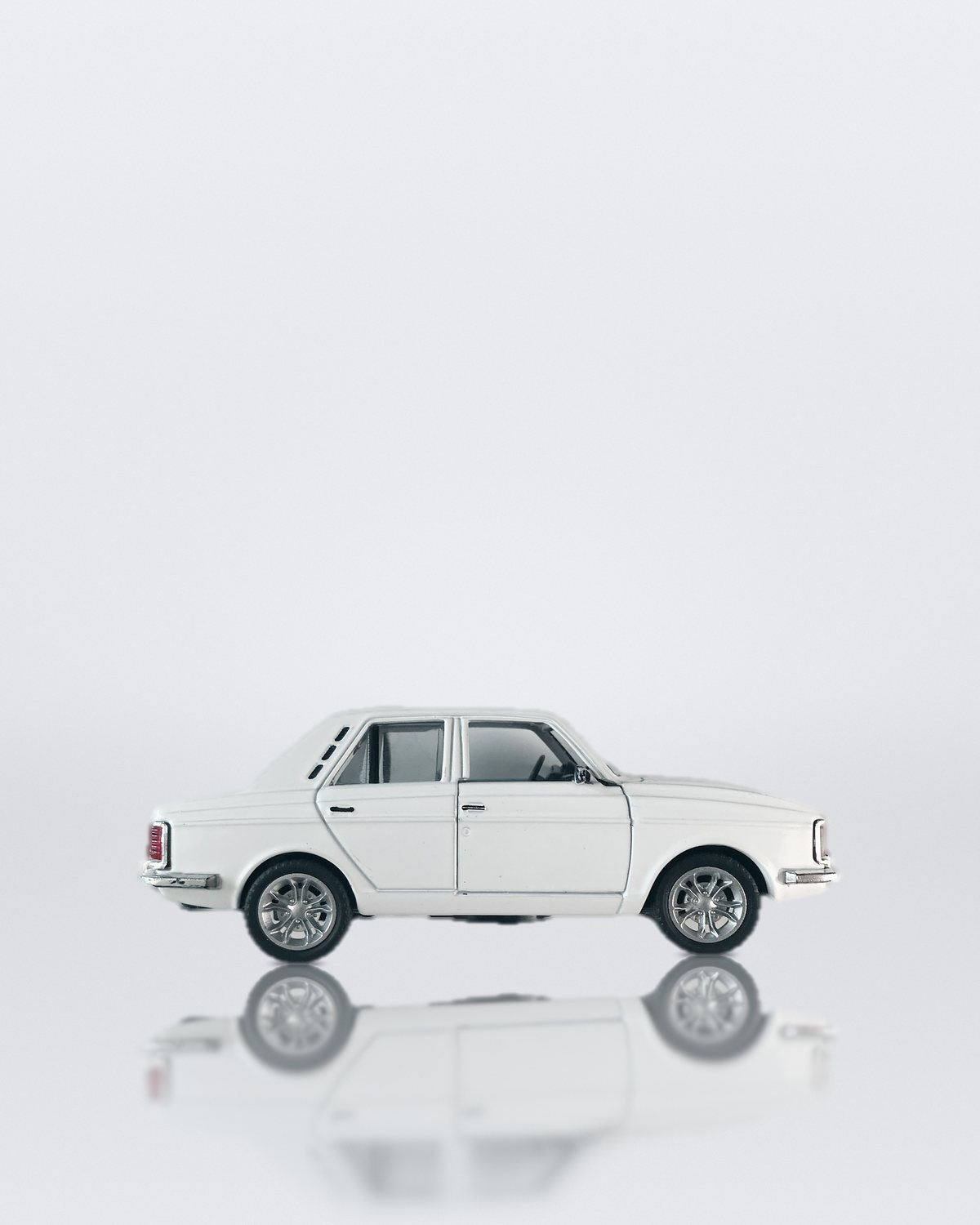

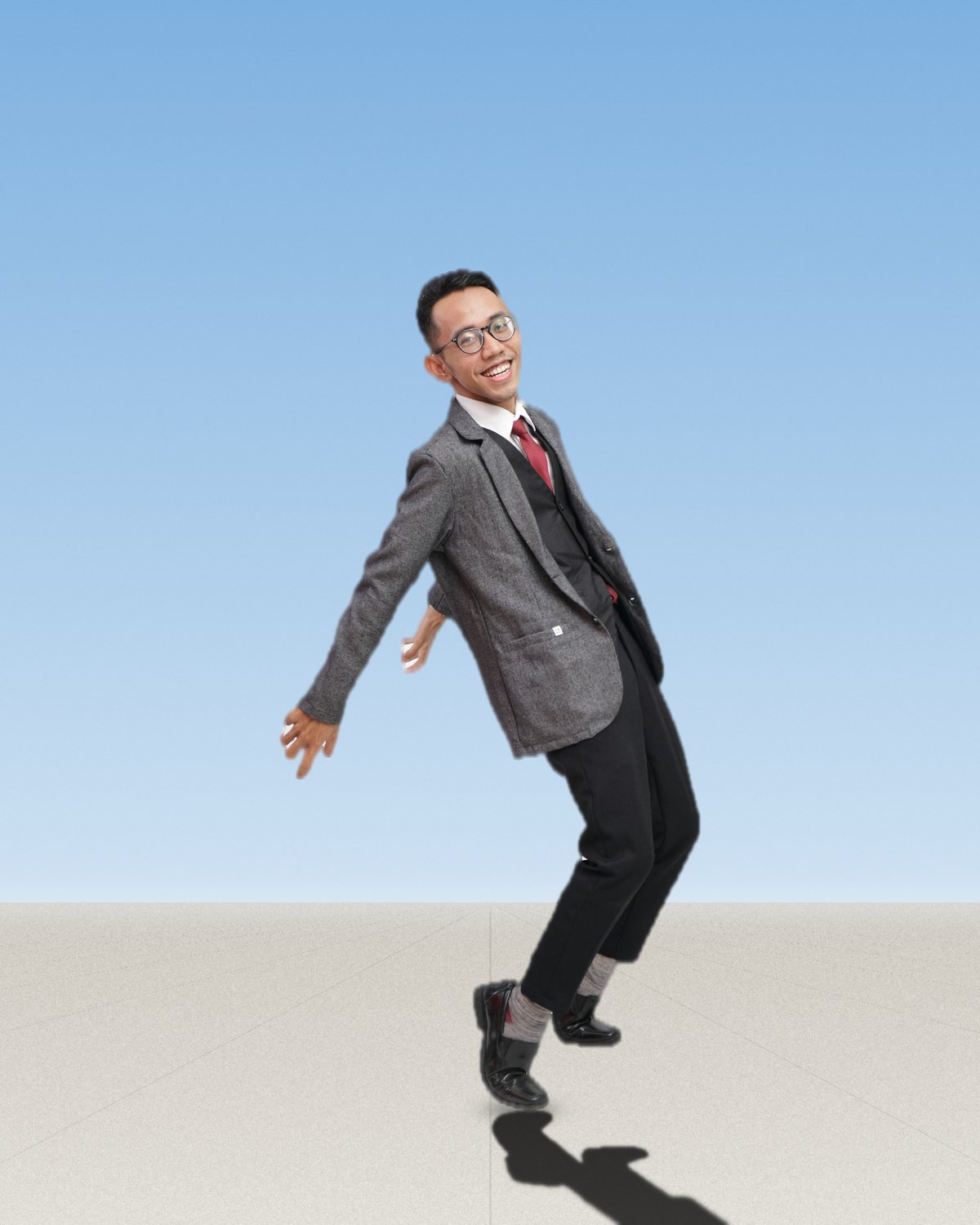

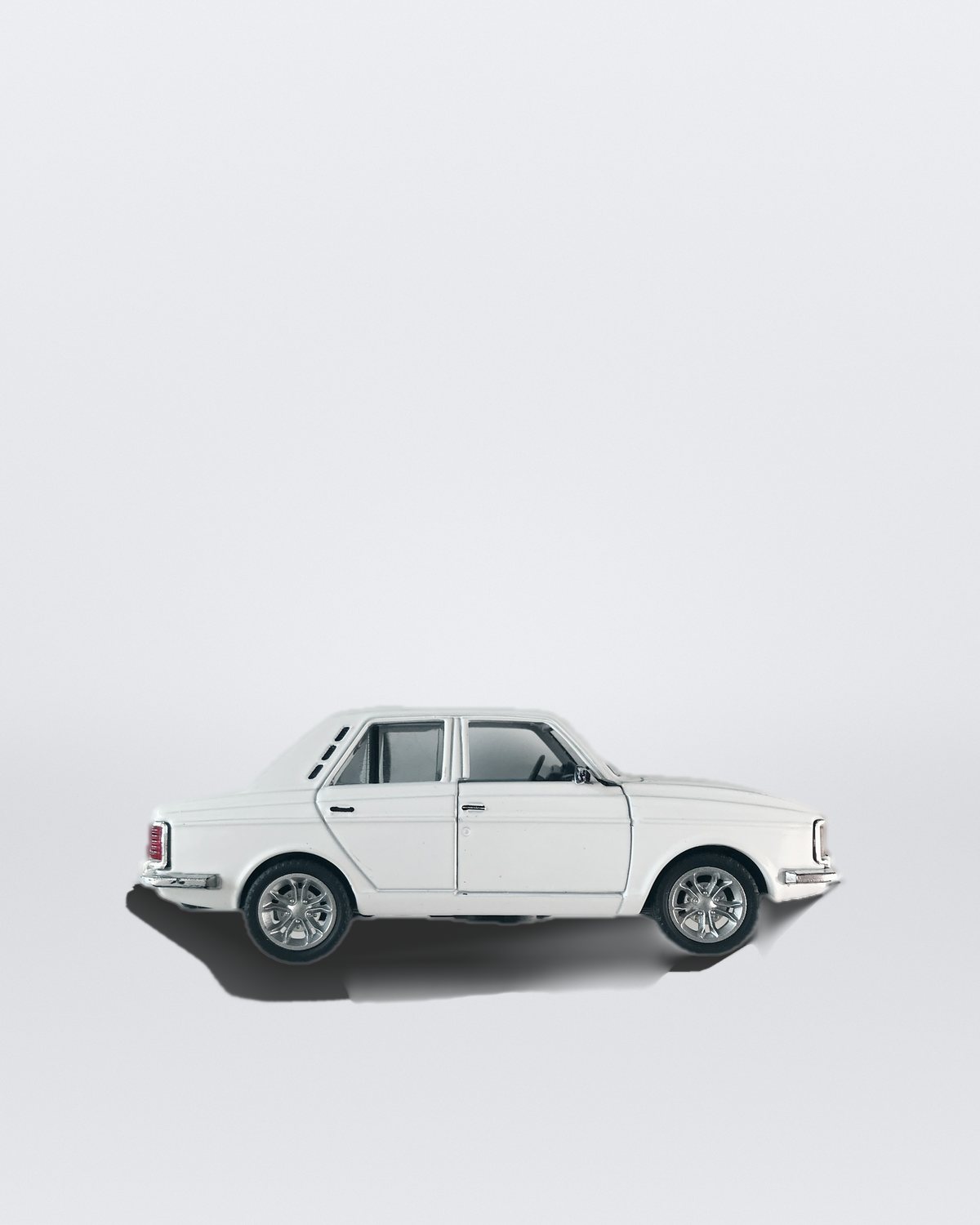
Use the cast shadow effect in Photoshop.
$59.99, paid once, for the whole plugin. The other filters also run in Affinity and Figma. See pricing
Settings worth touching.
- StyleStyle
- Shadow casts it on the floor. Reflection mirrors the subject in a glossy floor: a court, a stage, wet ground. 3D Shadow treats it as a solid lit by a sun you place, for cars and boxes.
- LiftFloor
- For a jump or a dunk. Drag the floor bar down under the feet and the shadow comes away from them, softer and lighter for the height.
- WallFloor
- A wall behind the subject. Where the shadow reaches it, it bends and climbs the wall instead of running on as if the floor never ended.
Plus 17 more in the panel, all editable after you pick a preset.
Guides: How to make a realistic shadow in Photoshop · How to add a floor reflection · Photoshop shadow plugins compared
Cast Shadow Effect questions.
What is a cast shadow effect?
A cast shadow effect adds the shadow an object would throw onto the floor or a wall, so a cut-out looks like it stands in the scene instead of being pasted on top. A convincing one is darkest and sharpest where the object touches the floor, and softer and lighter the further it stretches away.
How do I make a cast shadow effect in Photoshop?
Open Filter Archive from the Plugins menu and choose Shadow. Start from a preset such as Studio Floor or Hard Sun, adjust the settings while the preview updates, then press Apply. The result goes on a new layer and your original stays untouched.
Can I use it in Affinity or Figma?
Not yet. Shadow is in the Photoshop plugin for now. The other Filter Archive filters run in Affinity 3 and Figma on the same licence.
Which presets come with Shadow?
7 presets: Studio Floor, Hard Sun, Golden Hour, Overcast, Stage, Arena and Glossy Court. Every setting stays editable after you pick one, and you can save a stack of filters to use again.
Can I change the colors?
Yes. Shadow has a color control, so you can set it to any color, including your own palette.
Does it work on a photo, or only on a cut-out?
Both. A layer with transparency is its own cut-out, and the shadow goes on a layer under it. On a flat photo, Photoshop's Select Subject finds the subject, and the shadow goes over the photo with the subject masked out of it.
Can the shadow go up a wall?
Yes. Turn on Wall and drag its line to where the wall meets the floor. Where the shadow reaches the wall, it climbs it, as soft as it had become by then.
Can the shadow follow my lighting?
Yes. With Rim Light in the same stack, the shadow falls away from Rim Light's lamp, and turning either one turns both.
Related effects.
See all 44


Your photos next
Make a cast shadow effect yourself.
Shadow and 43 more effects in one plugin window, with a live preview and 245 presets. One licence covers Photoshop, Affinity and Figma.