
Filter Gallery for Figma.
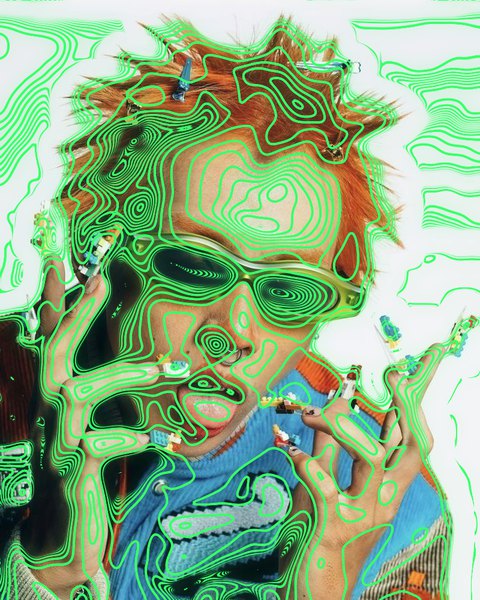
42 image filters and background generators in one plugin: halftone, risograph, CRT, VHS, thermal, ASCII and more. Live preview right on the canvas, every setting editable.
Why it exists
Figma has no Filter Gallery.
Figma is where the layout lives, but a halftone, a riso print or a CRT look usually means a round trip through another app and back.
Filter Archive brings 42 of those effects into Figma itself. Select an image, frame or shape, pick a filter, and watch the canvas change while you drag the settings. Apply it as a new layer beside the original, or swap it in place.
- 42 effects: 33 image filters and 9 background generators
- 226 presets to start from
- Live preview on the canvas
- Apply as a new layer, or replace in place
- Stack filters and save your stacks
The gallery
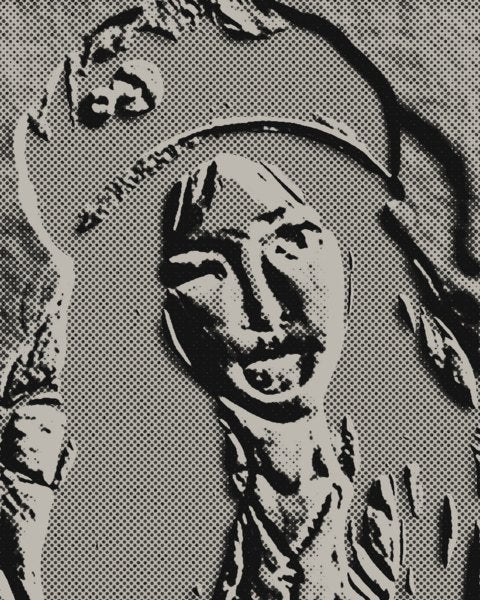
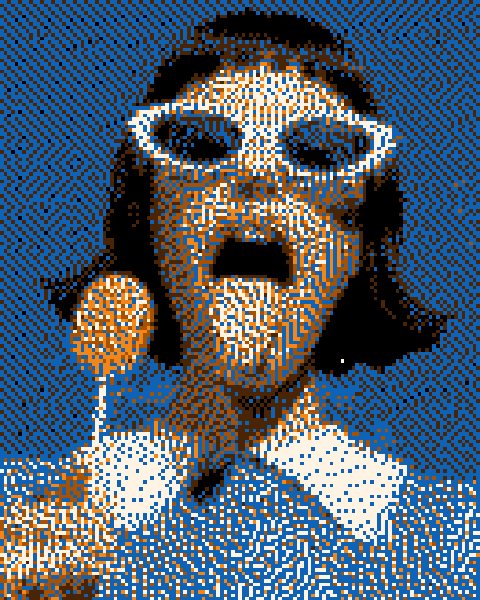
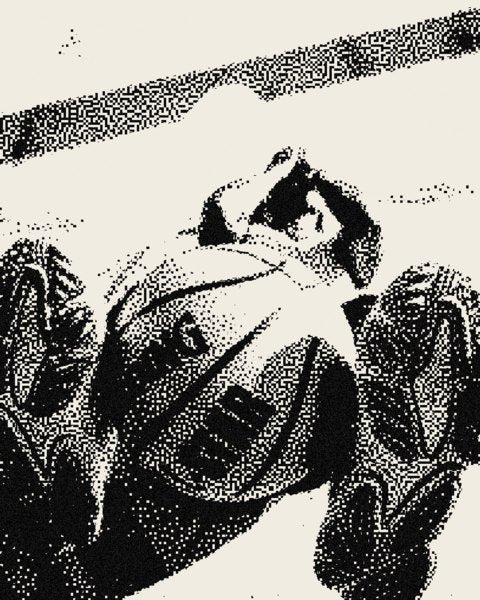
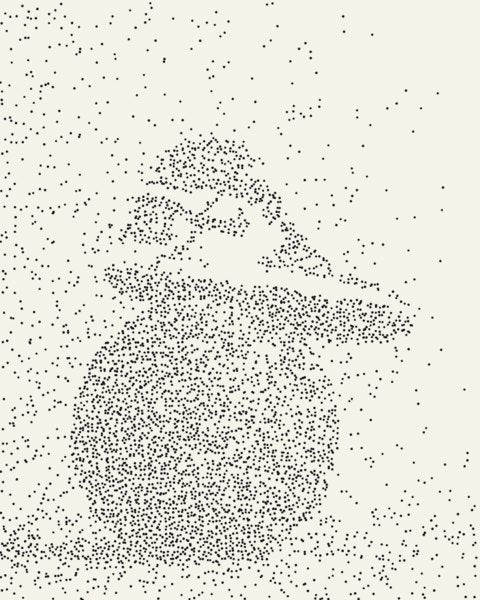
42 filters, one window.
Hover a photo filter to see the original underneath. Browse every effect up close












































Up and running
From a selection to a finished look.
No exporting to another app and back. Filter Archive reads the layer you select and writes the result straight onto your canvas.
- 01
Add it from the Community
Run it in any Figma Design file and sign in with the email you bought with.
- 02
Select one layer
An image, shape, frame or group. Background generators need nothing selected.
- 03
Drag, stack, apply
The canvas updates as you drag. Apply as a new layer, or replace in place.
Pricing
Pay once, own it.
One payment covers Figma, Photoshop and Affinity. Checkout is by Stripe and the download lands in your inbox.
Runs in Figma Design, in the browser or the desktop app. Also runs in Photoshop 2024 or newer and Affinity 3.
- All 42 filters and generators
- Photoshop, Affinity and Figma
- New filters as they ship, free
- One payment, yours to keep
FAQ
Figma questions, answered.
Is there a Filter Gallery for Figma?
Figma doesn't have a filter gallery like Photoshop's. Filter Archive adds one: 42 image effects including halftone, risograph, CRT, VHS, thermal and ASCII in a single plugin, with a live preview on the canvas and every setting editable.
How do I install it in Figma?
Open the Filter Archive page on the Figma Community and run it in any Figma Design file. The first time, sign in with the email you bought with and enter the 6-digit code we send you.
Do I need to pay for the Figma plugin?
The plugin installs from the Figma Community and runs with a Filter Archive licence: $59.99, paid once. The same licence also covers Photoshop and Affinity.
What can I apply the filters to?
One layer at a time: an image, a shape, a frame or a group. Filter Archive reads it as pixels, filters it, and puts the result back on the canvas.
Will it change my original layer?
Only if you choose to. Apply as a new layer and the result sits beside the original, or replace the image in place. Frames and groups with layers inside always get the result beside them.
Is there a size limit?
Figma stores images up to 4096 pixels on each side, so bigger layers are filtered at 4096px on their longest edge.
Does it work in FigJam or Figma Slides?
No. It runs in Figma Design files, in the browser or the desktop app.
Can I stack filters and save my own looks?
Yes. Stack filters, reorder them, switch any one off, and save the stack to use again on the next layer.
How many computers can I use it on?
Three installs for Figma, separate from the three for Photoshop and Affinity.
Does it work offline?
The filters render on your own computer, and the licence only needs to check in online once every 7 days.

